HomeHardwareFeaturesWild Hearts
Wild Hearts: the best settings to use on PCUpdated with the recent performance patch
Updated with the recent performance patch
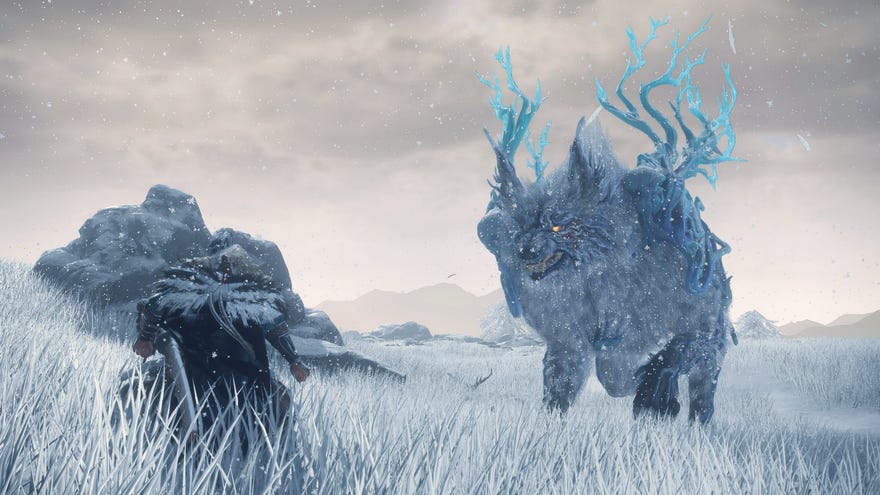
Wild Heartslaunched last week into a world of problems on PC, fromdreadful overall performanceto more specific issues with certaingraphics cardsand a bizarre bug that meant setting audio output to Stereo meant fewer frames per second. The game itself proved enough of a satisfying monster hunter (no relation)to charm Liam, but the technical mess remained.
Developers Omega Force say they’re continuing to work on Wild Heart’s PC performance, including the future addition ofDLSSand FSR upscaling, and this weekreleased a patch that claimed to fix several key snags. Did it? To find out, I returned to it with the same RTX 3070 GPU I used for our original best settings guide, and… uh, it’s still bad. Sorry.
What’s It Like To Start World Of Warcraft From Scratch?Liam and Ed recently investigated how much time World of Warcraft takes up in your life for the first episode of Inventory Space.Watch on YouTube
What’s It Like To Start World Of Warcraft From Scratch?

That shows a small overall performance uplift, but the miniscule 2fps difference between resolutions suggests that CPU bottlenecking continues to haunt Wild Hearts on Windows.
The closest thing to good news here is that, compared to Wild Hearts' launch state, it takes fewer individual graphics option changes to produce FPS gains over the game’s Highest preset. Time, then, for an updated settings guide.
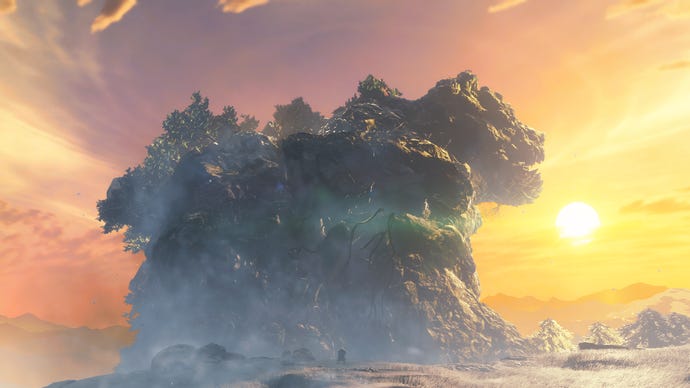
Wilds Hearts: best settings guide
1of4CaptionAttribution
1of4
1of4
1of4
CaptionAttribution




CaptionAttribution
Caption
Attribution
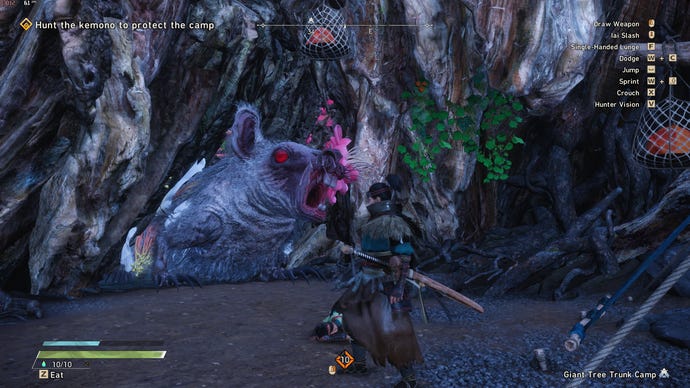
We can see that Textures, Shadows, Reflections, Global Illumination, Motion blur, and Depth of field all yield improvements when reduced or switched off. I’d advise leaving Textures on High, though, as setting them to Low makes environments look right ugly, and ultimately this guide is about optimising performance rather than just blunderbussing quality in pursuit of more frames. Similarly, don’t touch the Upscaling option. It ain’t DLSS or FSR, and looks so blurry I’m not even convinced the actual upscaling component is working properly – as if the game just drops the rendering resolution and leaves it there.
Thus, I deem Wild Hearts’ best settings combination to be the following:
Wilds Hearts still needs an awful lot of work, though. That bottlenecking issue needs a much more effective fix, and I still felt plenty of stuttering as I recorded these updated results. What a shame.
