HomeHardwareFeatures
Roccat’s Kain 200 wireless mouse broke my heartThe end of the affair
The end of the affair
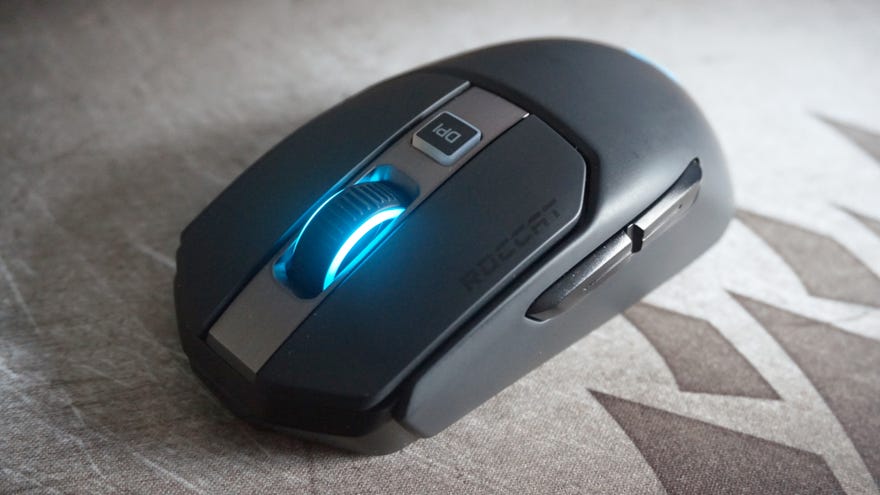
Roccat’s Kain 120mouse was one ofmy favourite gaming mice champsof 2019, so when I heard they were making a wireless version in the form of the Kain 200, you could say I got a bit excited. Not only does it have the Kain 120’s lovely Titan Click switches, but it also uses the same comfy chassis, too. How, then, did it all go so terribly wrong?
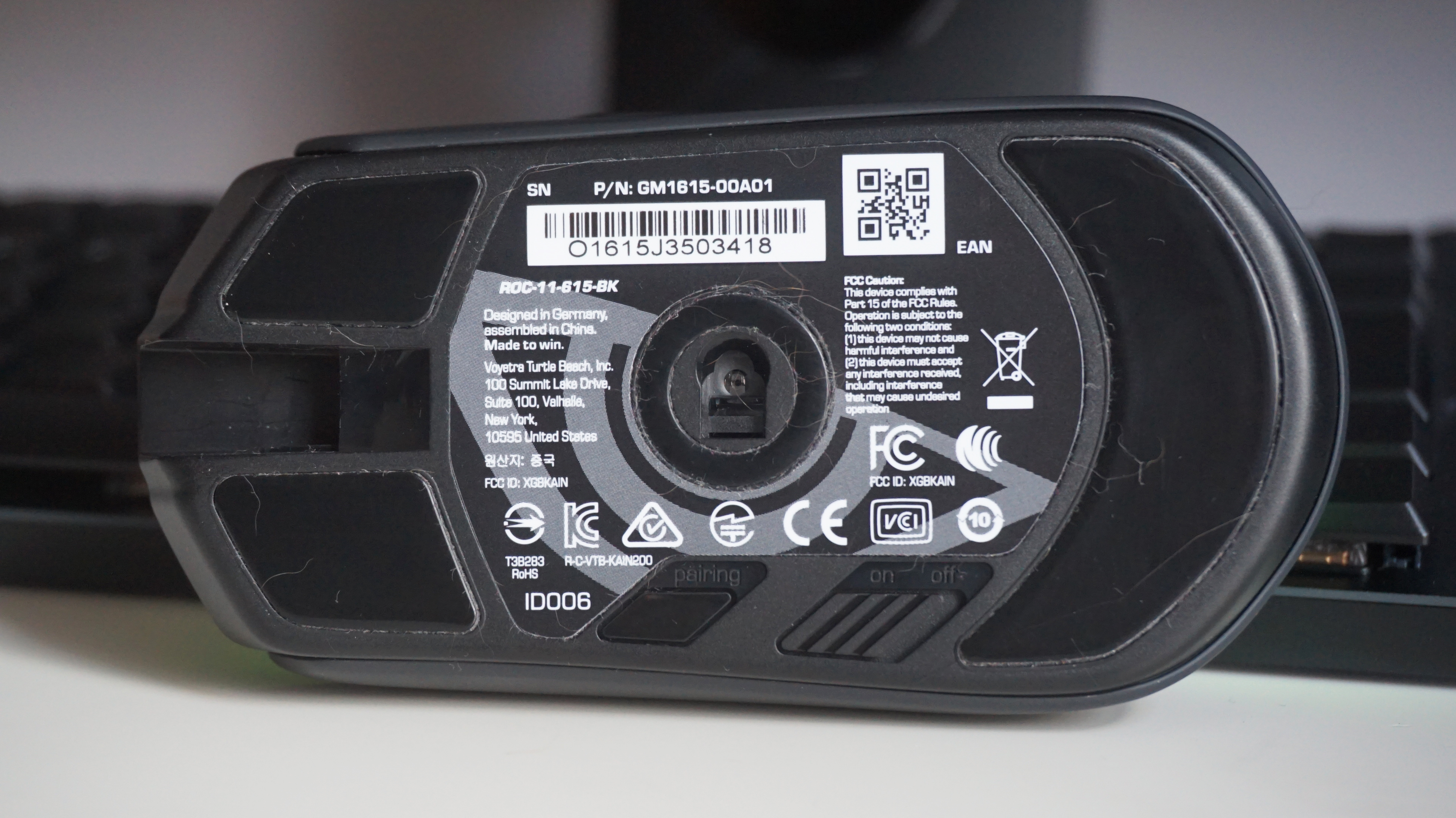
Inside, the Kain 120 actually has a slightly different sensor than its wired sibling. It’s still classed as one of Roccat’s 16,000 DPI Owl-Eye optical jobs, but it actually has one of PixArt’s PMW3335 sensors sitting at the heart of it instead of a PMW3381. This technically means it has a marginally slower acceleration speed than the Kain 120, but in practice I really couldn’t tell the difference. Super sensitive esportsers might say otherwise, but for a decidedly non-esportsing person like myself, they both felt much of a muchness.
So far, so Kain 120, then. And yet, throughout my time testing the Kain 200, there was something about it that kept making me incredibly annoyed with it. Part of it was to do with its battery life. Roccat claims the Kain 200 can last up to 50 hours in total if you switch off its RGB lighting, or 35 hours with it turned on. That’s not bad compared to the competition. The cheaperCorsair Harpoon RGB Wireless, for example, is only rated for 30 hours with standard lighting and 45 hours without, while the considerably more expensiveLogitech G Pro Wirelesscan do 48 / 60 hours.
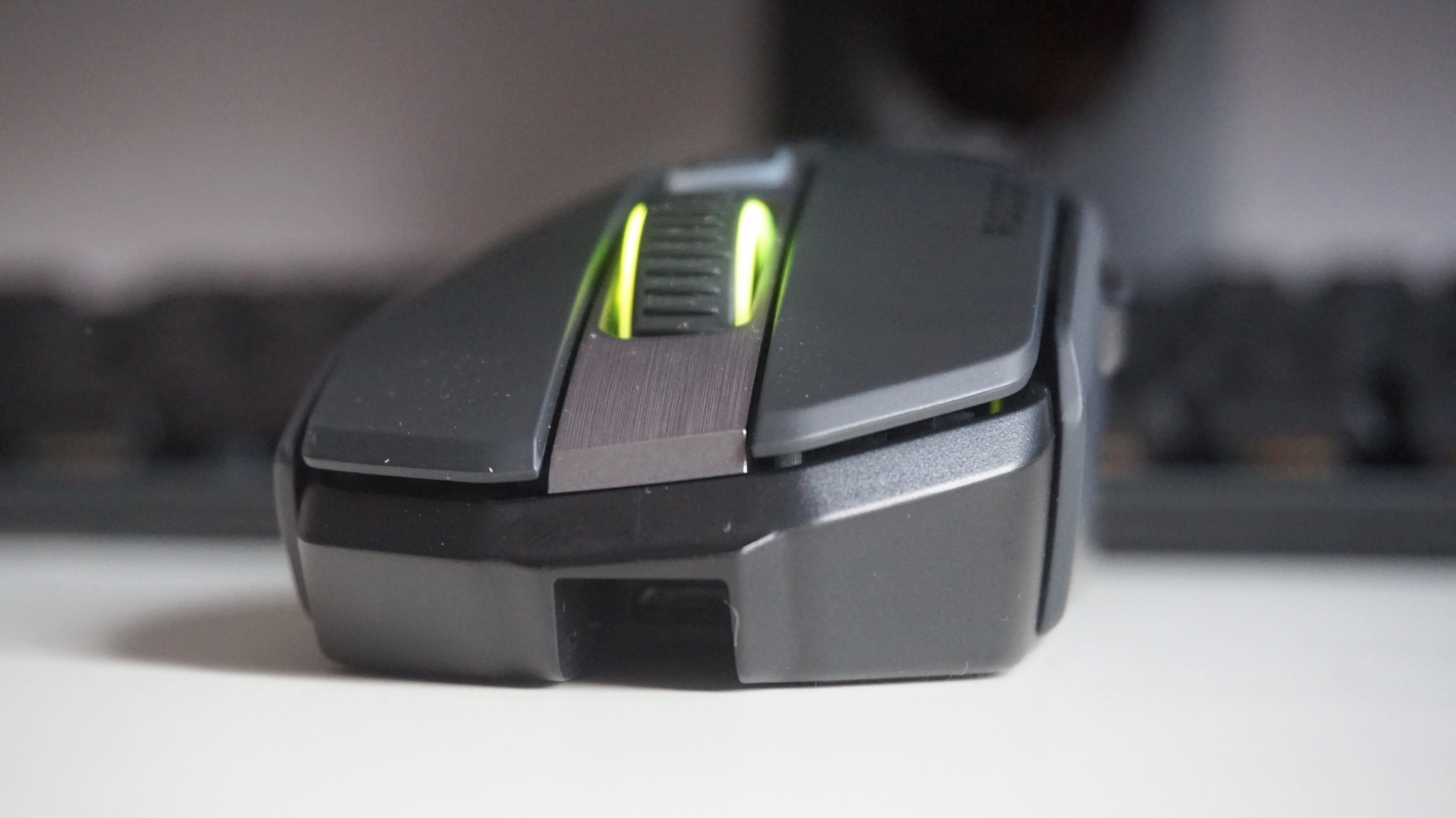
When I used the Kain 200 for work day-in and day-out, however, those 35 / 50 hours quickly disappeared into nothing. It constantly seemed to be running out of battery during my testing, often requiring another charge after what seemed like just a couple of days use. What’s more, when I enabled the battery indicator options in Swarm to help give me a better idea of when it needed charging, the mouse still often conked out even when it was meant to have 20% battery left. Either Swarm isn’t very accurate, or there’s something more worrying going on with the Kain 200’s battery.
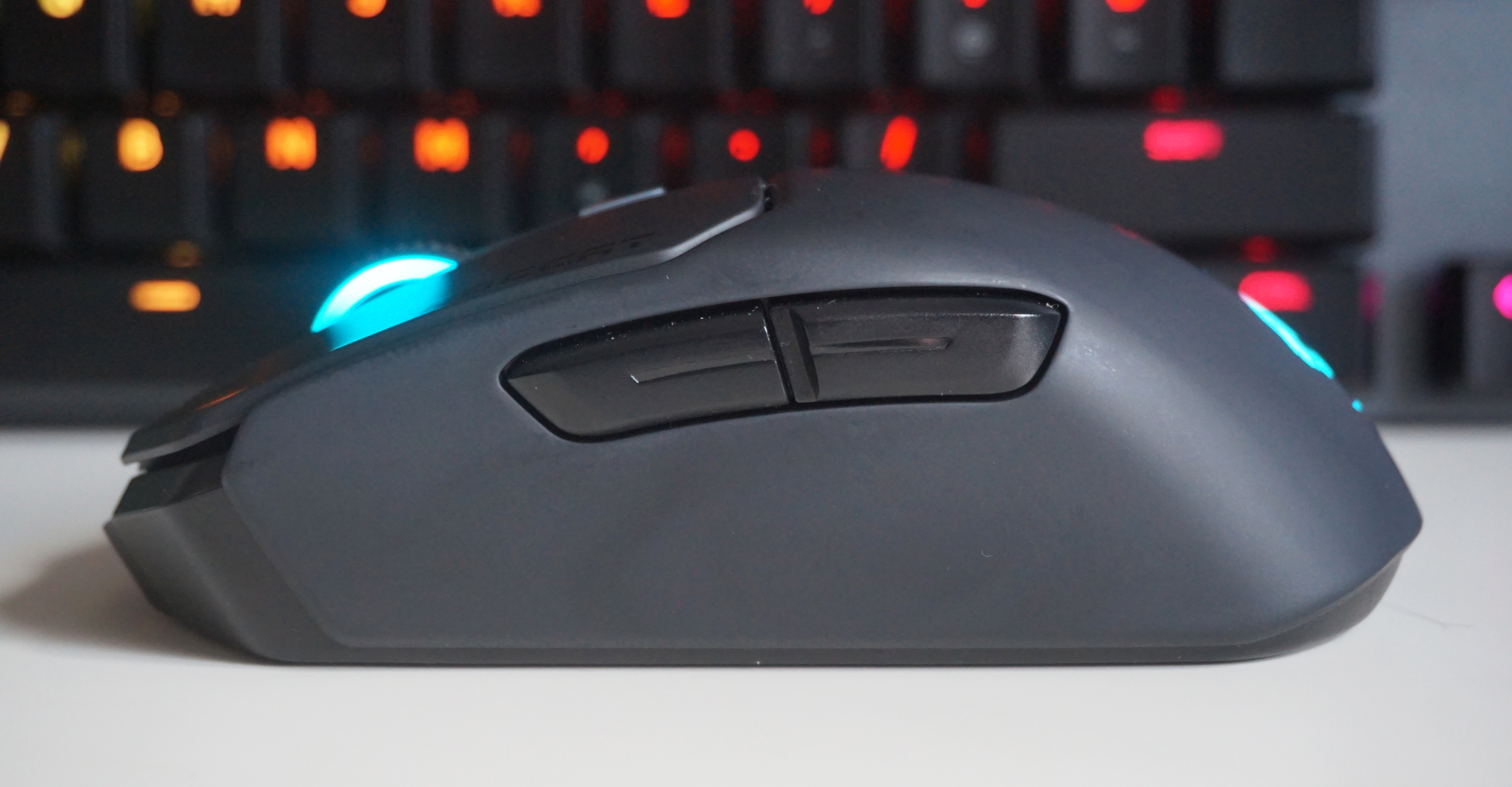
It is, admittedly, a rather minor thing to get hung up on, but my troubles didn’t stop there, either. Charging the Kain 200 is also a bit of a nightmare, as it requires its own special microUSB cable. You see, the deep recess where its charging port lives has two tiny grooves down the side of it, making it impossible to fit a normal cable into it. Instead, you have to use the special grooved one that’s bundled in the box, otherwise you won’t be able to charge it. This happened to me when I took the Kain 200 with me on a work trip before Christmas. Foolishly, I didn’t clock the grooves beforehand and assumed I’d just be able to charge it with another one of the microUSB cables I had in my bag. Oh no. Luckily, I had another wired mouse with me as well that I could use instead, but what happens if I end up losing it in the future or my cats decide to chew through it? Roccat don’t sell replacement cables on their website, so does that mean I have to buy another mouse entirely?
I should point out, of course, that this isn’t unique to the Kain 200. The Logitech G Pro Wireless also has its own special cable, but there’s also nothing stopping it from taking other microUSB cables at the same time.
All in all, I wanted to love the Kain 200, but at£87/$65, there were just one too many nit-picks that ended up making me hate it. Instead, all it made me feel was a deep and intense longing to have my Logitech G Pro Wireless back on my desk. Yes, the Logitech is almost twice as expensive as the Kain 200 at£120/$150, but holey moley is worth it. Failing that, the£40/$47Corsair Harpoon RGB Wireless is still my best budget wireless gaming mouse of choice, and a much better and less frustrating buy than the wireless Roccat Kain.
