HomeHardwareFeaturesRedfall
Redfall: PC performance, system requirements and best settings guideTrying in vein
Trying in vein
Image credit:Bethesda
Image credit:Bethesda
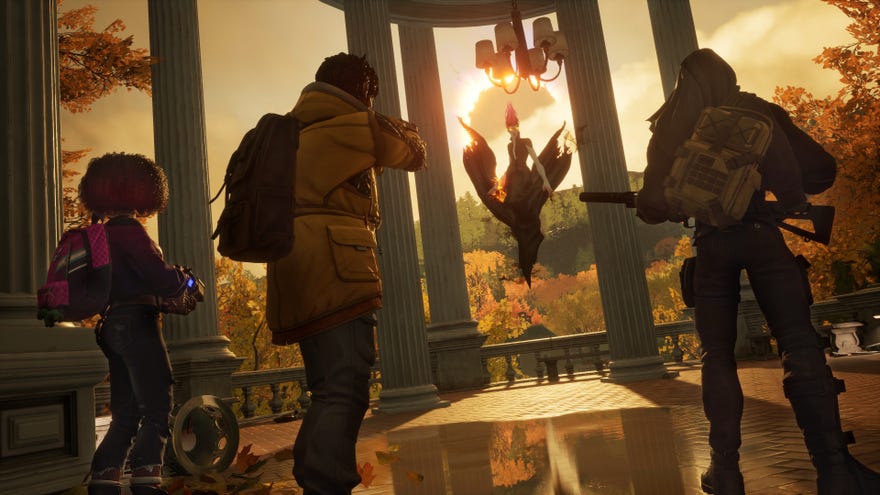
Redfall Is UnderwhelmingLiam chatted to Ed about Redfall, which they agreed is a rare stumble for developer Arkane.Watch on YouTube
Redfall Is Underwhelming

Like the previous Iffy PC Port of the Week,Star Wars Jedi: Survivor, Redfall’s issues are many and diverse, with bugged out graphics options and framerate inconsistencies that made this one of the trickier best settings guides I’ve cobbled together. Said guide should still bump up your average FPS compared to Redfall’s graphical presets, and with only a few changes, though without some meaty post-launch patches there’s not much that can be done about its wildly oscillating performance. Even on the absolutebest graphics cards.
Image credit:Rock Paper Shotgun
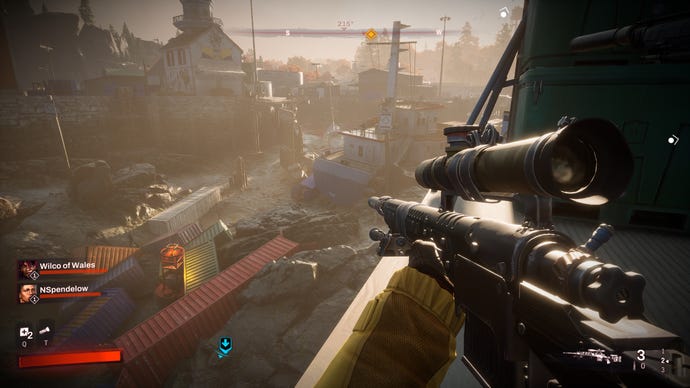
Redfall system requirements and PC performance
Redfall minimum specs
Redfall recommended specs
Redfall ultra specs
This lack of FPS steadiness makes benchmarking Redfall an awkward prospect, so for all my tests, I settled on an all-in-one approach that involved traversing both an easygoing stretch of wilderness and a more built-up neighbourhood that would test hardware to its limits. My test rig, as usual, included 16GB of RAM and an Intel Core i5-11600K CPU, which is typically level with or slightly faster than the recommended specs’ Core i7-9700K in games.
Image credit:Rock Paper Shotgun
Up among the recommended specs, “Intel Arc” is left vague, though both the Arc A750 and Arc 770 should handle 1080p. I tested the lower-specced A750, and averaged 61fps on High quality. For 1440p, however, I wouldn’t go lower than something like an RTX 3070. This produced 53fps on Epic quality, which meant it was only just about staying above 30fps in the town, though Quality-level DLSS could get that average up to 63fps with no other changes.
The RTX 3070 could also do a not-terrible job at 4K, averaging 65fps with Medium quality and DLSS on Performance mode. Even so, the mightier, more recent RTX 4070 Ti would be a better choice at this resolution, especially since Redfall supportsDLSS 3and its AI frame generation. This can double performance with the right settings, boosting the Epic preset’s 54fps at native rez to 110fps with upscaling and frame generation on. “You just need one of the most expensive graphics cards on the market” admittedly isn’t ideal consumer advice, but DLSS 3 – which is exclusive to RTX 40 series GPUs – was the most effective out of anything at covering over Redfall’s dipping issues.
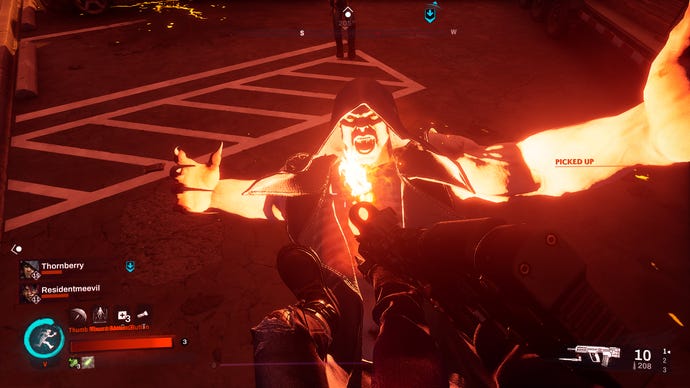
Alas, even such opulent hardware can’t fix them entirely. And although FPS drops and stuttering are the worst of Redfall’s problems, they’re far from the only ones. The ‘Interact’ input sometimes fails for no apparent reason. Animations break repeatedly, leaving co-op partners lodged halfway into the ground or frozen in gun-holding poses (sans the gun). Scenery is easy to get stuck in. Alt-tabbing in Fullscreen mode runs an uncomfortably high risk of crashing. Shadows sometimes flicker, even on Epic quality. And some textures have the worst pop-in I’ve seen in from a big budget PC game in ages, often allowing for several seconds of point-blank staring before they unpixellize.
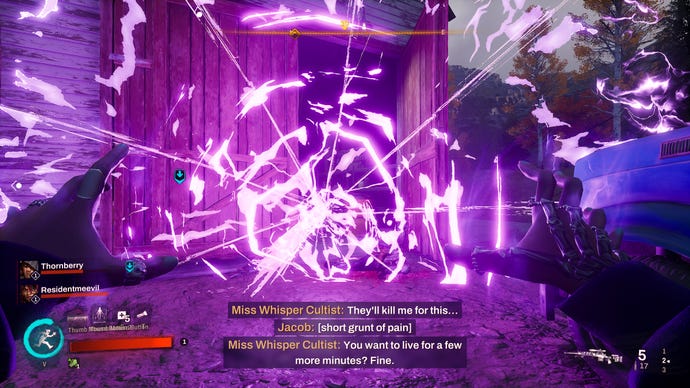
The HUD seems especially bug-prone as well. I’ve seen experienced teammates shown as level 1 newbies, as well as an objective progress bar getting stuck at 5%, with the laughable workaround of going all the way into the pause menu’s Missions screen for an update on how it’s actually progressing. Also, while it’s not technically a bug or glitch, I feel like this maybe isn’t the best way to list thumb mouse buttons when they’ve been binded to hero powers:
Press Thumb MbusnebBVotuose2ButttTn to deploy a psychic umbrella. |Image credit:Rock Paper Shotgun

Alsoalso, the pause menu doesn’t pause when playing singleplayer. What’s up with that.
Image credit:Rock Paper Shotgun
Redfall best settings guide
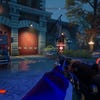
There’s one more technical snag to get caught on when navigating Redfall’s graphics settings: they’re broken.
1of4CaptionAttribution
1of4
1of4
1of4
CaptionAttribution
CaptionAttribution
Caption
Attribution
I know this might sound like inattentive benchmarking on my part but I swear on my favourite Philips head screwdriver, I have spent over a day experimenting with these settings, on the public release build and with fully updated drivers, and the lack of rhyme or reason to their respective performance impacts is truly singular. As such, I don’t think there’s much value in the usual approach of going through every settings and listing their potential FPS gains when lowered – the majority of them are simply too erratic in the results they produce. Instead, let’s just skip to a settings combo Idorecommend, and is fairly reliable in its ability to bring up average performance and cushion against those nasty drops.
This looks like a modest set of changes, and it is, but the 79fps it put out on my RTX 3070/1440p setup represents a slick 49% speed enhancement compared to native-rez Epic. Yes, that is drastically faster than using all Low settings, and no, I don’t understand why either. But it works, in a sense. The only other addition I’d definitely make would be to throw in frame generation on RTX 40 graphics cards that support DLSS 3, which the RTX 3070 doesn’t.
Since lowering one of the eight quality settings magically performs better than lowering a bunch of them, I went for Foliage Quality as it produced the best result when tuned down individually: 74fps. The extra 5fps therefore comes from ditching Motion Blur and DLSS Quality mode, which isn’t actually a great showing for the latter’s upscaling component. However, DLSS’s built-in anti-aliasing looks better than the TAA and FXAA alternatives, so it’s worth enabling regardless.
Image credit:Rock Paper Shotgun
Those with AMD, Intel, or older Nvidia cards can instead use FSR 2.1. It’s not quite as sharp as DLSS, especially in motion, but is slightly better with fine details than the third and final upscaling option of Intel XeSS.
