HomeHardwareFeatures
Oculus Quest review: a better buy than the Rift S?Quest for perfection
Quest for perfection
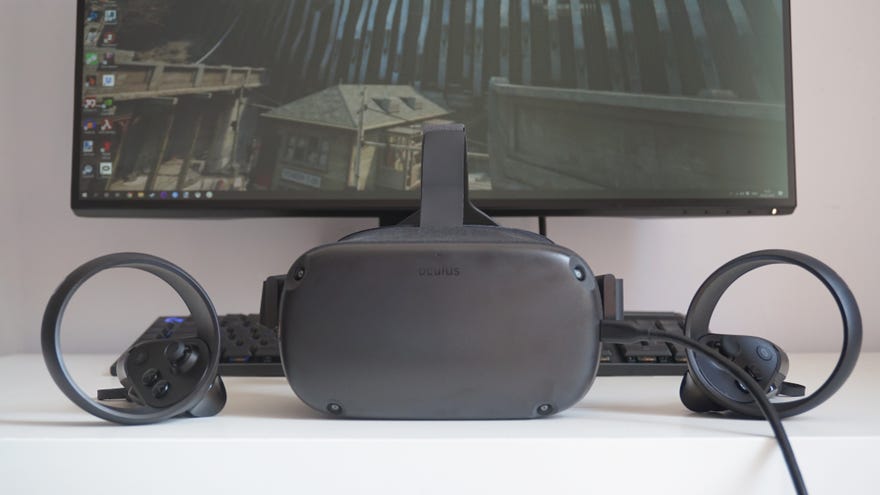
Unlike theOculus Rift S, the Oculus Quest doesn’t technically need a PC in order to play VR games. Instead, it’s a standalone VR headset that you can play completely wire-free without having a great big gaming PC at your disposal. Naturally, this means it’s not quite as powerful as a PC-based headset, and the games you can play on it are limited to what’s available on Oculus' dedicated Quest store. You’ve still got a lot of thebest VR gamesin there, such asBeat Saber,Pistol WhipandSuperhotVR, but they’re separate versions of the ones you can play on the Rift and Rift S. If you own Beat Saber on Steam or the Rift store, for example, that doesn’t mean you can play it on the Oculus Quest.
However, thanks to the recent beta release ofOculus Link, you can in fact use your Quest to play Oculus Rift games now, as well as every other type of PC VR game that was previously out of reach. You’ll need to sacrifice its wireless capabilities and plug it into your PC via a high-speed USB-C to USB-A cable in order to do so, but it definitely beats buying a whole new headset just to play the hot new VR game on Steam, for example, such asHalf-Life: Alyx. Is it worth buying over the similarly-priced Oculus Rift S, though? Let’s find out.
For some, the fact that the Oculus Quest gives you the option of truly wireless play will be reason enough to plumb for this over the Oculus Rift S, especially when the entry-level 64GB model currently costs the same amount of money.
There’s also a 128GB version of the Oculus Quest that goes for£499 / $499right now, but I’d only recommend opting for this model if you really want the convenience of having loads of Quest games installed on the headset at the same time. After all, any Rift or SteamVR games you want to play via Oculus Link will be installed on your PC, so the 64GB model should be enough for most people looking to use this as both a wireless and PC-based headset.
To use the Oculus Quest with your PC, you’ll need to use a high-speed USB-C to USB-A cable.
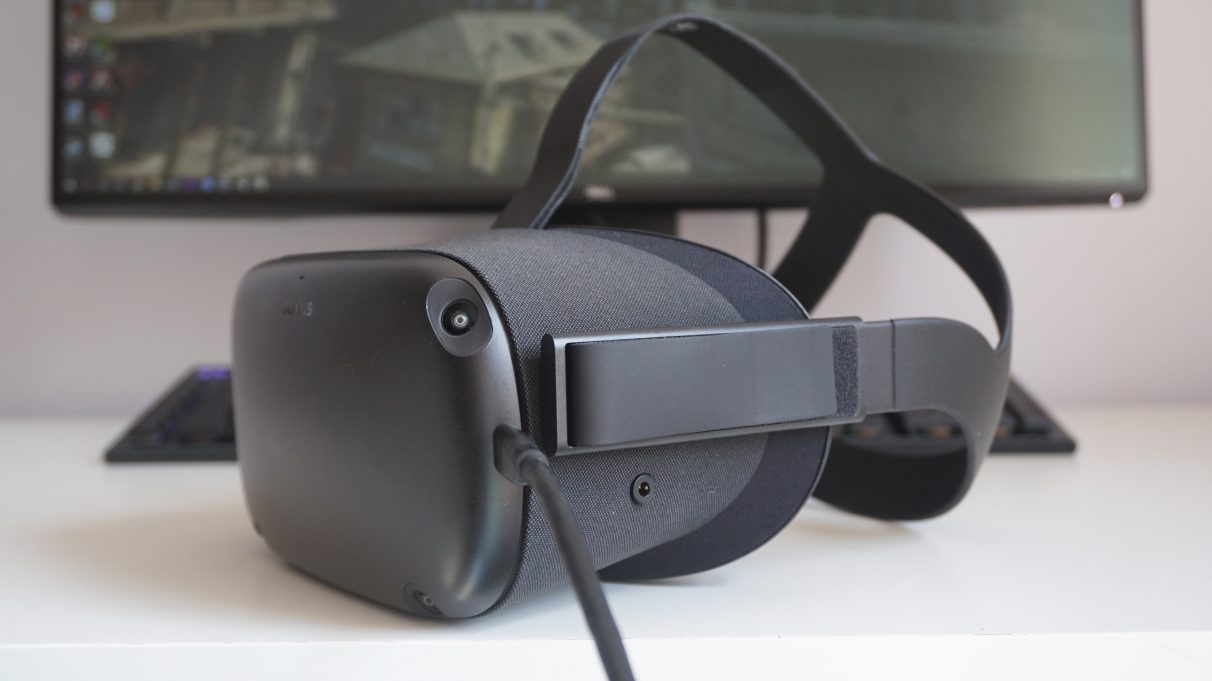
I must say, playing VR games without having a wire trailing down my back is immensely freeing, and it makes me wish that all PC VR headsets had built-in wireless support as standard. TheHTC Vive CosmosandVive Cosmos Elitecan also be used wirelessly with the purchase of HTC’s Wireless Adapter add-on, but that alone almost costs as much as an entire Quest headset, going for£353in the UK and$349in the US if you buy direct from HTC. Add that to the cost of the standard Cosmos, and you’re looking at over a grand’s worth of VR kit.
The £399 / $399 Quest, on the other hand, is a lot kinder on the old wallet, making it a much more attractive option for those on a budget. You’ll still need to spend a little extra to get it working with your PC, admittedly, but when all you need to do is buy a high-speed USB-C to USB-A cable (which can be had for as little as£15/$24), it’s a lot easier to swallow than HTC’s offering.
You can find out more about the actual steps involved in getting the Quest to work with your PC in my dedicatedHow to play Half-Life: Alyx on the Oculus Questguide, but essentially you need three things:
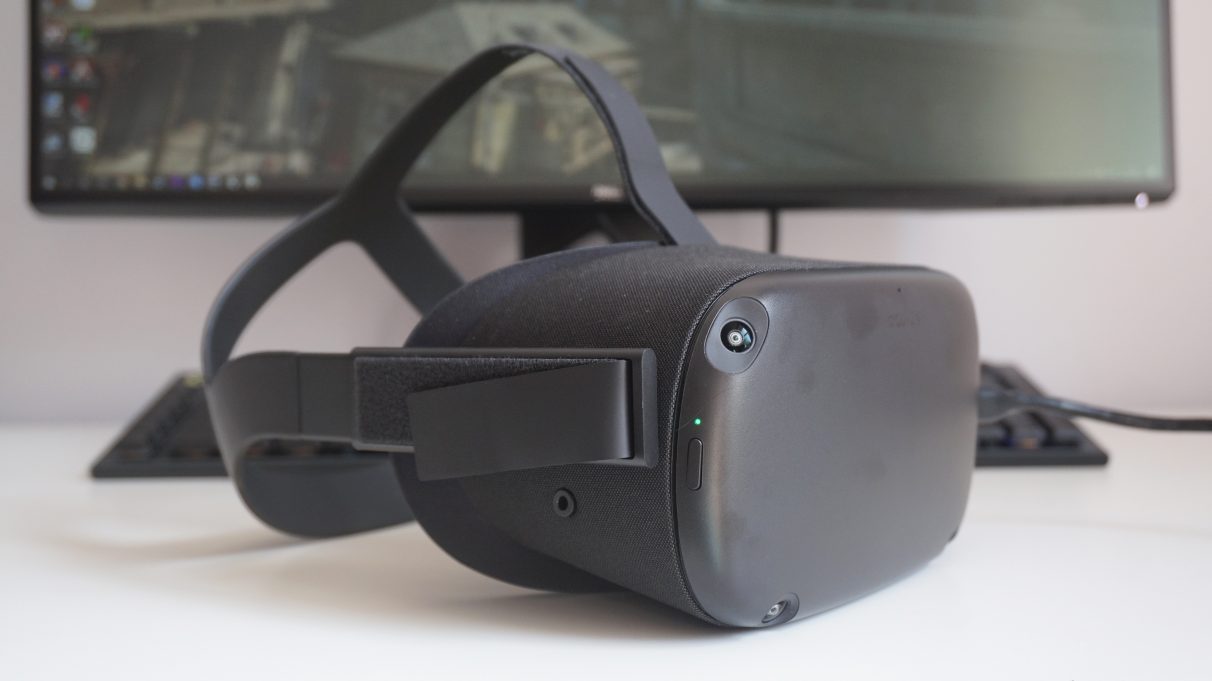
You can adjust the interpupillary distance of the Quest using the slider underneath the headset, and you can also adjust the volume of its integrated speakers with the all-in-one button on the other side, too.

The setup process was surprisingly simple, and took no more than 15 minutes from start to finish. Once I’d allowed the Quest to play non-Oculus games in the settings menu on the Oculus app, the world was my oyster, so I immediately loaded up a bit of Half-Life: Alyx to test it out. As I mentioned in myBest VR headset for Half-Life: Alyxarticle, the Quest put in a really quite admirable performance here, and that’s despite having a slightly lower refresh rate and a narrower field of view than its Rift S cousin.
Admittedly, Oculus have never specified the Quest’s exact field of vision for some reason, but it’s widely regarded as being somewhere around 90 degrees rather than the more standard 110 degrees you’ll find on the Rift S,Valve Indexand HTC Cosmos headsets. Indeed, there was definitely a more noticeable porthole effect on the Quest, with a thicker black rim circling the screen, but I wouldn’t say it was particularly detrimental to my overall VR experience.
The same goes for its 72Hz refresh rate. It’s a fraction slower than the 80Hz refresh rate you get on the Rift S, for example, but in practice I couldn’t tell the difference at all. Both headsets felt equally smooth to me, and I didn’t feel nauseous at any point during my month of testing.

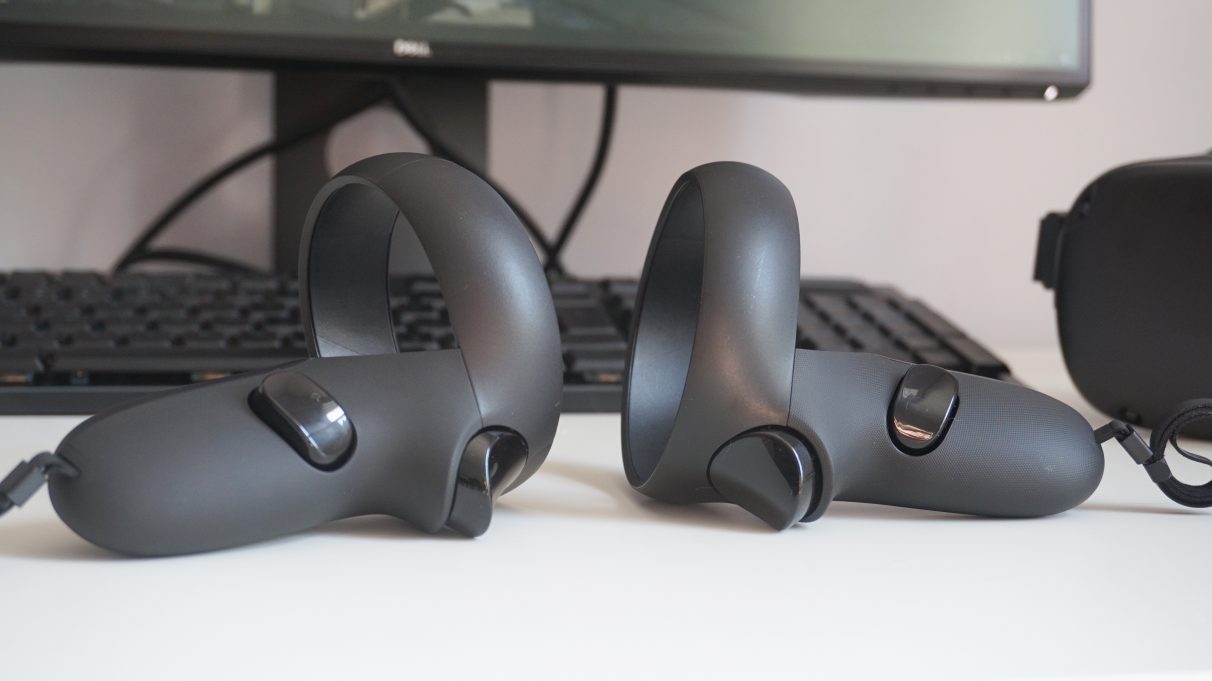
The Quest uses the sameOculus Touchcontrollers as the Rift S, too, which are lovely and light to hold for long periods of time and have wonderfully tactile and responsive buttons. It also means you can reuse your controllers if you decide to upgrade to a Rift (or ‘downgrade’ to a Quest) too - which, again, is more than can be said for the Vive Cosmos and Cosmos Elite headsets, which require different types of controllers.
I have to admit, though, having a cable sticking out the side of the headset was a bit of a bummer. Since the only port on the Quest is its USB-C charging port at the front of the headset, my Anker cable stuck out at quite an angle compared to the official, downward-facing Oculus one, and I kept bashing it with my left hand and arm because there was nothing feeding it down over the back of my shoulder like there is on the Rift S.
Where the Quest falls down the most for me, though, is the display and its overall build quality. Truth be told, the Quest’s display actually has a higher resolution than the one on the Rift S, coming in at 1440x1600 per-eye for a combined resolution of 2800x1600 compared to the 1280x1440 per-eye (or 2560x1440) resolution on the Rift S. The Quest also has a more vibrant OLED display rather than a traditional LCD one, but in terms of overall clarity it’s the Rift S that wins out here.
That’s mostly because the Quest has to funnel all that video and pixel data down the USB-C cable rather than a proper DisplayPort like the Rift S, resulting in a slightly fuzzier, more compressed picture overall. It’s not so disastrous that it would put me off using the headset entirely, but there is a noticeable downgrade in the headset’s overall visual quality when I compared them one after the other. It was less noticeable in simpler-looking VR games, such as Beat Saber and Space Pirate Trainer, but detail-packed games such as Half-Life: Alyx definitely looked a lot crisper on the Rift S.
Unlike PC VR headsets, the Oculus Quest doesn’t have a rear dial control. The only way to get a comfortable fit is to use the velcro straps on the top and sides of the headset.
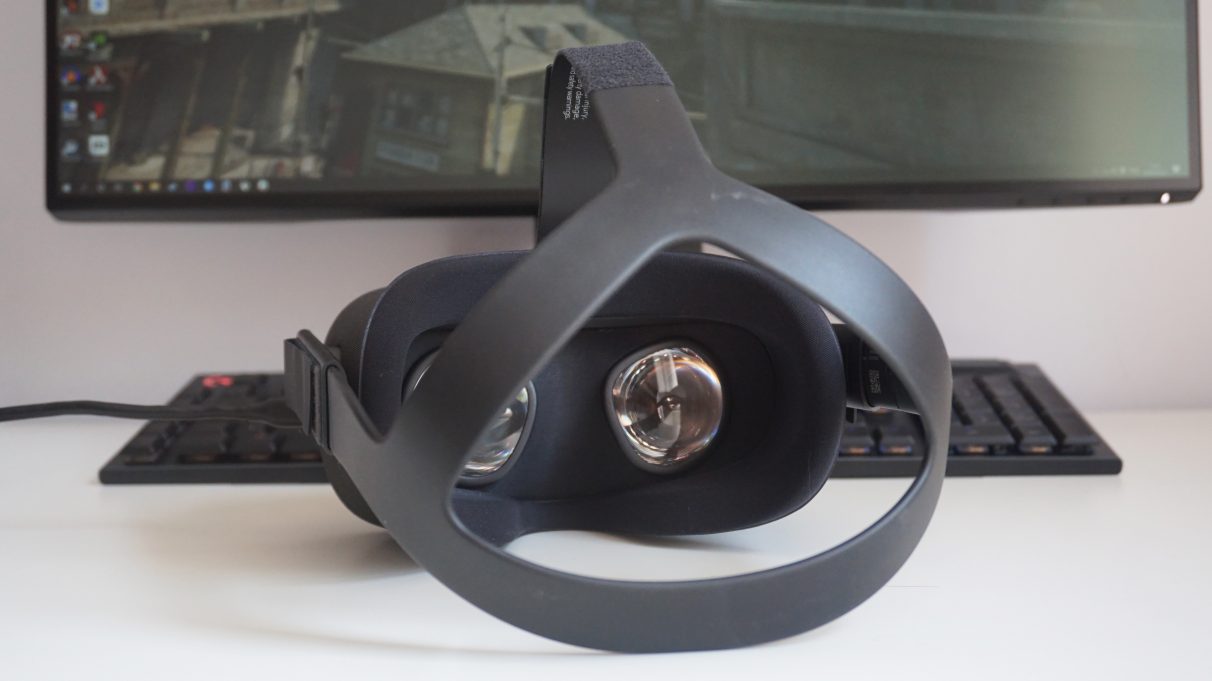
I also found it pretty uncomfortable to wear for long periods of time. Unlike the Rift S, for example, there’s no rear adjustment dial on the Quest, so your only means of getting a comfy fit is to use the velcro straps on the top and side of the headset. This was fine for the most part - even for someone with a smaller than average head like myself - but it does mean the Quest is overly top-heavy, as there’s nothing there to help anchor the headset to the back of your head. Combine that with its relatively minimal amount of face padding around the front of the headset, and it quickly becomes quite painful. Every Quest session would end with big marks on my cheeks and the top of my nose, and I couldn’t really tolerate much more than 30 minutes at a time. The Rift S, on the other hand, is a lot easier on the old cheekbones and I could generally wear that headset for a good hour or so, if not more, before my face got a bit hot.
As a result, I would probably still opt for the Oculus Rift S if given the choice, if only because it’s more pleasant for me to use on a regular basis. I do like how the Quest gives you the option of wired and wireless play (along with that huge library of Quest, Rift and SteamVR games), and the Oculus Link tech itself is highly impressive, even in its current beta state. For me, though, the Quest headset just isn’t comfortable enough to justify buying it over the Rift S right now, especially as it’s the same price of£399 / $399. If the Quest was a bit cheaper, I’d probably be more willing to put up with its lack of face padding, but when both headsets cost the same amount of money there’s simply no contest. I’m 100% on board with what the Quest can do and how it functions. I just want it in a Rift S-style headset.
