HomeHardwareNews
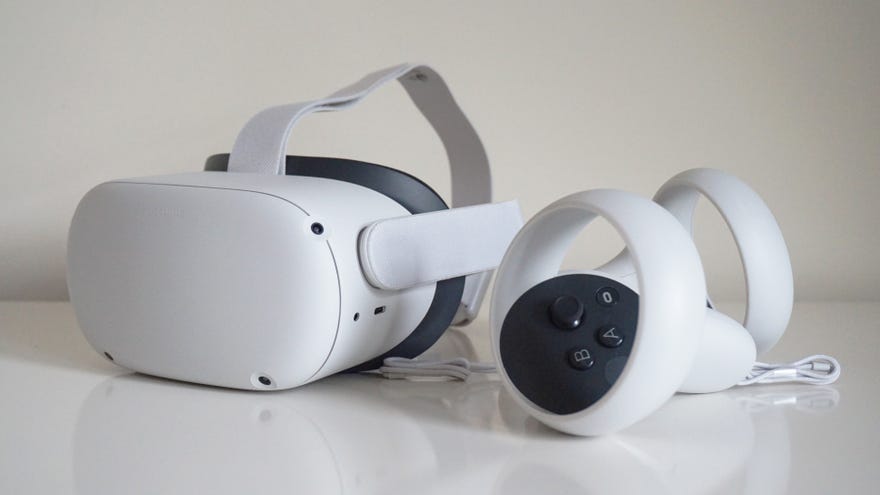
Oculus Quest 2 is getting official wireless PC supportSo long Oculus Link cables…
So long Oculus Link cables…
Introducing Oculus Quest 2Watch on YouTube
Introducing Oculus Quest 2
You’ll still need a pretty robust Wi-Fi network in order to make use of Oculus Air Link, mind. To get the best experience, Oculus recommend you use a 5GHz network connection on an AC or AX router which is connected via ethernet to your PC, which may be tricky depending on your home setup. My home router, for example, sits down in our hallway, while my gaming PC is upstairs at the back of the house. If I wanted to a direct connection to my router, I’d probably have to employ the use of somepowerline adapters or Home Plugs, which obviously adds quite a bit of extra cost to the whole endeavour.
Thankfully, Oculus also say in theirannouncement postthat as long as you have a strong Wi-Fi network and your play space is “ideally” within 20 feet of your router, then Air Link should still be a good option for you.
To try out Oculus Air Link yourself, you’ll need to update your Oculus PC app to v28, which is rolling out “soon”, according to Oculus. You’ll then need to enable Air Link in the Beta menu of the Settings tab. Finally, you’ll need to switch it on on the Quest 2 itself, which you can do in the Experimental section of the Settings menu. If it doesn’t pan out as expected, just disable it on the headset and you can go back to using a Link via a USB cable.
Oculus also confirmed that theQuest 2’s previously hinted 120Hz refresh rate supportwill also be available as an experimental feature in the same v28 update.
“Developers can soon begin to ship apps on the Oculus Store that run at 120 Hz natively, while Quest 2 users will be able to opt into the 120 Hz option via a toggle in the Experimental panel to experience these applications at higher frame rates. While there aren’t any apps that support 120 Hz just yet, people who turn on this setting will experience 120 Hz performance in apps that choose to support it in the future. Meanwhile, Quest 2 system software will remain at 90 Hz. Oculus Link support for 120 Hz will come in a future release.”
