HomeHardwareFeaturesMonster Hunter: World
Monster Hunter: World PC performance guide: how to get the best settingsDon’t let these monsters slay your frame rate
Don’t let these monsters slay your frame rate
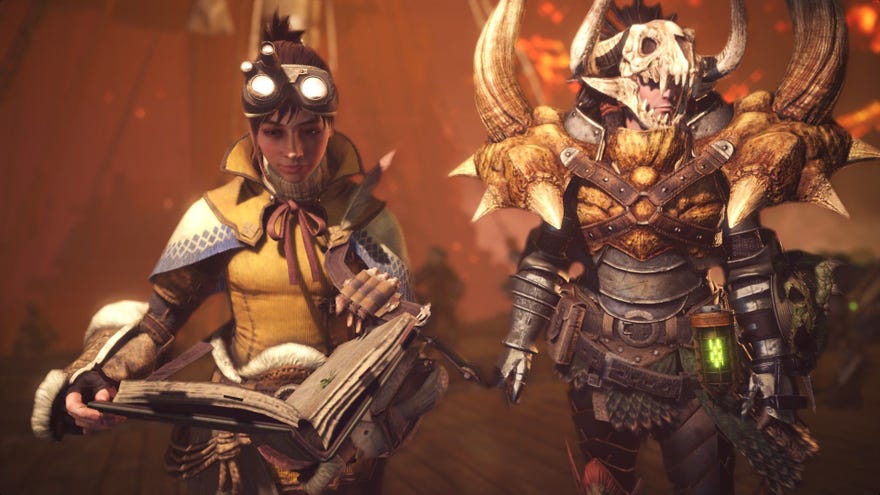
Monster Hunter: Worldis one of the biggest games on PC right now, and it’s just got even bigger with the launch of its giant Iceborne expansion. So, if you’re been thinking about jumping into Capcom’s dinosaur-hunting / hat-making sim, but aren’t sure if your graphics card can run it properly, then have a read of myMonster Hunter: WorldPC performance guide below.
To see this content please enable targeting cookies.Manage cookie settings
Monster Hunter World PC requirements
Before we get started, though, let’s remind ourselves of Monster Hunter: World’s PC requirements. These are the same PC requirements for Iceborne, too, so you don’t need to worry about upgrading your PC when it comes to breaking in the expansion. As you can see from the minimum PC requirements below, you should be able to get Monster Hunter: World running on even quite elderly systems. The Nvidia GTX 760 came out in 2013, after all, so even those of your with PCs approaching their 5th of 6th birthday should be good to go here. However, those targeting at least 30fps at 1920x1080 on High will need a PC with Capcom’s recommended specs.
Minimum specs:OS:Windows 7 - 10 (64-bit required)Processor:Intel Core i5-4460 or Intel Core i3-9100F / AMD FX-6300 or AMD Ryzen 3 3200GMemory:8GB RAMGraphics:Nvidia GeForce GTX 760 or GTX 1050 / AMD Radeon R7 260X or RX 560
Recommended specs:OS:Windows 7 - 10 (64-bit required)Processor:Intel Core i7-3770 or Intel Core i3-8350 or Intel Core i3-9350F / AMD Ryzen 5 1500X or Ryzen 5 3400GMemory:8GB RAMGraphics:Nvidia GeForce GTX 1060 (3GB) or GTX 1650 / AMD Radeon RX 480 or RX 570
Again, this should be fairly doable in the vast majority of cases, especially when a 3GB GTX 1060 and 4GB RX 570 can be found for less than two hundred quid these days. In fact, I reckon Capcom are underselling themselves a bit here, as my own tests show that you can actually get a lot more than 30fps from these cards at 1920x1080. Indeed, to hit 60fps on High at 1080p, all you need is a 6GB GTX 1060, or an 8GB RX 580 - and that was without employing any of the performance boosting tricks I’ve outlined below.
Monster Hunter World: how to get the best performance
Monster Hunter: World comes with four main graphics presets: Low, Mid, High and Highest. However, there’s one advanced setting in particular that has a noticeable impact on the game’s overall performance:Volume Rendering Quality.
To use the game’s official parlance,Volume Rendering Quality"adjusts the rendering quality of volumetric fog", which isn’t exactly helpful. What it’s actually referring to is the game’s lighting effects, covering everything from sunbeams cascading in through the cracks of its dense jungle canopies to the dust and smoke of its vast deserts and towering volcanoes.
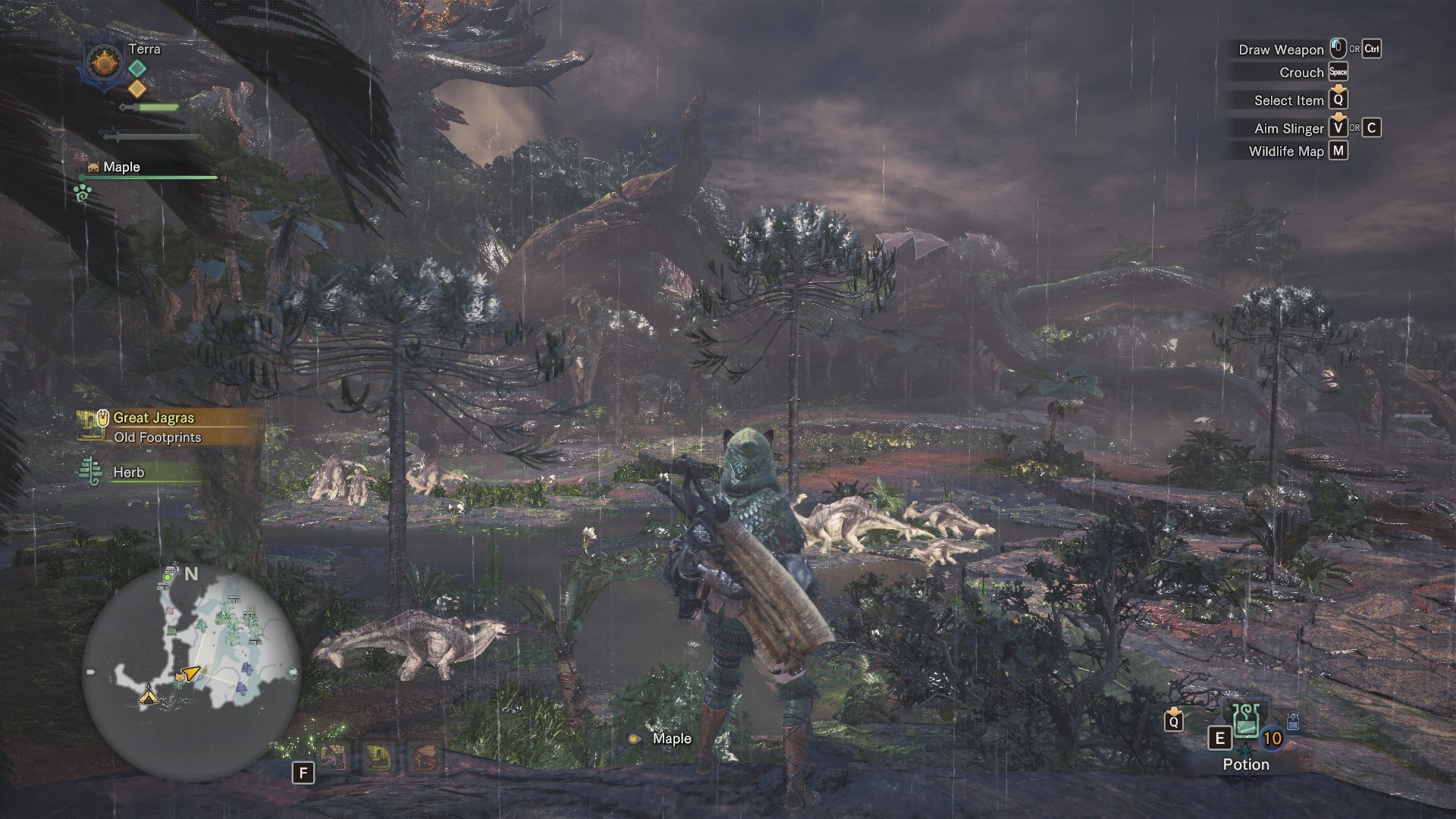
Fog plays a big role in that, too, especially when you’re nosing around its dingy caves and underground monster warrens. But what this setting really boils down to is giving Monster Hunter: World’s lush environments a sense of realistic depth as you gaze out toward the horizon. When volume rendering is set as low as it can go (as you can see in the images below), everything looks a bit flat.
MHW’s volumetric fog set to High, producing a nice and hazy tropical atmosphere…

….and MHW’s volumetric fog turned off seconds later in the same scene.
Monster Hunter: World PC performance
With all that in mind, then, let’s sharpen our blades and go and make ourselves some new dinosaur pants. To see how each graphics card fared, click the links below or carry on scrolling. As always, the main aim here is to find the best combination of settings to achievea smooth 60fps at 1920x1080, 2560x1440 and 4K. Not all graphics cards will be able to hit 60fps at every resolution, of course, but for each card I’ve outlined the best case scenario for what kind of frame rate you can expect to see at a number of different graphics settings.
As for my own PC, I tested each GPU with an Intel Core i5-8600K and 16GB of Corsair Vengeance RAM, plus all the latest graphics drivers and Windows 10 updates installed. And don’t forget, if you want to find out more about how to make the most of your hunting experience, make sure to have a read of our guides team’s in-depthMonster Hunter World Iceborne guide.
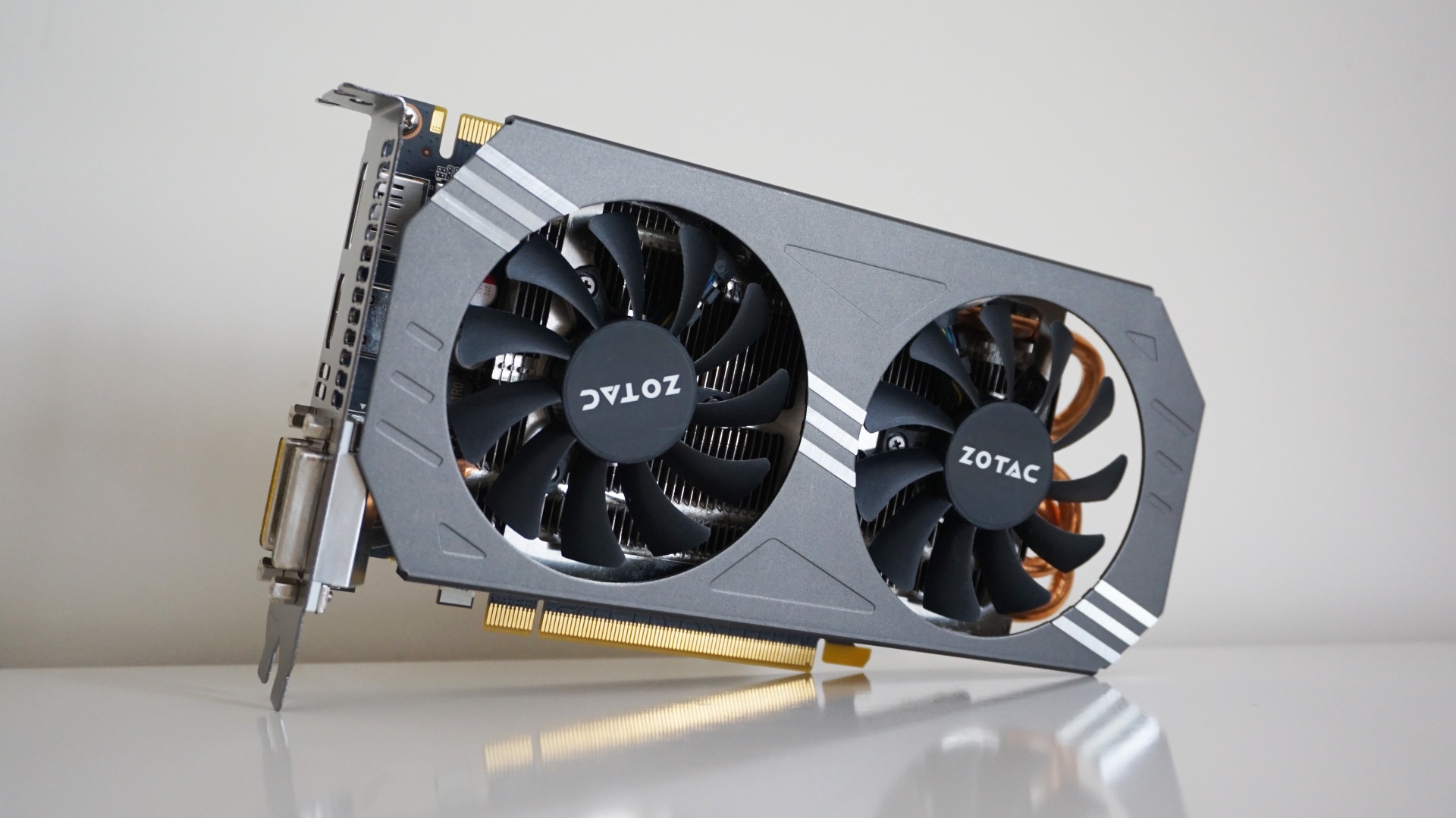
Nvidia GeForce GTX 970
Can I play this at 1920x1080?
Yes. While the GTX 970 can just about handle Monster Hunter: World’sHighestgraphics setting, producing a rough average of 30-35fps out in the field with resolution scaling set to High or 35-40fps when the scaling’s set to prioritise the resolution, this card is definitelymost comfortable on MHW’s Highsetting.
Battles weren’t quite as silky when I was getting up close and personal with some of MHW’s larger dinos, but it never dipped below 40fps when the scaling was prioritising the resolution. I’d suggest sticking the scaling on High, though, as here I saw a baseline of around 45fps. If you set the volume rendering to Low as well, you can squeeze around an extra five frames out of it, too, pushing it closer to a baseline of 50fps.
Can I play this at 2560x1440?
Yes, but the best frame rate you’re going to get is with the game’sMidsetting. That’s still pretty decent for such an old graphics card, but you’re looking at 45fps tops when out in the world, with lows of around 35fps. Again, tinkering with the volume rendering will help push the frame rate into a more comfortable 40-50fps territory, but High was just too demanding for this particular card.
Can I play this at 4K?
Alas, 4K is too much for the GTX 970, so stick to lower resolutions.
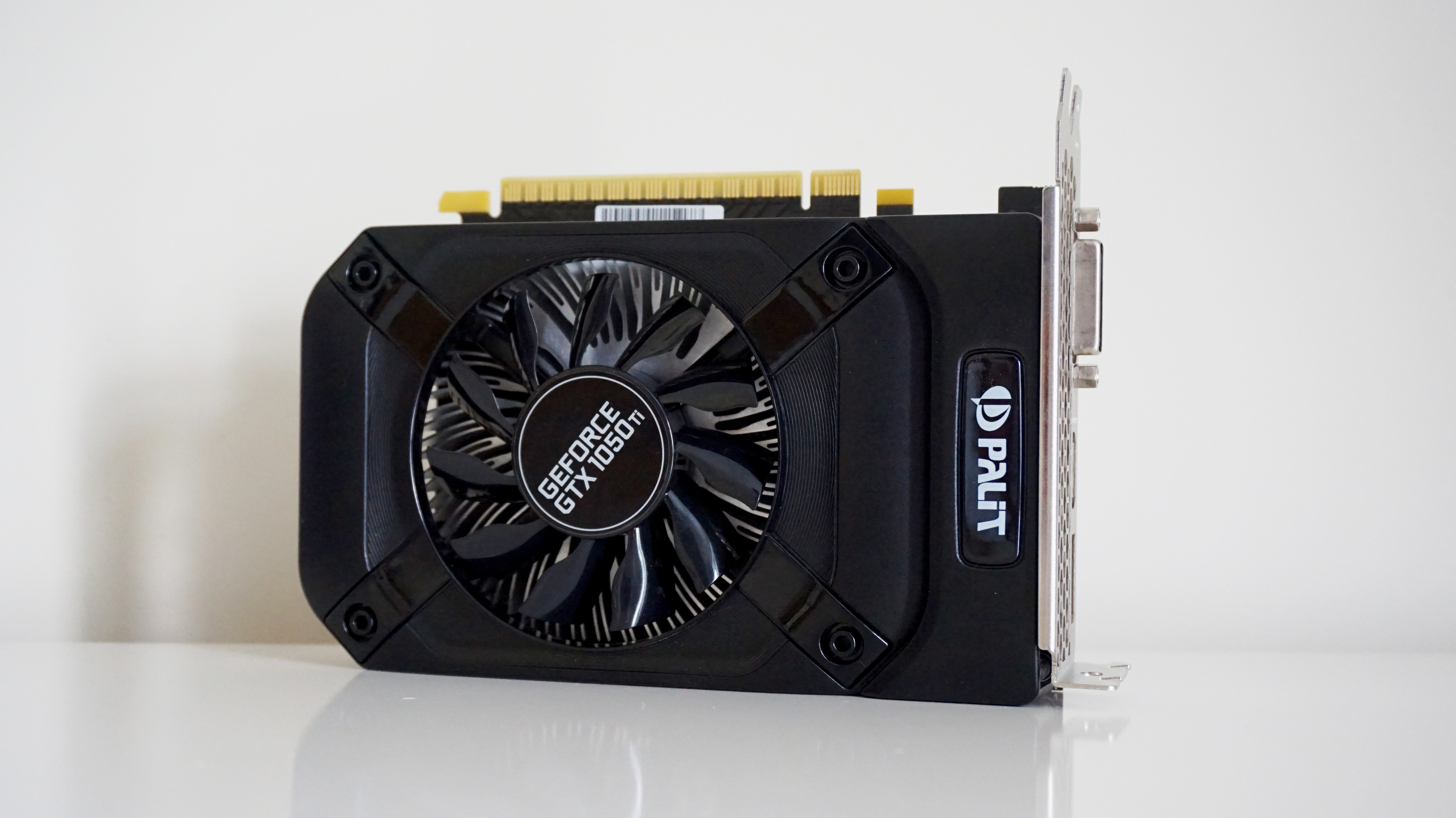
Nvidia GeForce GTX 1050 Ti
Ah, the good old GTX 1050 Ti. It’s a bit old hat now theGTX 1650and GTX 1650 Super have arrived, but it continues to be the second most popular graphics card among Steam users. Alas, even the 4GB version of this card struggles to play Monster Hunter: World at a decent speed, so you may find it’s worth upgrading to a newer GTX 16-series card (or indeed one of AMD’s new RX 5000 GPUs) if Monster Hunter’s Iceborne expansion is on your to-play list this year.
Can I play this at 1920x1080?
Yes, but you’ll have to make do with lower graphics settings if you’re after a smooth 60fps. OnLow, for example, I saw an average frame rate of78fpsout in the field, but this dropped to just 38fps when I bumped the quality up to Mid. That said, you could probably get away with High if you don’t mind a frame rate around the 30fps mark, as here I saw an average of 36fps, but it’s not exactly ideal when fighting all those big dinos.
Can I play this at 2560x1440?
Barely, but it is doable. Once again,Lowis your best bet here, averaging57fpsout in the field. Bump it up to Medium and you’re only looking at around 34fps, sadly.
Can I play this at 4K?
Sadly not, unless you fancy a 20fps slideshow, of course.
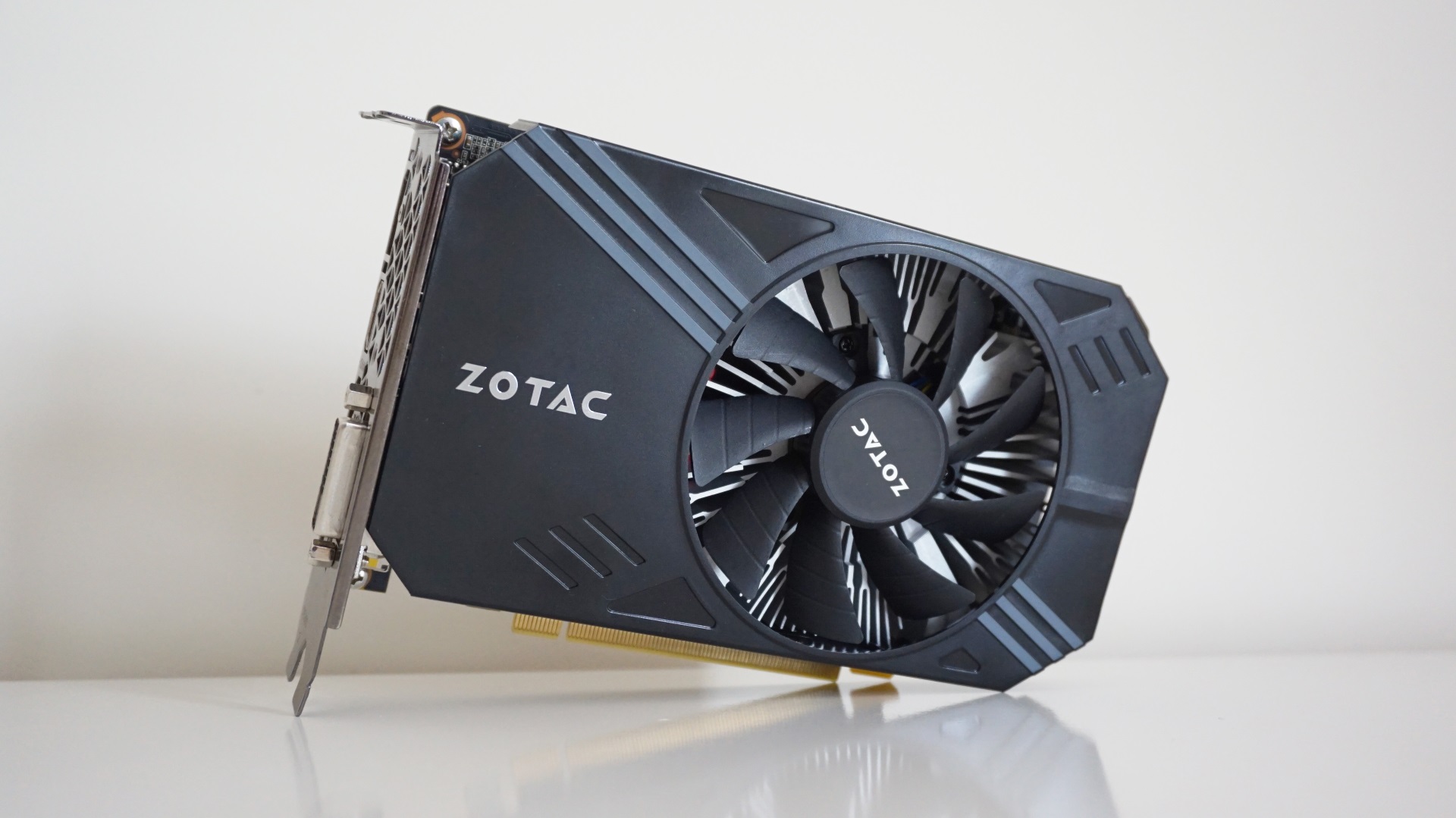
Nvidia GeForce GTX 1060 (6GB)
Another Zotac card, this time the miniature version of the 6GBNvidia GeForce GTX 1060- our best graphics card runner-up for best value 1440p gaming. Naturally, this one’s a lot smaller than other GTX 1060s out there, and only has a single fan, so its performance may not be quite as nippy as slightly beefier versions of the same card.
Indeed, this GTX 1060 Mini has the same base and boost clock speed as Nvidia’s reference model, coming in at 1506 MHz and 1708 MHz respectively. As such, these results are probably on the more conservative side compared to other GTX 1060s out there, but it should still give us a pretty good idea of the bare minimum we can expect from this type of card. Indeed, Capcom recommends having at least a 3GB model of the GTX 1060 for Monster Hunter: World, but I was pleased to see the 6GB version performs well over and above the rather modest expectations I mentioned at the beginning of this article.
Can I play this at 1920x1080?
Absolutely.Highis where the GTX 1060 is probably most comfortable, hitting a consistent 60fps in both the main hub environment of Astera and in the wider jungles that lie beyond it. Regardless of what resolution scaling option I had enabled, I saw highs of around 65-68fps on some cases, and it rarely dipped below that 60fps sweetspot.
It’s pretty amenable to playing onHighest, too, although here you’re looking at an absolutely maximum of around 50fps with resolution scaling set to High, if not something closer to 40fps-ish when you’reknee-deep in Pukei-Pukei dung. That’s still perfectly playable, to be honest, and it’s not like the frame rate suddenly tanks when you’re slicing and dicing bigger beasties either. Besides, you can always chop the volume rendering down to Low and get an extra five or so frames out of it to help keep things feeling nice and smooth.
Can I play this at 2560x1440?
You can indeed, but with a couple of compromises.Highest is too muchfor this particular GTX 1060. The frame rate struggled in the 25-28fps region with the resolution scaling set to High, and even when it rose to around 35-38fps when I switched the scaling over to prioritise the resolution, I saw a visible drop in sharpness that made everything look a bit fuzzy and nasty.
Dropping everything down toMid didn’t really improve much, either, as even here the frame rate tended to settle on a rough average of 40fps no matter whether I was out in the wilds or hanging out in Astera. As a result, you might as well stick with High and take advantage of all its lovely, juicy details rather than try and squeeze an extra couple of frames out of Mid.
Can I play this at 4K?
Just about, but you’ll get a much better experience sticking with lower resolutions. Mid will get you an average of 34fps, but really, you’re looking at Low for the smoothest experience, which seems silly considering what you can get at 1080p and 1440p.
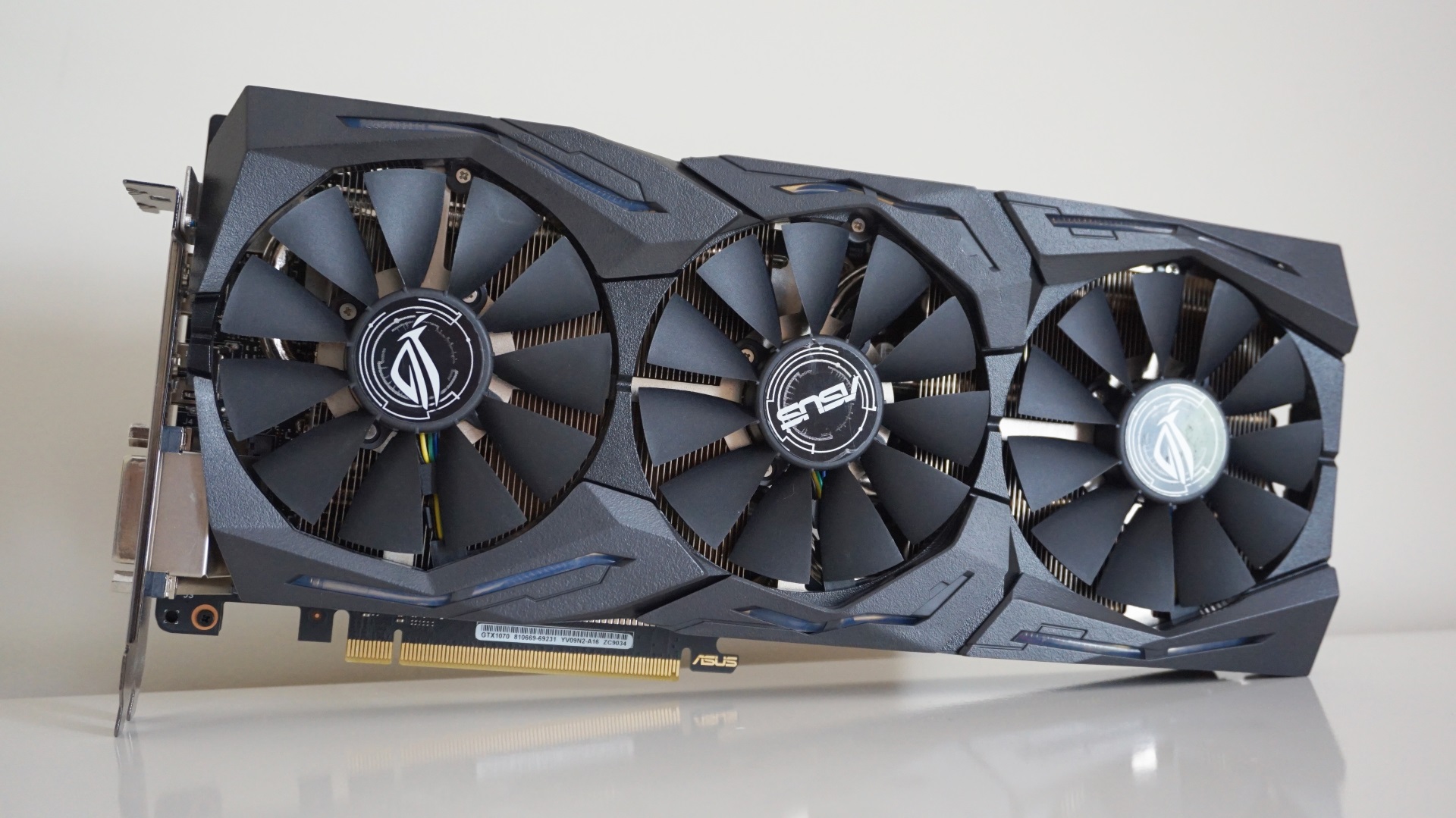
Nvidia GeForce GTX 1070
Asus' take on theNvidia GeForce GTX 1070is slightly beefier than most. Not only is it absolutely ginormous thanks to its three fans, but it’s also one of the fastest GTX 1070s around, boasting a base clock speed of 1632 MHz and a boost clock of 1835 MHz. Nvidia’s reference spec, for comparison purposes, starts at just 1506 MHz base and 1683 MHz boost. It’s also faster than the reference specification for its more powerful sibling, theNvidia GeForce GTX 1070 Ti, too, which has clock speeds of 1607 MHz and 1683 MHz respectively.
As such, this version of the GTX 1070 is probably one of the better-case scenarios for this type of card, so don’t be surprised if other models can’t quite match it frame-for-frame. That said, even this one struggled to get much beyond 40fps on higher graphics settings at 2560x1440, so those after true 1440p perfection will have to push the boat out even further to get that all-important 60fps on Highest.
Can I play this at 1920x1080?
Yes indeedy. This particular GTX 1070 did a brilliant job handling Monster Hunter: World’sHighestsetting, producing a stable 60-65fps in the hub world of Astera and between 55-60fps out in the jungles.
Can I play this at 2560x1440?
Yep, and you can even do it onHighwithout taking a massive hit on the frame rate. Settling between 50-60fps depending on the size and scale of the scene at hand, resolution scaling made little difference here - it was a touch faster set to resolution priority rather than High, but we’re talking a difference of one or two frames - so you can pretty much leave it as is and still get those buttery-fast speeds.
Naturally,Mid was even better, reaching as high as 70fps when noodling about the canteen and armoury in Astera, but I still saw a few dips to 50-odd fps in the heat of battle, so you might as well go for High and savour those prettier graphics.
Highest, on the other hand, is doable, but not nearly as smooth as High. Here, I saw a perfectly playable range of between 30-45fps with resolution scaling on High, which then shifted up to 35-45fps when I prioritised resolution.
That’s pretty good as far as I’m concerned, and there’s always the option of dropping the volume rendering to inch it up a bit higher, too. I certainly didn’t fell much of a loss when playing on this graphics setting, but if 60fps is the be all and end all for you, I’d advise sticking to High.
Can I play this at 4K?
Just about, but why settle for an average of 36fps on Mid, when you can get a much smoother looking game at 1080p or 1440p?
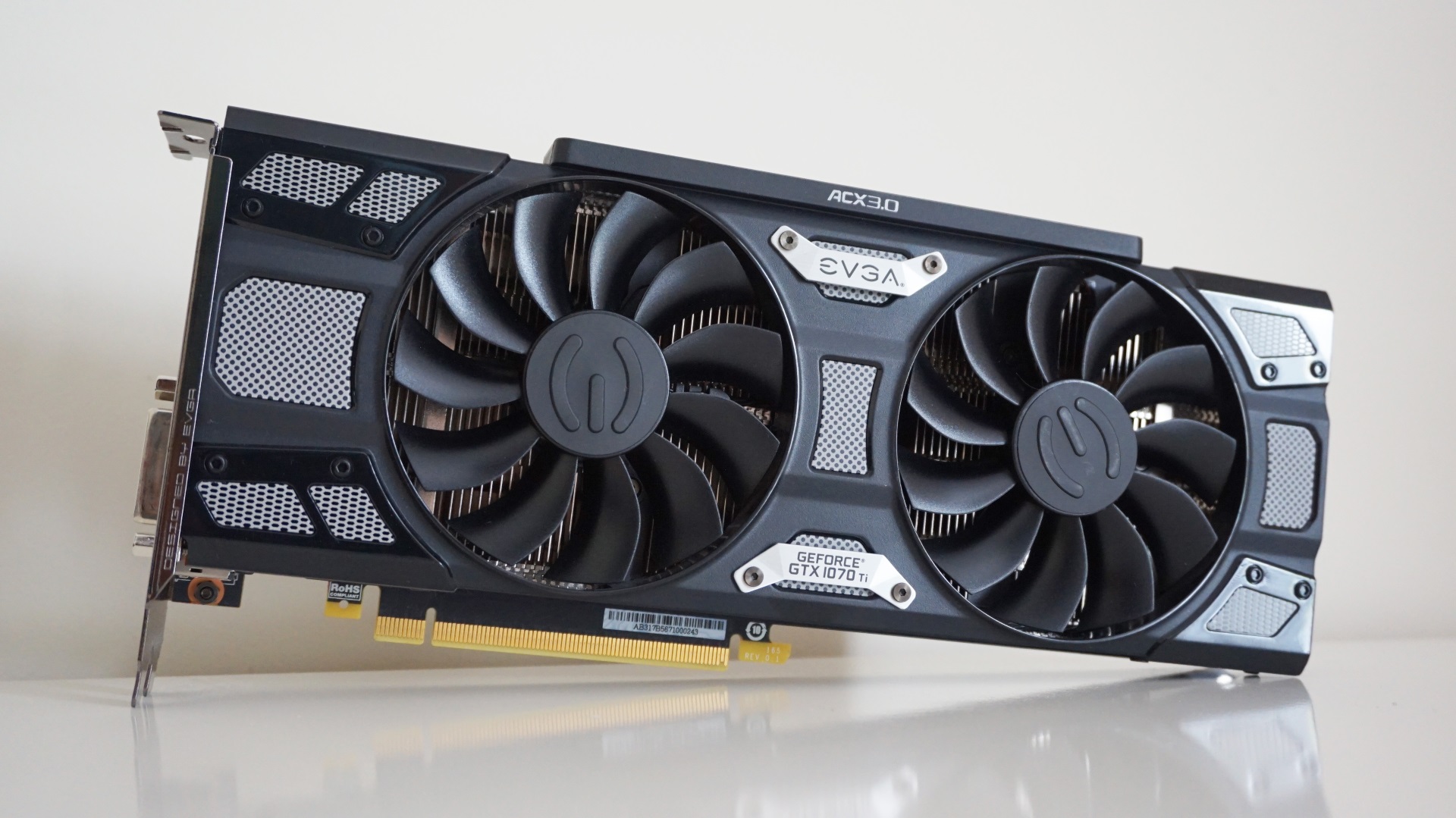
Nvidia GeForce GTX 1070 Ti
Despite all third partyNvidia GeForce GTX 1070 Ticards sharing the same base and boost clock speeds (1607 MHz and 1683 MHz respectively) due to a weird rule Nvidia made up upon their release (presumably so they wouldn’t eat into GTX 1080 territory), EVGA’s SC Gaming model manages to sort of skirt round this thanks to their Precision XOC auto-tuning software, which helps to optimise the card for better performance.
In the interests of keeping things fair, though, I ran this card at its default speeds without tinkering with any of its Precision settings, so the following results should be broadly representative of most other GTX 1070Tis out there. EVGA’s model also comes with some extra cooling mechanisms to keep things nice and nippy, but I doubt it will make a huge difference to the overall frame rates you can expect.
Can I play this at 1920x1080?
You betcha. The GTX 1070 Ti made absolute mincemeat ofMonster Hunter: Worldat this resolution, sustaining a smooth 65-75fps onHighestregardless of resolution scaling setting.
Can I play this at 2560x1440?
Yup, and this time you can get a flawless 60fps onHighinstead of the occasional dip to 50fps like with the regular GTX 1070. High refresh rate monitor peeps won’t be able to enjoyquitesuch high frame rates here, but I still saw a regular 65fps in both Astera and the wider world outside, which is still pretty tasty as far as I’m concerned. Yes, I saw a few dips to 55fps when bigger beasties rocked up onscreen, but you wouldn’t notice unless you had a frame rate counter ticking away in the corner of the screen.
Where the GTX 1070Ti really comes into its own is when you start pushing into the game’sHighestgraphics settings. 60fps at this resolution is still too much for this particular card, but whereas the GTX 1070 varied between 30-45fps on this setting, the GTX 1070Ti pulled its socks up to a much more stable average of 45fps on High and resolution priority scaling alike.
There were still a few regular lows of 40fps when it came to tangoing with some of the larger monsters, but the smaller variation in speed made everything feel smoother and less choppy as a result. If 45fps isn’t fast enough for you, there’s always the option of setting the volume rendering to Low to push it up closer to 50fps, but for me, that tiny increase in performance isn’t really worth the loss of visuals.
Can I play this at 4K?
Sorta, but just like every other mid-to-high-end GTX card we’ve looked at so far, Mid is the best you’re going to get at this resolution, and even then you’re not breaking much above the mid-30s when it comes to average frame rate. So do yourself a favour and stick to 1440p or 1080p for the best monster chopping.
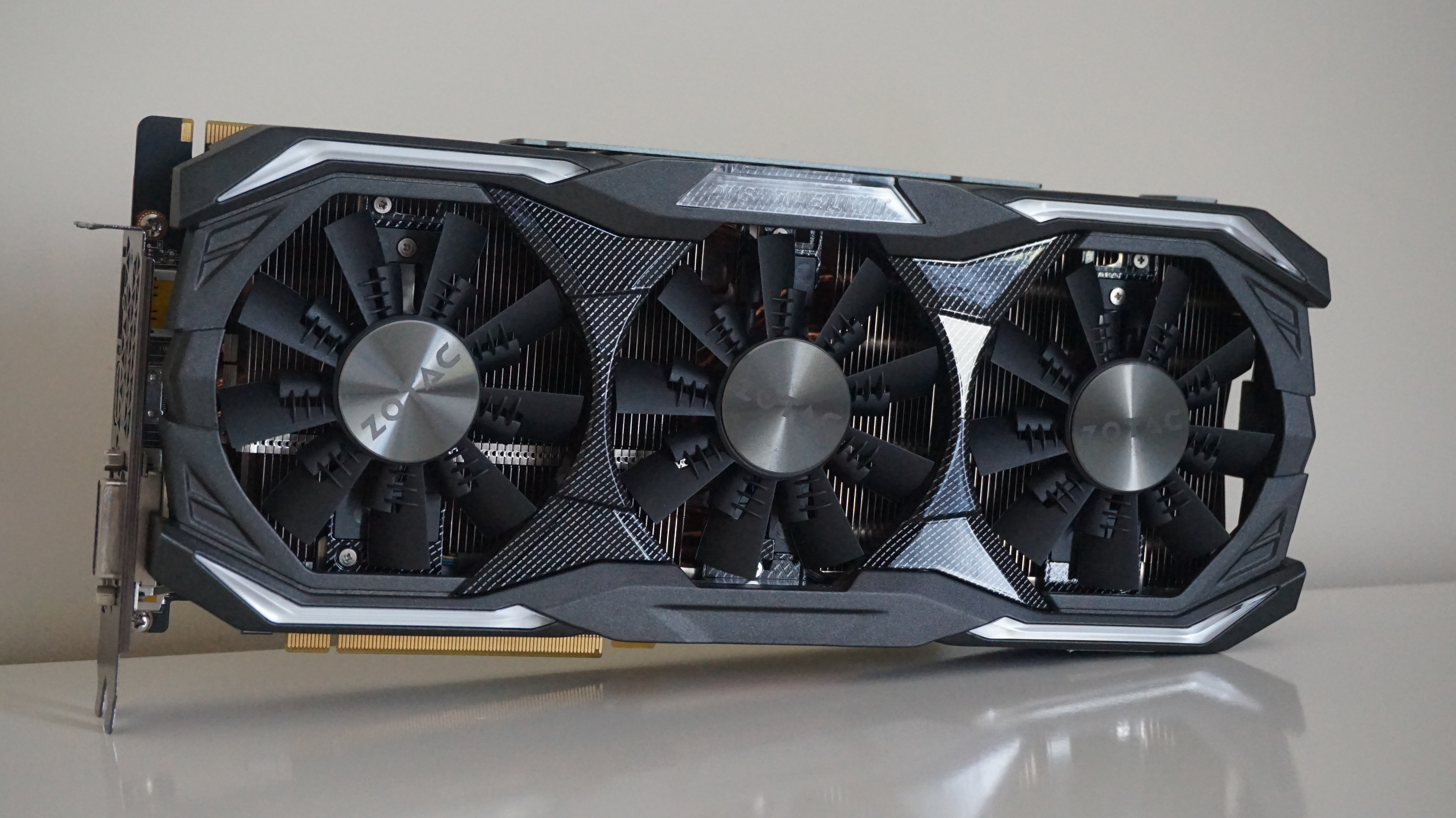
Nvidia GeForce GTX 1080
To test Monster Hunter: World, I’ve got Zotac’s AMP Extreme edition. With a base clock speed of 1771MHz and a boost of 1911MHz, this is one of the better case scenarios you’ll probably see from a GTX 1080, but like I said back with the GTX 1070, I doubt you’re going to be disappointed with the card’s performance at 1080p and 1440p, regardless of which model you happen to have in your PC.
Can I play this at 1920x1080?
Silly question. Of course it can. Whack it up toHighestand enjoy a sweet, sweet average of70fps.
Can I play this at 2560x1440?
You absolutely can. You might find it chugs a bit on Highest at this resolution, as I only saw an average of 50fps during my tests, but that quickly shot up to a lovely smooth67fps on High.
Can I play this at 4K?
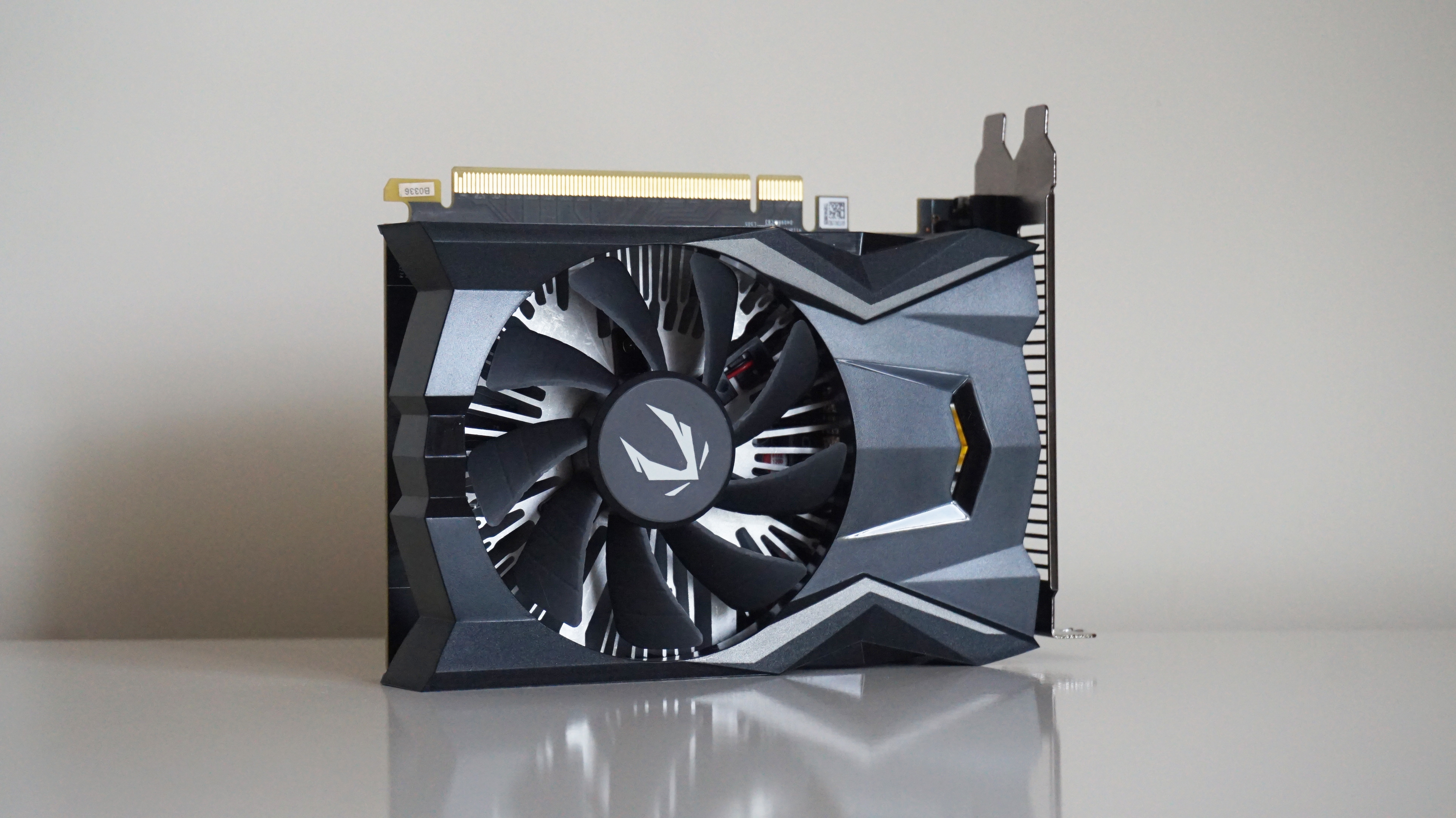
Nvidia GeForce GTX 1650
Despite being less than a year old, the GTX 1650 is already a bit old hat in the face of the recent release of the GTX 1650 Super, but this budget 1080p graphics card still puts in a pretty good performance when it comes to tackling the giant dinos of Monster Hunter: World’s Iceborne expansion.
This Zotac OC model is one of the cheapest GTX 1650 cards you can buy right now, but it does have a slightly higher boost clock speed than Nvidia’s reference specification, coming in at 1695MHz as opposed to 1665MHz. This shouldn’t make a huge difference, though, so I’m pretty confident you’ll be able to take the results below as the bare minimum kind of performance you can expect to see from all GTX 1650s you can buy today.
Can I play this at 1920x1080?
Absolutely. You’ll get the best balance between performance and graphical fidelity onMidat this resolution, where I saw an average of around53fpsout and about in the field, but considering High will still get you a decent average of 48fps, you could probably get away with that instead if you really want to push the boat out.
Alas, Highest is too much for this card, as its measly 4GB of memory isn’t actually enough to handle Monster Hunter: World’s top texture pack. Indeed, I got a VRAM warning when I tried bumping it up to this setting during my testing, and only averaged about 33fps with lows of 27fps.
Can I play this at 2560x1440?
Just about, but not really.Midwill get you an average of32fpsif you fancy it, but otherwise you’re looking at Low here.
Can I play this at 4K?
Sadly not - unless you want to puke your guts up like the Great Jagras, I’d recommend sticking to lower resolutions here.
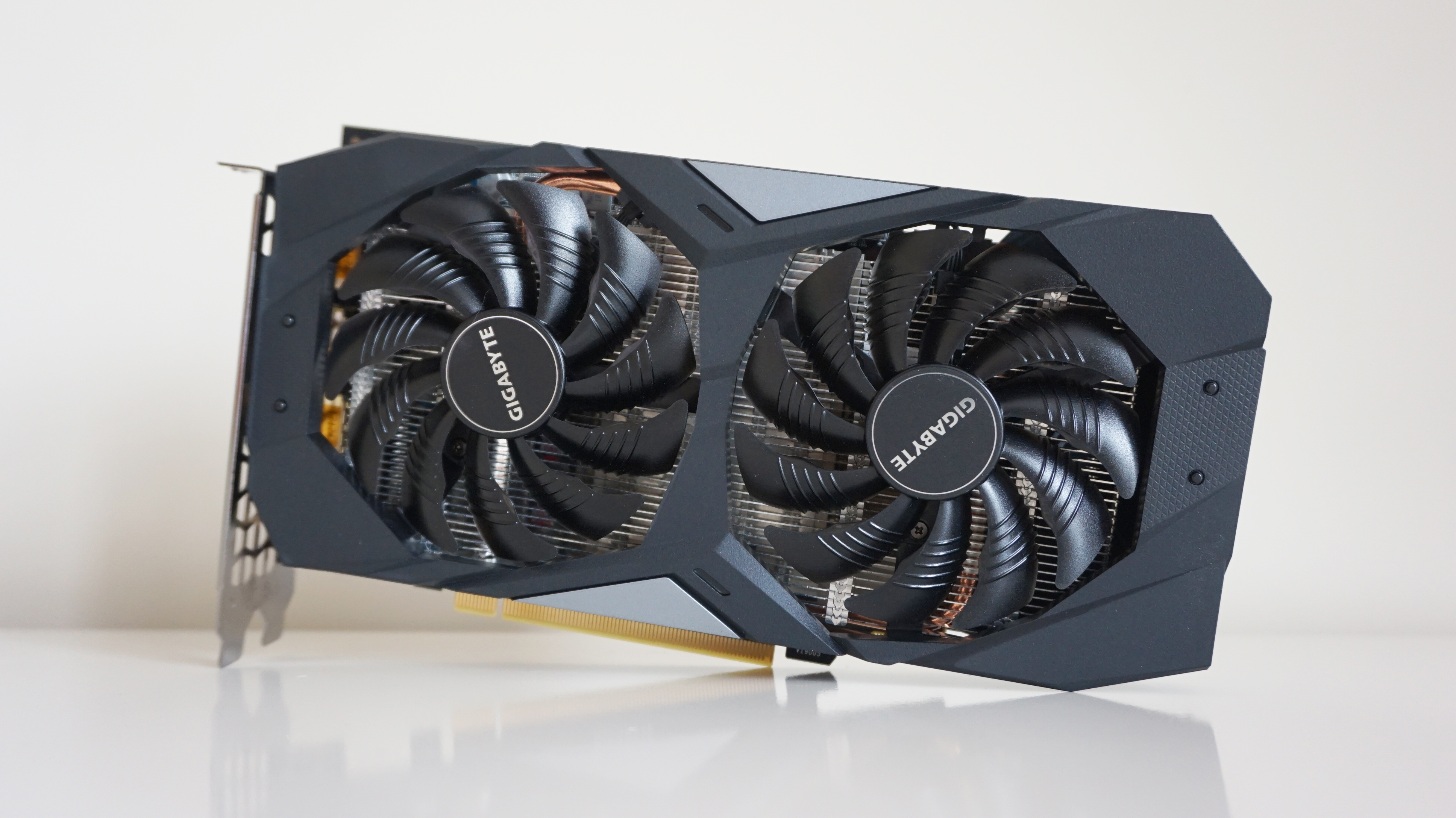
Nvidia GeForce GTX 1660
Can I play this at 1920x1080?
You sure can, friend.Highwill ensure you stay well above the 60fps line with an average of72fps, but Highest will still get you a very playable average of 51fps while you’re at it.
Can I play this at 2560x1440?
Another big yes to this one, although here you’ll probably find yourself most comfortable down onMid, where I saw an average of52fps. Then again, High was only a touch slower at 49fps, so you could probably just about get away with that if you really fancied it. Highest, alas, will push that right back down to an average of 33fps, so I wouldn’t venture further than High at this particular resolution.
Can I play this at 4K?
A smaller, but no less doable yes at this resolution, but we’re really pushing the boundaries of what this card’s really capable of here. You’ll get the smoothest speeds on Low, naturally, but if you really wanted to push the boat out, thenMidwill get you a decent, if slightly choppy average of35fps.

Nvidia GeForce GTX 1660 Super
Despite theNvidia GeForce GTX 1660 Supertechnically being a step up from theGTX 1660, you probably won’t notice much of a noticeable improvement when it comes to doing the tussle tango with the beasts of Monster Hunter: World.
Of course, that may be because I’ve got Zotac’s entry-level Twin Fan model on test here, which is one of the cheapest GTX 1660 Supers you can currently buy. With a base clock speed of 1530MHz and a boost clock speed of 1785MHz, this is more of a baseline Monster Hunter: World experience than the absolute best case scenario. As a result, you may see slightly higher frame rates on faster, more expensive cards, but I don’t think the differences will be big enough to really make that much of a tangible impact on your minute-to-minute gameplay.
Can I play this at 1920x1080?
You certainly can.Highwill see you fly across the screen with silky frame rates averaging around81fps, but you’re probably fairly safe in pushing it up to Highest for an average of 48fps if you really want to push the envelope.
Can I play this at 2560x1440?
Can I play this at 4K?
Just about, but the best you’re looking at is another average of36fps on Mid. Instead, stick to High at 1440p for the best results.

Nvidia GeForce GTX 1660 Ti
If you’re looking for thebest graphics cardfor 1080p gaming, theNvidia GeForce GTX 1660 Tiis definitely the card to go for right now - particularly if you want to play Monster Hunter: World on the highest graphics settings at the smoothest frame rates. More capable than theGTX 1660 Super, this is the first Nvidia card that can really handle Monster Hunter: World’s Highest setting without breaking out into a sweat.
I’ve got the Asus ROG Strix GeForce GTX 1660 Ti on test here, which is admittedly one of the faster types of GTX 1660 Ti out there at the moment thanks to its high boost clock speed of 1890MHz. However, having tested a number of GTX 1660 Ti cards over the past couple of months, even the cheapest GTX 1660 Ti cards are maybe only a maximum of 5fps behind Asus’ ROG Strix model, so the results below shouldn’t be too far out of line with what you’ll see elsewhere.
Can I play this at 1920x1080?
Can I play this at 2560x1440?
Are you sure your graphics card didn’t eattwopalico spreads today? Once again, this is the first Nvidia card that can comfortably push up toHighat this resolution, offering smooth average frame rates of57fps. Highest is still a bit beyond the reach of this particular card, averaging 41fps, but it’s also not so choppy that you shouldn’t give it a go if you feel like it.
Can I play this at 4K?
All right, the palico power meals are starting to run out a bit here, but you should still be able to manage a decent-ish33fpsaverage onMidif you really feel up to it.
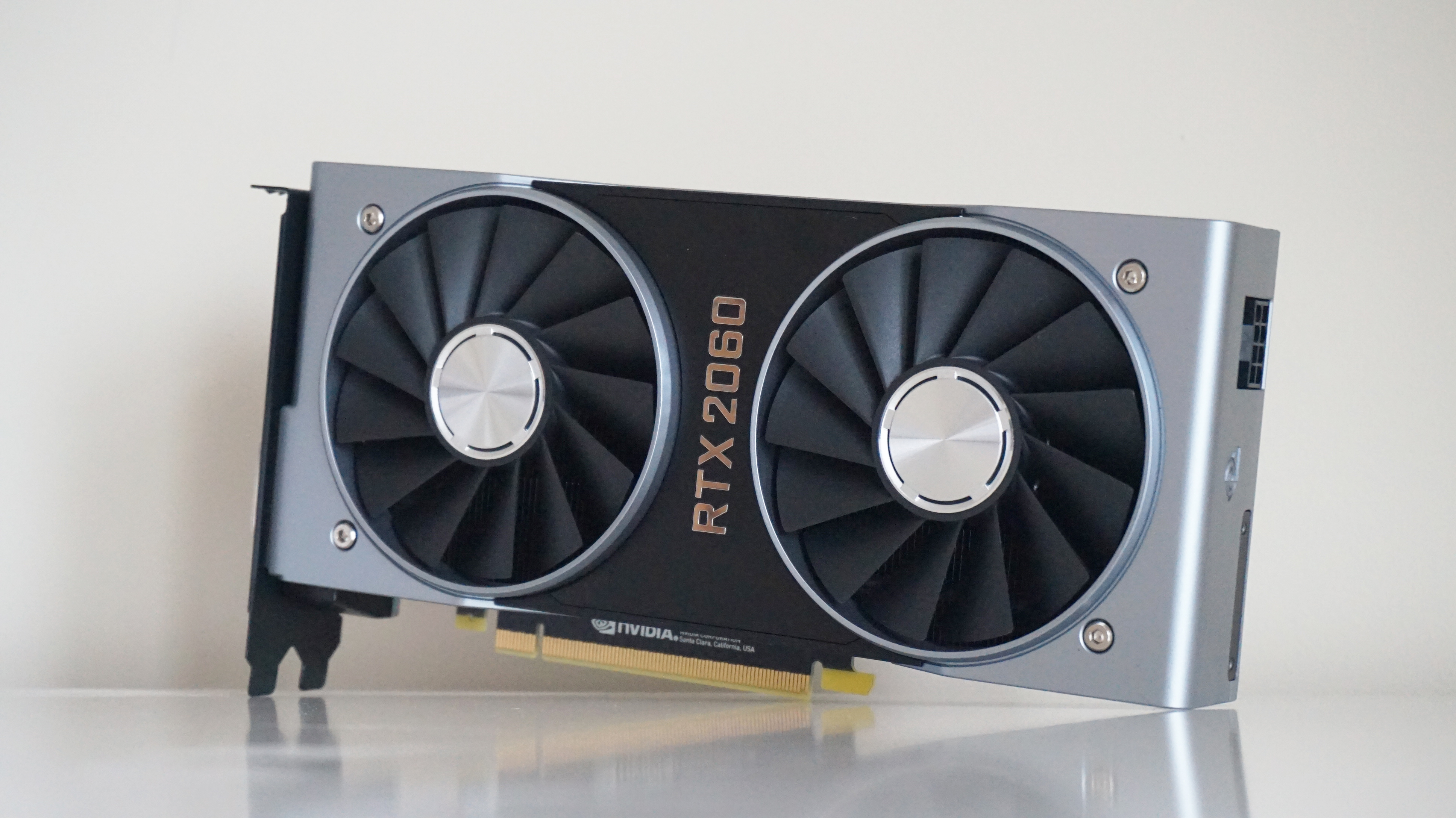
Nvidia GeForce RTX 2060
TheNvidia GeForce RTX 2060is an excellent graphics card for 1080p and 1440p alike, but ever since Capcom added in DLSS support for Monster Hunter: World, the RTX 2060 has really come into its own. Able to push much higher into fancier graphics settings, the RTX 2060 is a great hunting buddy for aspiring dinosaur hat makers.
I’ve got the Founders Edition on test here, which has a base clock speed of 1365MHz and a boost clock speed of 1680MHz. This is fairly typical compared to other third party RTX 2060 cards, a lot of which push its boost clock speed even higher. As a result, these speeds are probably the least you can expect to see from an RTX 2060, with faster cards likely able to squeeze even more out of it.
Can I play this at 1920x1080?
You sure can, Captain McSlice, and you can whack it straight up toHighestno problem for a smooth average of70fps. No DLSS required.
Can I play this at 2560x1440?
Affirmative, Lieutenant McDice. If you’re not a fan of how DLSS looks in Monster Hunter: World, then your best bet is going to beHighat this resolution, where you should see smooth average frame rates of around62fps. However, stick DLSS on and you can easily push it all the way up to Highest, where you’ll see a jump from around 45fps sans DLSS to a smooth 63fps.
Can I play this at 4K?
That’s another yes, General ChoppyMcChop, although you’ll have to make do withMidhere regardless of whether you’ve got DLSS turned on or not. Without it, you can expect an average frame rate of around35fps, but switch it on and that will jump up to a much more pleasant 52fps.
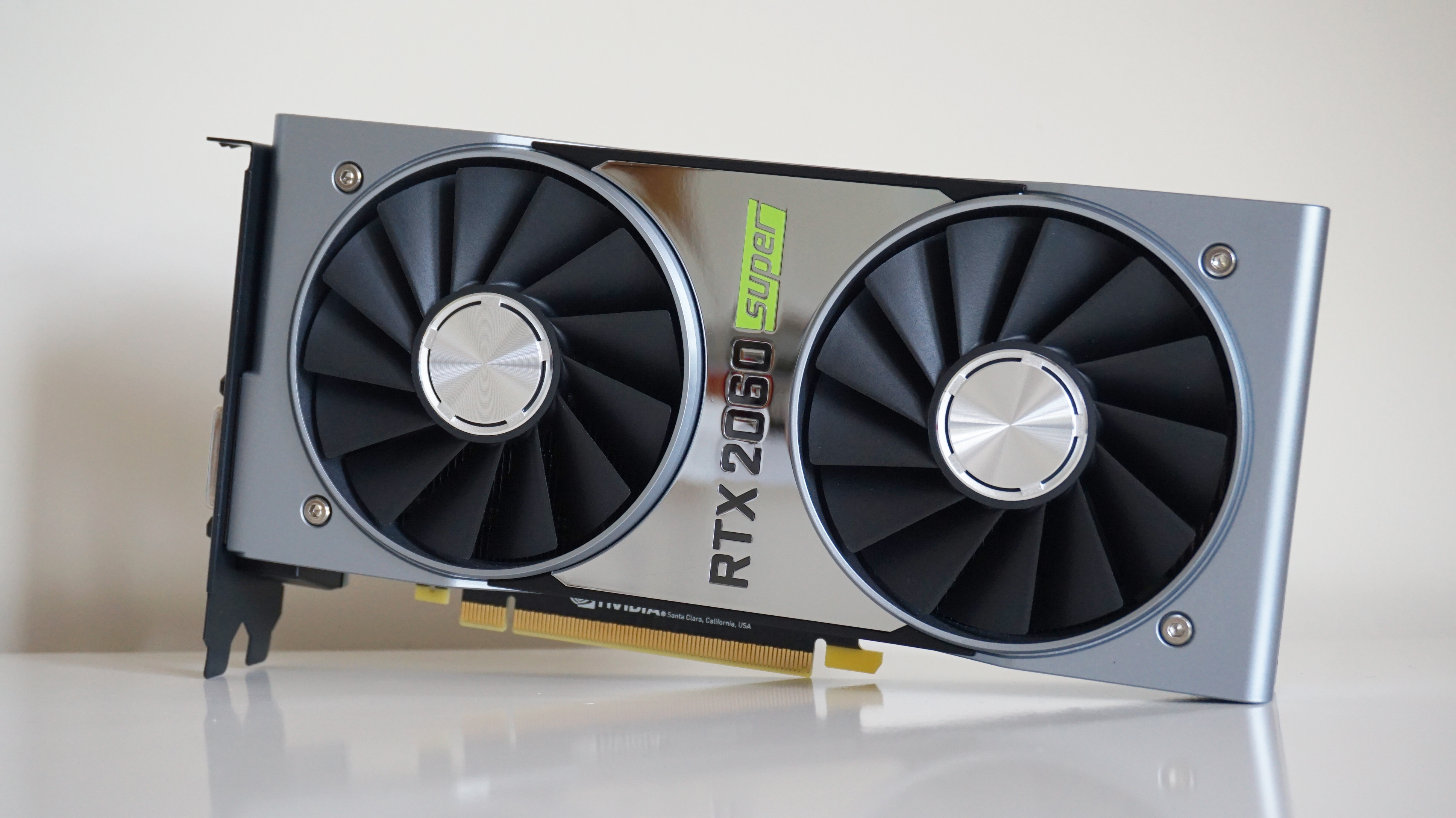
Nvidia GeForce RTX 2060 Super
A slightly faster version ofNvidia’s GeForce RTX 2060card, theRTX 2060 Superoffers almost RTX 2070 levels of performance for a lower cost. It’s effectively Nvidia’s answer toAMD’s Radeon RX 5700, which I would normally say is a better value card than the RTX 2060 Super, but thanks to Capcom’s recent addition of DLSS support for Nvidia’s RTX cards, this is definitely the card to go for if you want top notch 1440p monster hunting performance.
Nvidia’s Founders Edition of the RTX 2060 Super is actually exactly the same as their own reference spec this time (the Nvidia FE version of the original RTX 2060 was overclocked), so the results below should be taken as very much a baseline for RTX 2060 Super performance rather than the absolute limit. As such, you may well find that other RTX 2060 Super cards are a bit faster than what I’ve detailed here, but there’s still plenty of good numbers to see here, especially if you’re in the 1080-1440p zone.
Can I play this at 1920x1080?
Absolutely. No need for DLSS here, as you can stick it straight up toHighestand enjoy super smooth average frame rates of76fps.
Can I play this at 2560x1440?
You sure can. Like the regular RTX 2060, you’ve got two options here. An average of70fps on Highwithout DLSS (or 52fps on Highest), or 70fps on Highest with DLSS switched on. Take your pick.
Can I play this at 4K?
Yep, although you’ll likely have to stick withMidagain here, with an average of41fpssans DLSS, or 55fps with.
Nvidia GeForce RTX 2070 Super
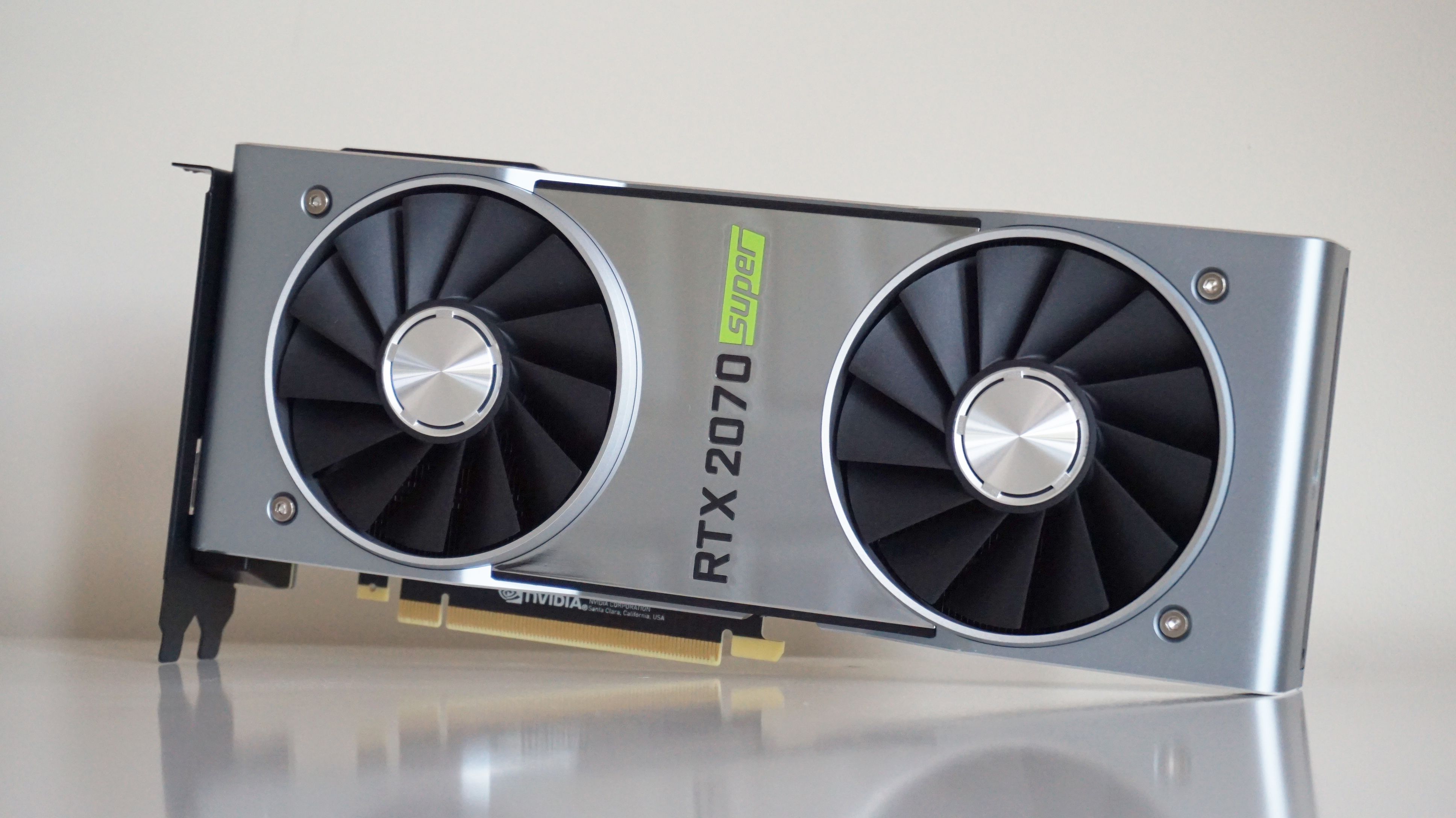
WithNvidia’s GeForce RTX 2070 Supernow having pretty much replace the existingRTX 2070, this is pretty much thebest graphics cardaround for absolutely flawless 1440p gaming. That, andAMD’s Radeon RX 5700 XT, although you’ll probably want to opt for the RTX 2070 Super for Monster Hunter: World, if only thanks to its added DLSS support.
Can I play this at 1920x1080?
Yep! No DLSS required here, no sir. Stick it up onHighestand enjoy smooth, smooth dino-slaying at an average of88fps.
Can I play this at 2560x1440?
Yep and yep. Again, there’s very little need to stick DLSS on at this resolution, as you can still enjoy a smooth average of62fps on Highestwithout having it enabled.
Can I play this at 4K?
Yep and yep. You can get a very decent average of49fps on Midwithout enabling its DLSS support if you want a pure Monster Hunter: World experience, but switch it on and you’ll be able to push much further into those 4K texture packs. On High, for example, you can expect to see an average of 58fps, which really isn’t half bad.
Nvidia GeForce RTX 2080 Super
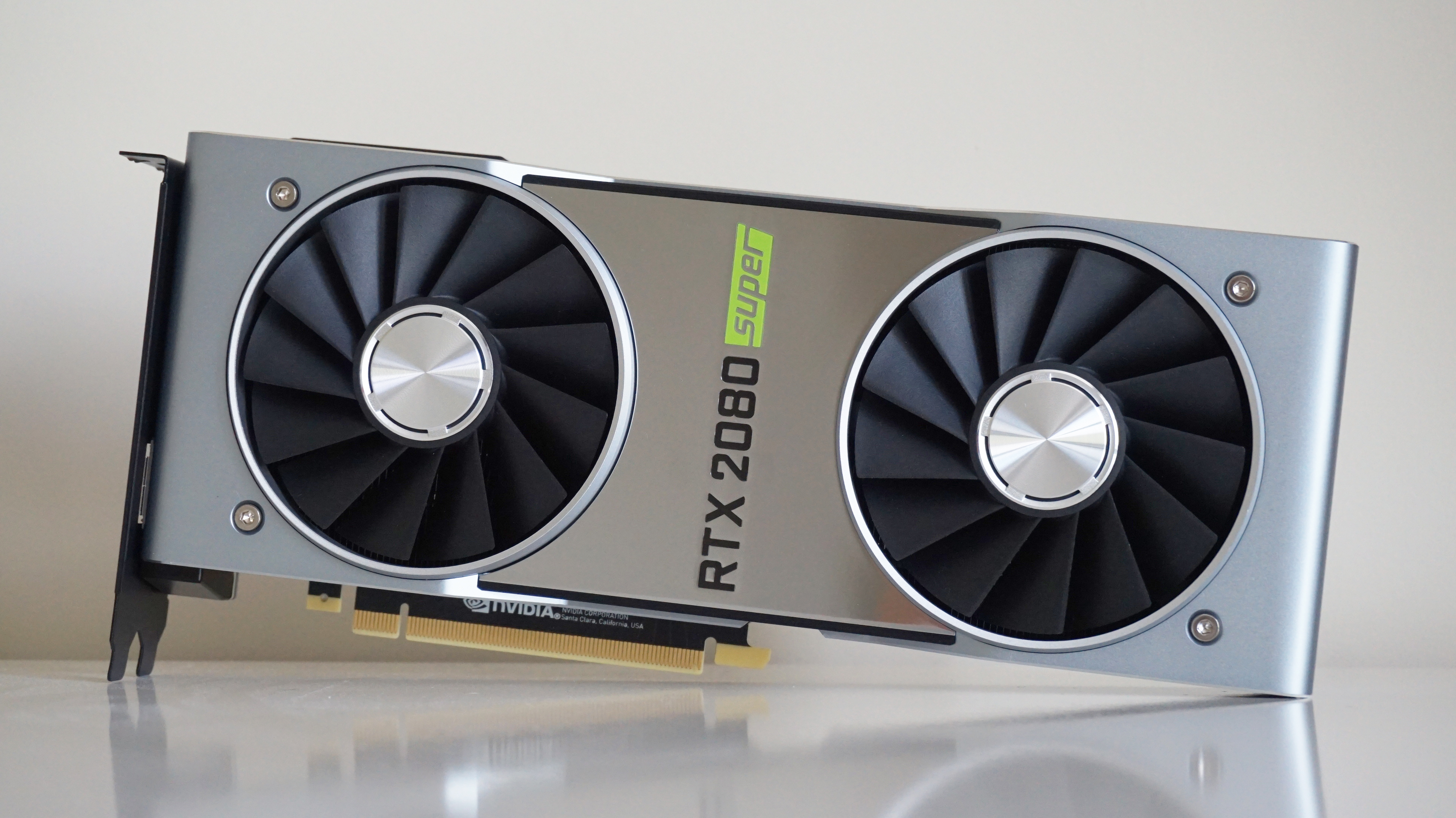
Unlike the rest of the Nvidia RTX Super family, the Founders Edition of theRTX 2080 Superis a little bit different. Instead of sticking to the base specification, Nvidia have bumped up the clock speed of its 8GB of memory. Clocked at 15.5 Gbps instead of the usual 14 Gbps like every other RTX card you can buy right now, this gives the RTX 2080 Super a much more noticeable lift over its non-Super sibling than either theRTX 2070 SuperorRTX 2060 Superdo with their respective predecessors.
Of course, that’s true of all RTX 2080 Super cards, but the Nvidia Founders Edition is still a great card in its own right. As you may have seen in myRTX 2080 Super benchmark showdown, where I pitted it against Zotac’s super fast AMP Extreme edition of the card, they’re pretty much neck and neck, showing you needn’t spend loads on a more expensive card just because its GPU is slightly clocked slightly higher. As a result, the results below should be pretty representative of all RTX 2080 Super cards out there right now, and as you’ll soon see, there’s a lot to like.
Can I play this at 1920x1080?
Oh, go on, then, crank it up toHighestand enjoy a smooth average of94fpsif you want to. I’m not going to stop you.
Can I play this at 2560x1440?
Not good enough for you? Well, how about66fps on Highestat 1440p, then? I mean, you could push it higher with DLSS turned on, but there’s really no need.
Can I play this at 4K?
All right, all right. I hear you. Let’s talk 4K. Sans DLSS, the best you’re looking at is stillMid, where you’ll get a smooth53fps, but switch on DLSS and you’re looking at 71fps on High. Heck, I’d even push it to an average of 53fps on Highest given the chance. Go on. You know you want to.
Nvidia GeForce RTX 2080 Ti
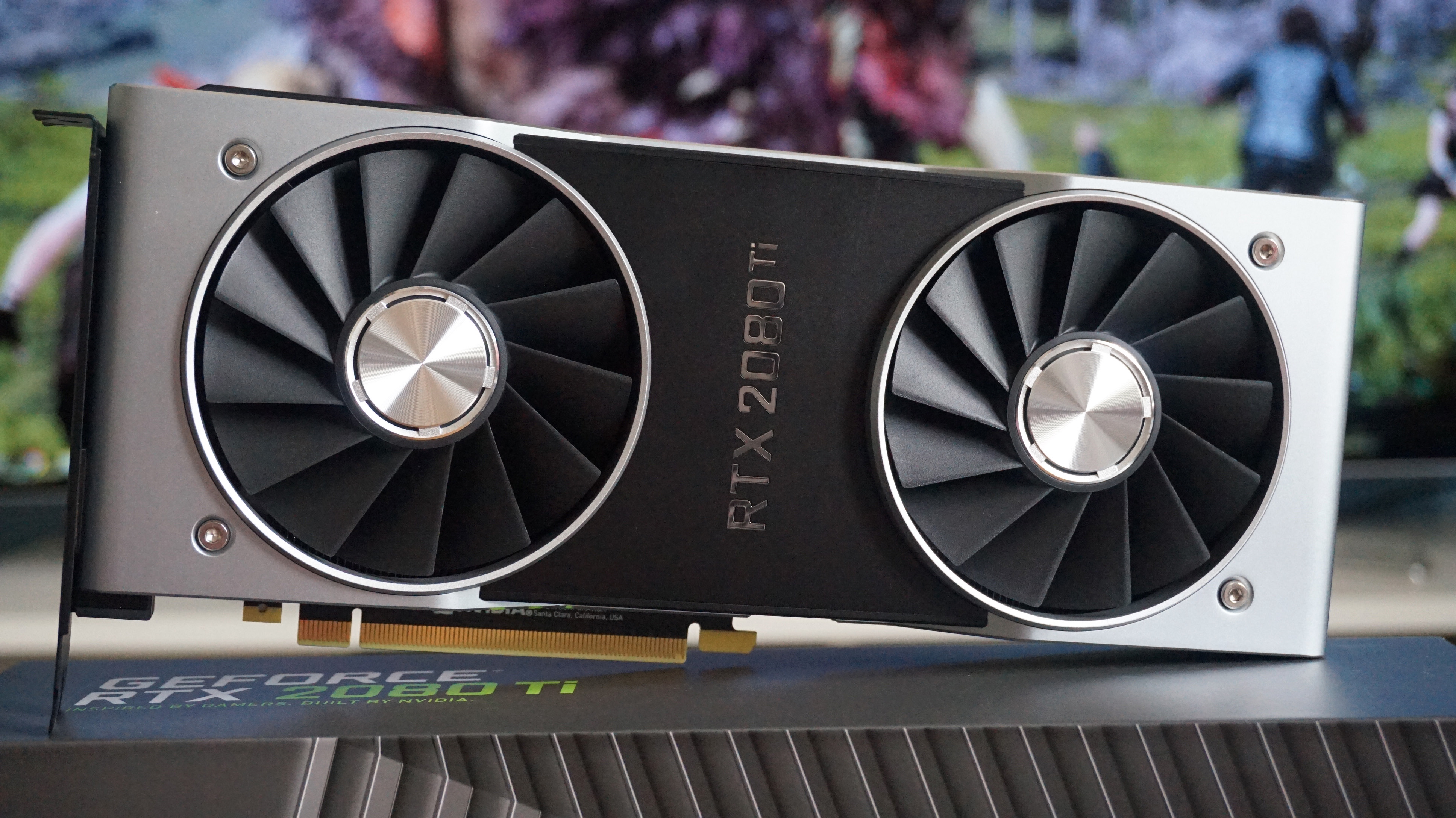
Hands down the world’sbest graphics cardright now, the Nvidia GeForce RTX 2080 Ti is probably the only Nvidia card thatdoesn’tneed Monster Hunter: World’s DLSS support to get the smoothest, bestest best frame rates. Then again, what do you expect from a thousand quid graphics card? You might want to switch it on if you’re playing at 4K on Highest, but otherwise it’s pretty much smooth sailing across the board.
Can I play this at 1920x1080?
Silly question, really. Of course it can. Stick it onHighestand enjoy a silky average of at least85fps.
Can I play this at 2560x1440?
Another no brainer, to be honest. Once again, you’ll be perfectly fine whacking this up toHighestat this resolution, where I saw average frame rates all the way up around the75fpsmark.
Can I play this at 4K?
It kinda goes without saying at this point, doesn’t it? Personally, you’ll probably be perfectly fine coping without DLSS here, as Highest will still get you a perfectly playable average of 47fps at this resolution. Switch it on, though, and you’ll be back up nearer 60fps in no time. If you want the purest Monster Hunter: World experience, though, then you’ll likely want to drop down toHighhere for an average of64fps.

AMD Radeon R9 270
It’s still better than the R7 260X Capcom lists as the absolute bare minimum spec requirement for playing Monster Hunter: World, but good gravy if you’ve still got one of these graphics cards in your PC, do yourself a favour and UPGRADE, GODDAMMIT. It’s time for something better.
Can I play this at 1920x1080?
Barely. Even onMid, the R9 270 just about managed a steady 30fps on this mode, reaching an absolute maximum of 35fps when I happened to stumble on one of its rare empty corner of its vast jungle. Yes, you can always settle forLow, but really, you might as well throw the card in the bin at that point and buy the console version.
In fact, buy the console version anyway. It will probably look and run better than anything you can manage with this piece of junk.
Can I play this at 2560x1440?
Pffttt. You’re having a laugh, right? Moving on…
Can I play this at 4K?
Ahahahahahahhahhahah aha hahahahha hahahah aha, no.
AMD Radeon R9 290
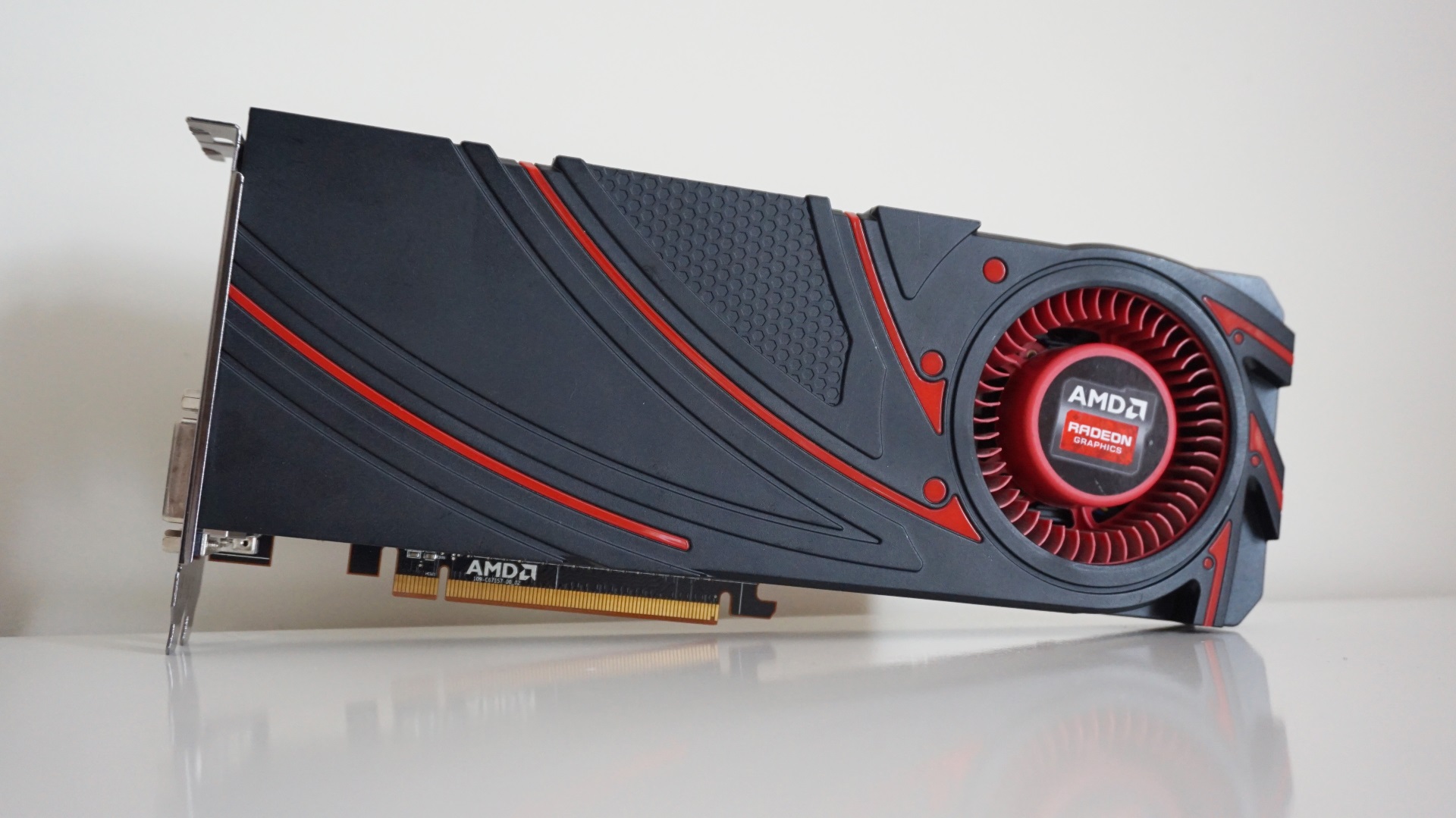
That’s pretty impressive for such an old card, and I’m sure third-party models with better cooling might even be a touch faster if you happen to still be using one as your main graphics card. It’s had a good innings, the R9 290, and will probably continue to be a decent choice for 1080p gaming for a while longer. Here’s what it made of it.
Can I play this at 1920x1080?
Surprisingly, yes.Mid produced the smoothest ridethrough the game’s dense flora, averaging a highly respectable 50-60fps, and it even took a pretty good stab atHigh, too.
Can I play this at 2560x1440?
You know what? Yes. Just about. I’d recommend going withMidagain at this resolution, which averaged between 30-40fps depending on how busy the scene was and whether the resident Rathian fancied duking it out with the neighbouring Anjanath that day.
In fact, as long as you’re happy with playing at 30fps, you can even push the graphics settings up toHighand not feel any worse for wear. I’d keep the scaling set to prioritize resolution, though, as opting for High saw a couple of ugly dips to 25fps, whereas the former pretty much bobbed between 30-35fps.
Can I play this at 4K?
Ahahahah ahahahahaaaaa, alas not.
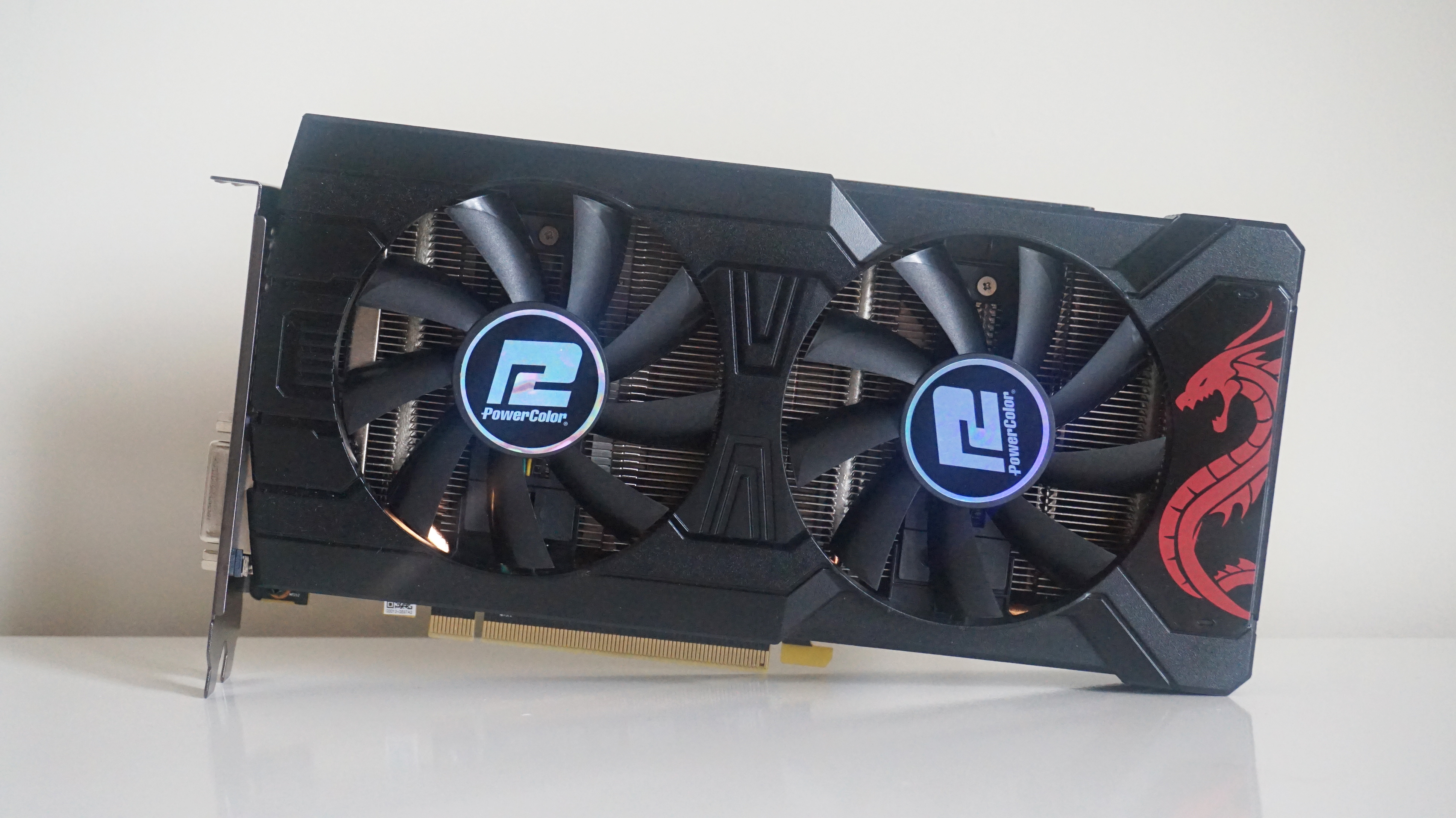
AMD Radeon RX 570 (8GB)
Despite getting on a bit, AMD’s Radeon RX 570 is still falls under the recommended PC requirements for Monster Hunter: World, which is good news for anyone hoping to get a bit of dino-slaying action in without upgrading their graphics card. It’s still a pretty demanding game, though, so you may have to temper your expectations a little, but on the whole you should get some highly playable frame rates here.
That said, you may well see slightly better results than what I’ve detailed below, as PowerColor’s Red Dragon version is one of the slower 8GB cards you can buy right no.w With a boost clock speed of just 1250MHz, it’s quite a way behind the very top-end cards with boost clocks up in the mid 1300s. Still, as a baseline experience, there’s a lot to like here, so let’s get on down to some of those lovely frame rates.
Can I play this at 1920x1080?
Yes indeed.Midwill get you the smoothest average frame rate, settling bang on60fpsin my tests, but you’re probably fairly safe bumping the quality up to High instead. Here, I saw an almost as smooth average of 57fps, so you may as well enjoy those slightly prettier textures. Highest is doable as well, but here you’re only looking at a rather choppy average of 39fps.
Can I play this at 2560x1440?
Just about, butMidis as good as it gets here, and even that’s a bit optimistic. Still,40fpsisn’t to be sniffed at, and is still pretty good going for this type of card.
Can I play this at 4K?
Alas, 4K is beyond the RX 570, but then it was never destined for 4K gaming in the first place. Stick with 1080p instead.
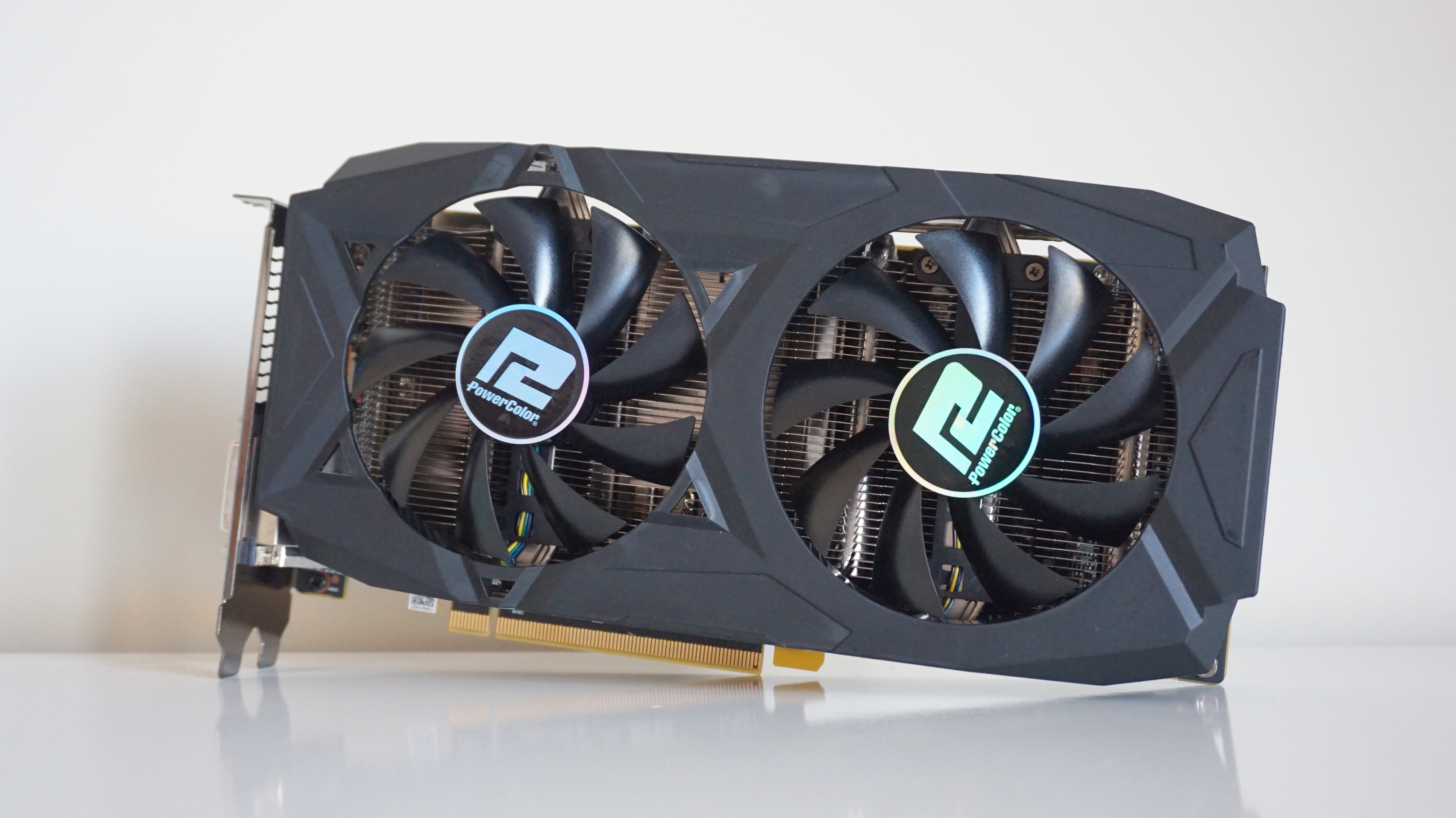
AMD Radeon RX 580 (8GB)
Much like the RX 570, the 8GB version of AMD’s Radeon RX 580 makes a fine 1080p partner for Monster Hunter: World, but falls apart a bit when we bump it up to 1440p. Still, the RX 580 was never really meant for anything more than a little bit of 1440p gaming, so this turn of events isn’t wholly unexpected.
This particular card is from PowerColor, and is the 8GB Red Dragon edition, which has a boost clock speed of up to 1380MHz. This makes it one of the faster RX 580s out there at the moment, but I’m confident the results below should still be broadly representative of what’s possible on other 8GB RX 580s with slightly slower boost clock speeds.
Can I play this at 1920x1080?
Yep and yep. You’ll get the best speeds onHigh, where I managed a lovely smooth average of64fps, but if you’re fine with a frame rate down in the mid 40s, then you could probably bump it all the way up to Highest as well.
Can I play this at 2560x1440?
Sort of, butMidis really the best you can hope for here. I saw an average of around45fpsat this resolution. Having said that, though, High was only a tad slower with an average of 43fps, so you could probably risk that given it’s only a couple of frames behind overall.
Can I play this at 4K?
Sadly, 4K isn’t really doable on the RX 580. You could muck about with Low if you really felt like punishing yourself, or make do with an average of 34fps on Mid, but really, why bother when you can get a much prettier (and not to mention considerably smoother) monster hunting experience at 1080? and 1440p?
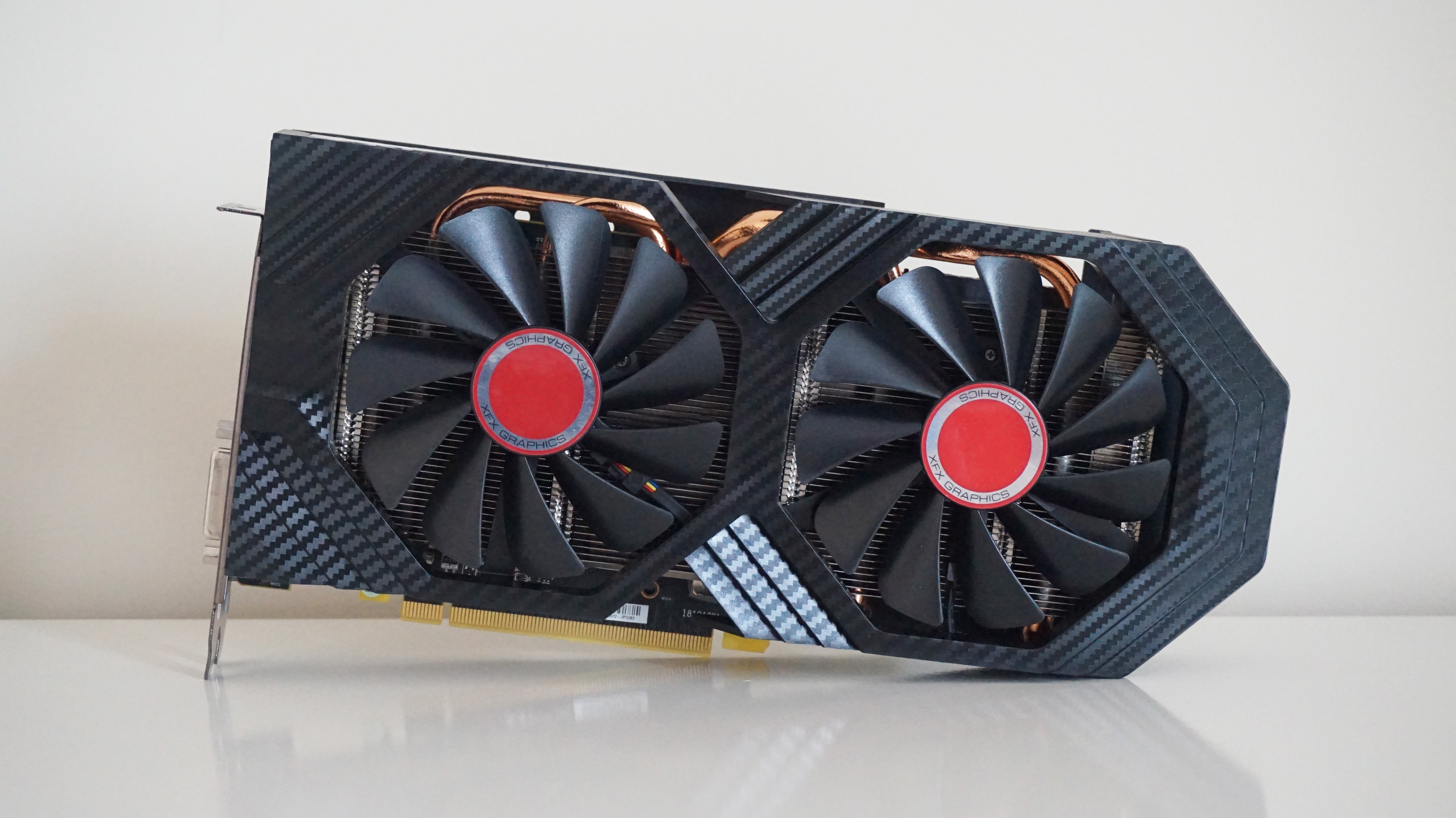
AMD Radeon RX 590
AMD’s Radeon RX 590may not be widely available at the moment, but man alive can you pick up one of the remaining few models for a right old bargain these days. Still, of the few models that do still exist, XFX’s Fatboy is more or less bang in the middle when it comes to base and boost clock speeds. This means that the results below should be pretty much representative of what you’ll see on other RX 590s in Monster Hunter: World, which is good news if the results for the RX 580 and GTX 1060 weren’t quite to your liking.
Can I play this at 1920x1080?
Absolutely. It’s not quite a consistent 60fps, but I found an average of51fpson Highest was perfectly playable during my testing, and it seems a shame to waste Monster Hunter: World’s pretty environments for the sake of ten frames or so. Of course, if 50-odd fps isn’t to your liking, you can always knock it down to High, or turn off that volumetric fog.
Can I play this at 2560x1440?
Yep and yep.Midwill get you the smoothest speeds at this resolution, averaging around50fpsagain, but High doesn’t add much of an additional hit to your old frame rate. Indeed, I saw an average of 48fps on this setting, which isn’t really much different from Mid. Highest, on the other hand, will only get you around 34fps, so I’d stick to one of the other settings if you’re adamant about playing at this resolution.
Can I play this at 4K?
Sort of, but not really. Again,Midis your best bet here, but you’re only really looking at an average frame rate of 36fps overall, so you’d be much better off sticking with a less demanding resolution here.
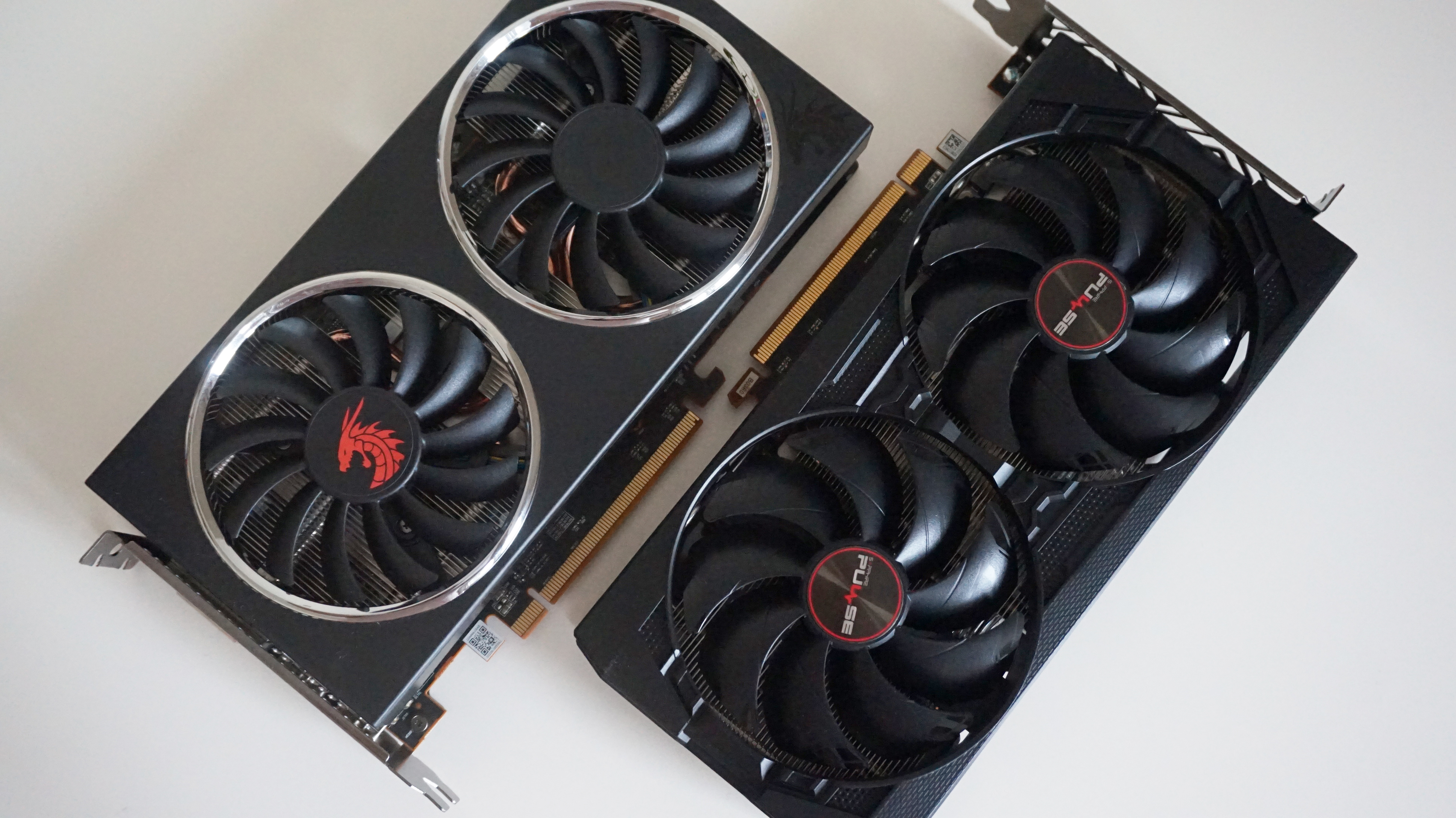
AMD Radeon RX 5500 XT
AMD’s Radeon RX 5500 XTis a real powerhouse for its tiddly price, and I’ve grouped both the 4GB and 8GB versions of this card together here because their benchmark results are so gosh-darned similar.
The 4GB version is Sapphire’s entry-level Pulse model, while the 8GB version is another entry-level card from PowerColor. Both represent the cheaper end of what’s available for each type of RX 5500 XT, so the results below should be taken as a base line experience rather than the absolute cream of the crop. Still, as you’ll soon see below, there’s plenty to like here, especially at 1080p.
Can I play this at 1920x1080?
Yes indeedy. In both cases, you’ll get 60+fps frame rates onHighat this resolution, with the 4GB card offering up an average of65fpsand the 8GB card pushing it just a little higher at69fps. Highest is doable on both cards, but with an average of just 45fps across both cards, it won’t be nearly as smooth.
Can I play this at 2560x1440?
Yes, butMidis your best bet here. Again, both cards produced nigh-on identical average frame rates here, coming in at49fpsapiece. Turn off that volumetric fog, though, and you should see at least a small bump to push it over that 50fps line.
Can I play this at 4K?
Alas, 4K is very much beyond the limit of what these 1080p-oriented cards are capable of in this game, so don’t even go there.
AMD Radeon RX 5700
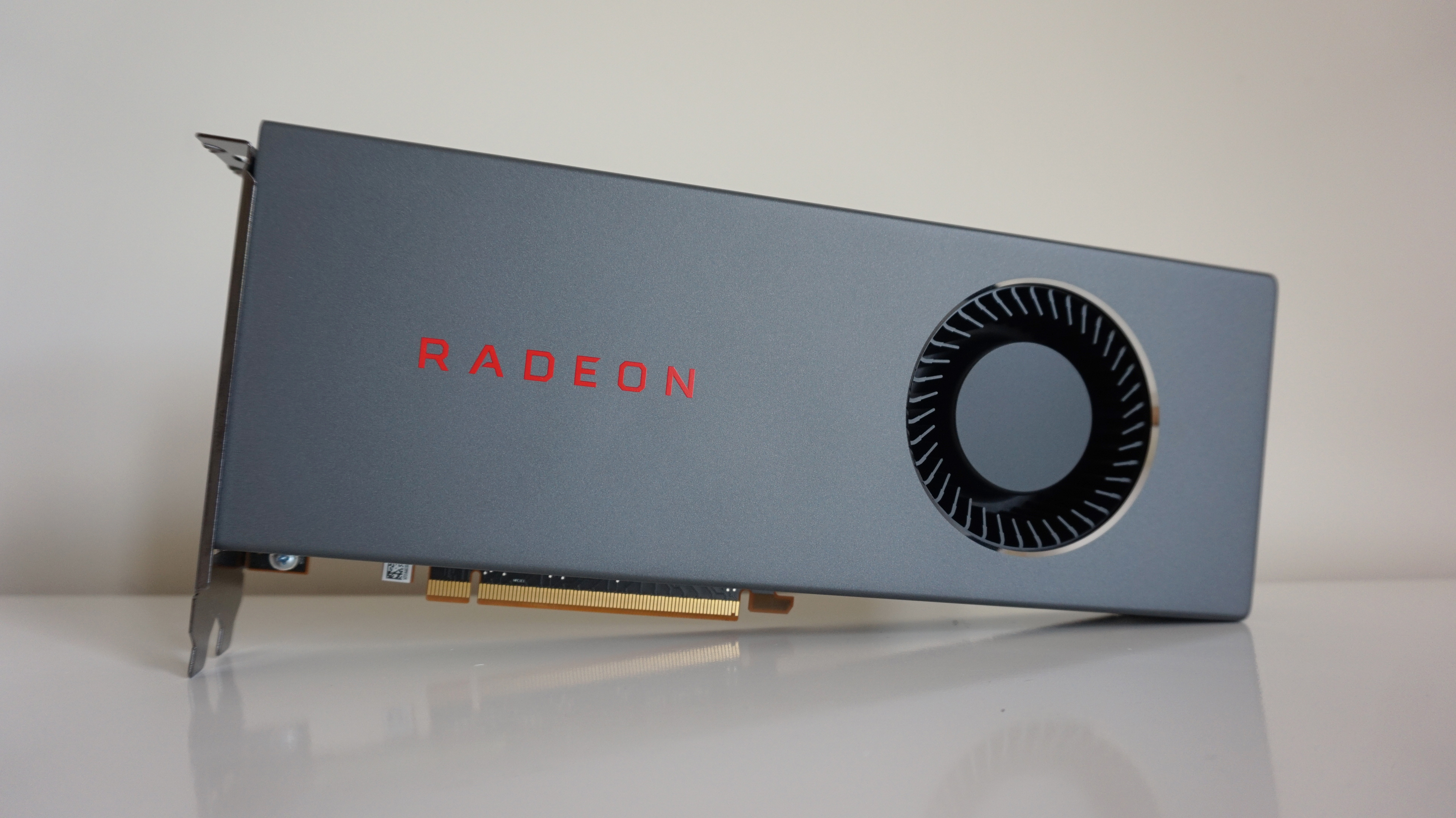
One of thebest graphics cards you can buy today for superb 1440p gaming,AMD’s Radeon RX 5700is an absolutely stonking card for the money. That said, while it beatsNvidia’s GeForce RTX 2060in practically every game going at the moment, it does have the slight disadvantage of not supporting Monster Hunter: World’s performance boosting DLSS tech. Still, there’s plenty of good numbers to admire here, making this still an excellent card for crafting a new pair of lizard gloves.
This particular edition is AMD’s own reference version of the card, so the results below should probably be taken as a bare minimum for what’s possible with this card rather than the absolute limit – especially now there are third party models available to buy with superior coolers and overclocked boost speeds. Still, as you’ll see below, this is still an excellent card for hunting some of them there monsters.
Can I play this at 1920x1080?
You betcha. Stick it onHighestand enjoy smooth, dino-slaying frame rates averaging around73fps.
Can I play this at 2560x1440?
Can I play this at 4K?
You triple betcha, but only just about.Midis playable at an average of41fps, but really, you’d be better off sticking with 1440p in this case. Not only will you get faster performance, but you’ll also get a better looking game to boot.
AMD Radeon RX 5700 XT
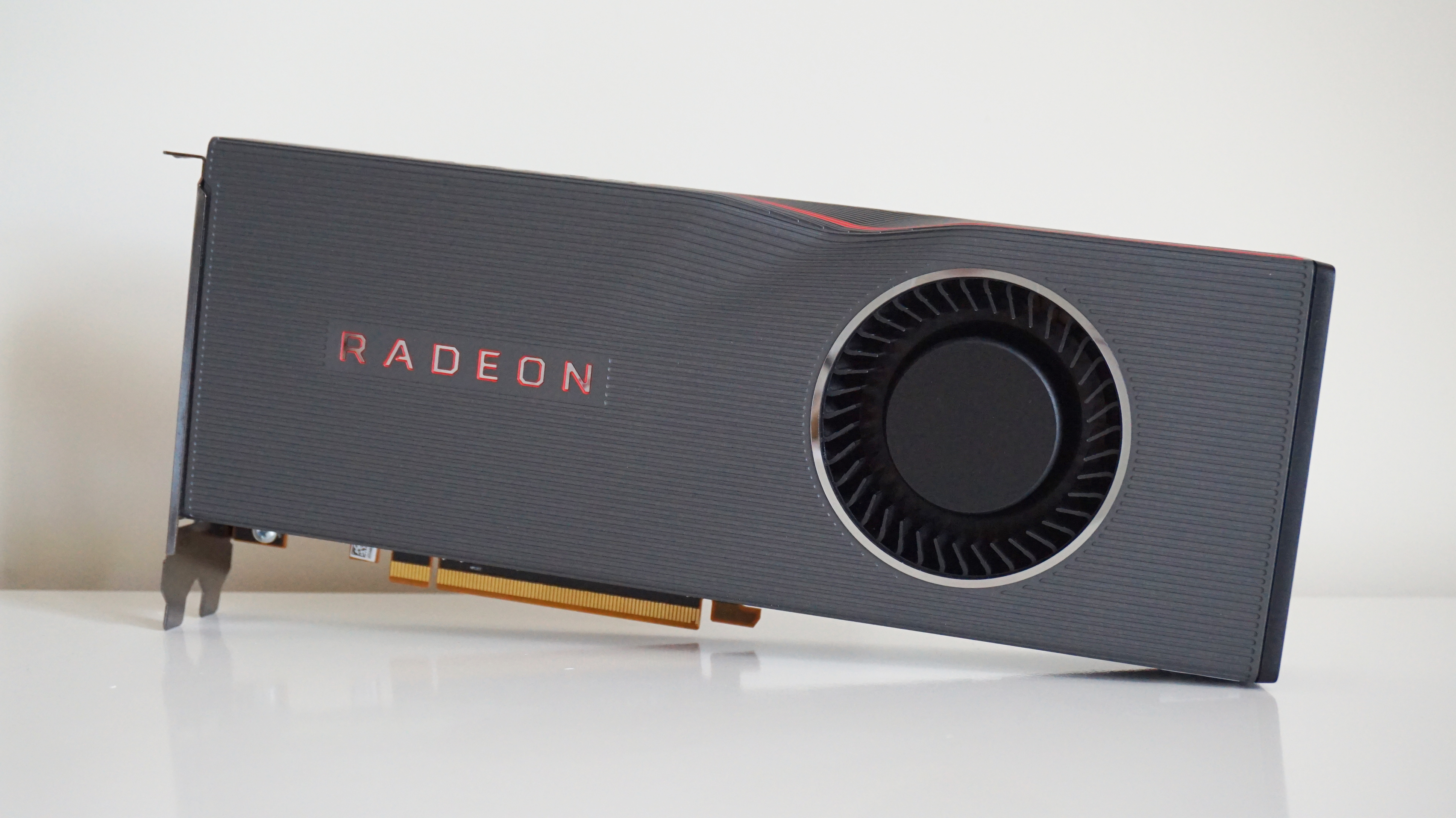
I do love my slightly melty-lookingAMD Radeon RX 5700 XT. It might give me a small panic attack every time I take it out of my PC when it’s still a bit warm, but this is still one of thebest graphics cards you can buy today for flawless 1440p gaming.
Indeed, much like the regularRX 5700, there’s now no real reason to settle for one of AMD’s reference models of this particular card, as there are now plenty of faster and better-cooled editions available from third party manufacturers. As a result, you’ll probably get slightly faster speeds from one of those than what I’ve detailed below. Either way, though there’s still plenty to like here, regardless of model type.
Can I play this at 1920x1080?
A big tick for this one. Crank it up toHighestand enjoy a smooth average of82fpsfor your trouble.
Can I play this at 2560x1440?
Two ticks here. Once again, you’ve got enough power here to put it straight up toHighestand get a lovely average of59fpshere, although if you really want to be on the safe side, then perhaps an average of 83fps on High will do instead?
