HomeGuidesCall of Duty: Modern Warfare III (2023)
Modern Warfare 3 best FOV settingsHere’s how to customise your field of view in MW3
Here’s how to customise your field of view in MW3
Image credit:Activision
Image credit:Activision
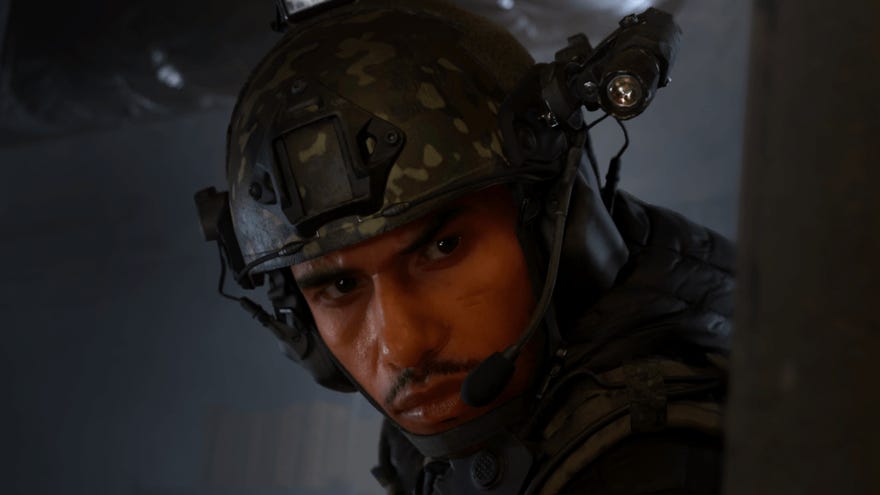
Wondering how to customise your FOV in Modern Warfare 3?Field of view (FOV), best defined as the range of your in-game vision, is a pivotal feature inCall Of Duty: Modern Warfare 3. While some players prefer a lower FOV for added immersion, others may want to see more, especially for a fast-paced multiplayer experience. Make the FOV too high, however, and you’ll potentially notice a fish-eye effect around the edges of your screen.
Luckily, there’s a sweet spot between a camera that’s too close and one that’s too far away. Below, we’ve got the rundown on how to change the game’s FOV, our favourite settings, and why you might want to tweak Modern Warfare 3’s field of view to see what works best for you.
Warzone 2 - Ultimate Beginner’s Guide | Everything You Need To Know About Warzone & DMZCheck out our ultimate beginner’s guide for Warzone 2.0. Join vid bud Liam as he gives you all the tips and tricks you need to survive within Warzone and DMZ.Watch on YouTube
Warzone 2 - Ultimate Beginner’s Guide | Everything You Need To Know About Warzone & DMZ

How to change your FOV in Modern Warfare 3
MW3 starts with a default FOV of 80, and you’ll find that you can adjust the FOV slider up to 120.
The best FOV settings in Modern Warfare 3
We recommend bumping the FOV up to 90 to reveal more on the screen, and gradually increasing it to see how high you can go before you start feeling like you’re too zoomed out of the action. The sweet spot for most MW3 players will probably be around100-110, though it does depend on the size of your monitor.
Once you’ve found the FOV you like, we recommend going to theADS Field of Viewtab and selecting “Affected.” This will ensure that you have a smooth zooming experience when aiming down sights. Following this, navigate to theWeapon Field of Viewoption, which lets you adjust the height and width of your in-game weapon. If you’ve got a FOV higher than 90, choose the “Wide” setting to ensure that your firearm takes up a minimum of precious screen space.
Benefits of tweaking FOV in Modern Warfare 3
You might be wondering, especially if you’re new to first-person shooters, why it’s worth fiddling with FOV in the first place. Frankly, the default FOV of 80 is fairly tight and might be fine for Modern Warfare 3’s singleplayer campaign, especially if you want to maintain a cinematic feel that’s up close and personal. But a higher FOV means higher spatial awareness, and this is very advantageous in multiplayer mode if you’re trying to get a better grasp of your environment. Simply put, there will be less wasted movement as you swivel around to spot foes who might normally be out of your vision at a low FOV, and this can make a major difference during matches.
That ends our guide to FOV settings in Modern Warfare 3. For gameplay details on the best weapons and attachments, be sure to take a look at our guide to thebest guns in MW3, as well as our list of thebest loadouts in Modern Warfare 3.
