HomeHardwareFeatures
HTC Vive Cosmos Elite review: standing in the shadow of the Valve IndexAn improvement on the regular Cosmos, but man alive it’s way too expensive
An improvement on the regular Cosmos, but man alive it’s way too expensive

When HTC first announced that their newVive Cosmosheadset had a modular faceplate design that would let you update it for “different VR needs in the future”, it wasn’t entirely clear what those needs would actually entail. Would it be the faceplate equivalent of their Vive Tracker doodad for bringing real-world objects in VR? Or would it somehow introduce eye-tracking like theirVive Pro Eyeheadset?
Finally, we have an answer in the recently releasedVive Cosmos Elite and the upcoming Vive Cosmos Play. Fundamentally, both the Play and theEliteare exactly the same headset as the regular Cosmos. The only real difference is how their respective faceplates track your virtual movements. With the Elite, HTC have ditched the (relatively) hassle-free inside-out tracking of the standard Cosmos and opted for external SteamVR base station tracking instead. It’s effectively a newer incarnation of the original Vive and Vive Pro, and even comes with the old Vive wand controllers and SteamVR 1.0 base stations in the box if you buy it as a complete headset bundle. You can also buy the Elite faceplate separately if you’re an existing Cosmos owner, too, but is it really worth the upgrade when theValve Indexonly costs a little bit more? The answer is: it’s complicated.
As I mentioned in my originalVive Cosmos review, I’m very much on board with the thinking behind HTC’s latest PC-based VR headset. Being able to simply add a new bit onto your existing headset instead of chucking the entire thing out when a newer, fancier version comes along is a great idea on paper, and it’s much friendlier on the old wallet, too. In practice, the Cosmos doesn’t quite live up to those lofty expectations, but the Cosmos Elite does burn slightly brighter than its standard sibling if you’re willing to put the work in.
Now, I was sent the Vive Cosmos Elite as a separate, standalone faceplate to add onto a standard Vive Cosmos. HTC also sent me two old Vive wand controllers and two SteamVR 1.0 base stations to go with it, so my main experience of getting the headset up and running will be very similar to those ‘upgrading’ from the regular Cosmos rather than someone getting the job lot as a complete headset bundle. The£899/$899headset bundle does indeed come with those aforementioned Vive wand controllers and SteamVR 1.0 base stations in the box, but as I’ll explain in a minute, the upgrade process isn’t nearly as easy as it should be.
Ever wondered what the Vive Cosmos looks like without a faceplate?
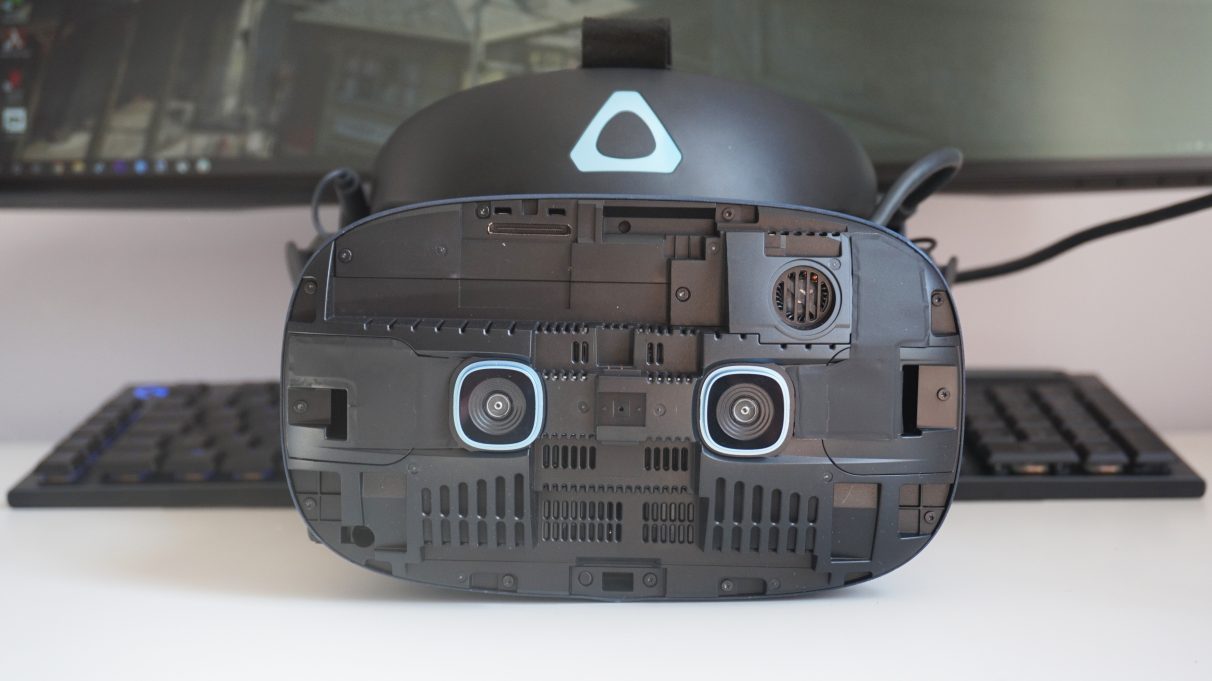
It wouldn’t be so bad if that was the end of the matter, but sticking a new faceplate on doesn’t mean your PC automatically recognises it as a new headset. When I first tried to get the Vive Cosmos Elite set up, for instance, I spent ages wondering why the Vive Console software wasn’t picking up the headset properly. Turns out you also have to reset the headset’s control box as well, an answer that I had to go rooting around for in HTC’s online support pages due to the lack of instructions in the box. Again, the actual act of pressing a button isn’t exactly that hard, but more needs to be done to make the process easier and more accessible for first-time VR users.
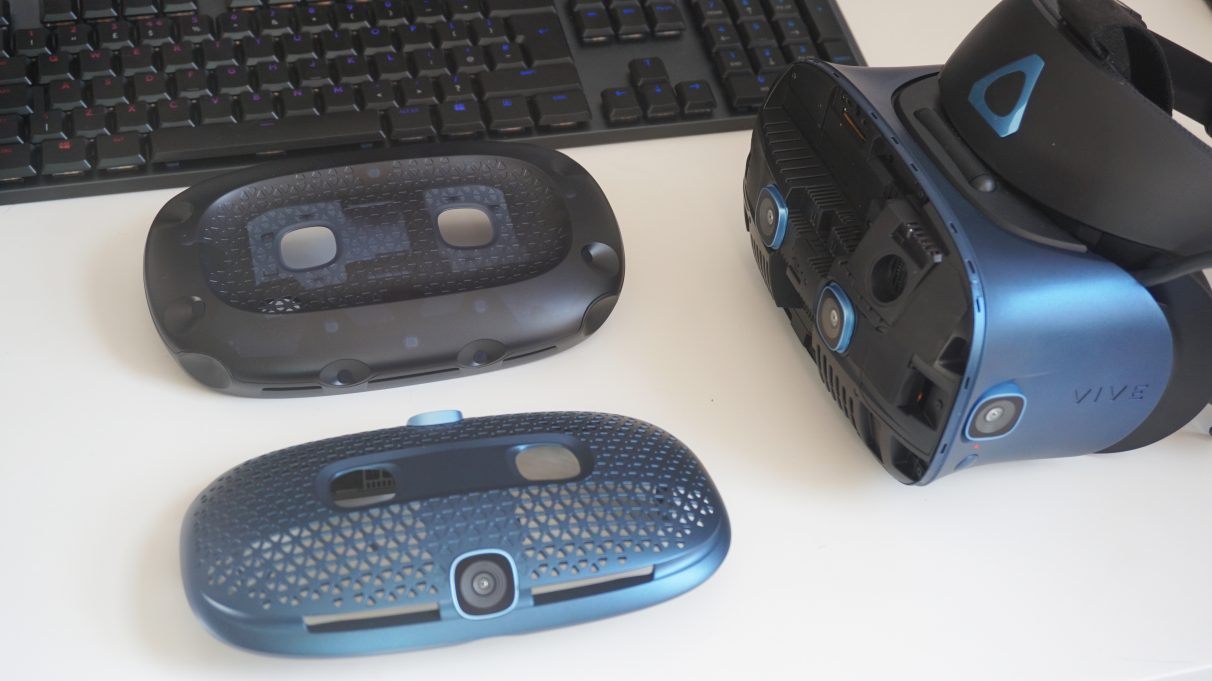
Next, I had to set up the SteamVR base stations and pair the headset with a new set of controllers. As with the original Vive, you’ll need to plug each base station into mains power and put them in opposite corners of your play space so they can see the headset at all times. This may mean you may have to trail some cables across the floor depending on where your plug sockets are, which isn’t exactly ideal but right now it’s just a necessary evil you’ll have to put up with. Luckily, SteamVR takes care of most of the setup, and I actually had a much better time getting Vive’s Console software to work with SteamVR here than I did with the regular Cosmos.
However, even if the setup process was a walk in the park, there’s still quite a cost involved here if you’ve only ever had a Vive Cosmos headset. The Elite faceplate isn’t compatible with the regular Cosmos controllers, you see, so you won’t be able to reuse them if you’re upgrading. Instead, you’ll need controllers that are compatible with the SteamVR base stations, which either means sourcing a pair of old Vive wand controllers, which currently cost£240/$260if you opt for the original models direct from HTC (or£386/$400if you want the blue 2018 versions that came with the Vive Pro), or buying a pair of Valve Index controllers through Steam, which cost£259 / $280.
The Vive Cosmos Elite isn’t compatible with the regular Cosmos controllers, so you’ll have to make do with older Vive controllers to take advantage of its external SteamVR trackers. Fortunately, the SteamVR trackers are also compatible with Valve’s Index controllers.
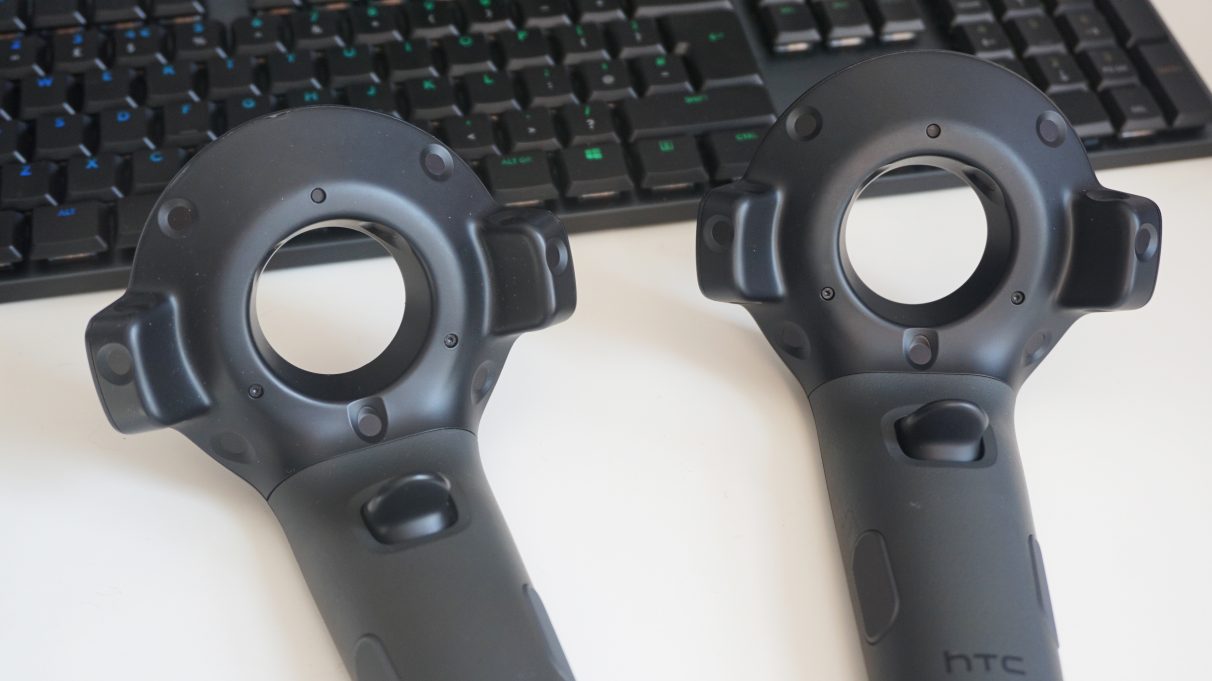
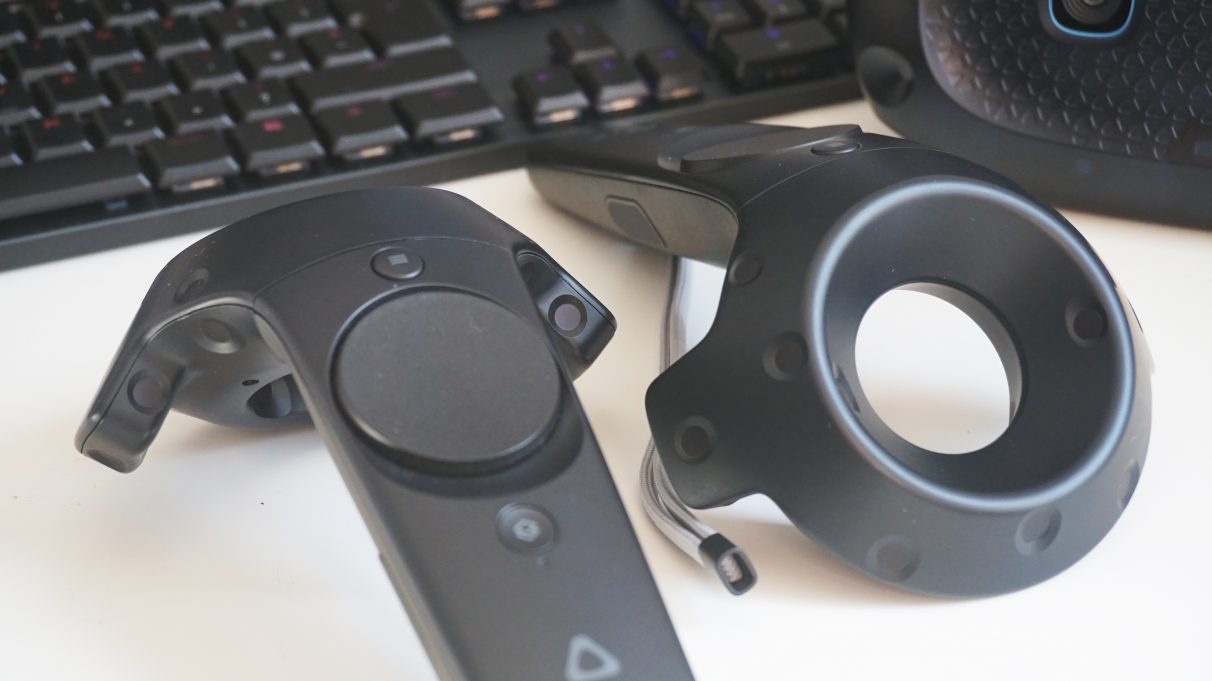
Of course, the dent on your wallet will be much less if you already own old controllers and base stations from a previous Vive or Vive Pro purchase, but as I explained in myBest VR headset for Half-Life: Alyxarticle, I just don’t think the old Vive wand controllers are fit for purpose any more, especially if you want to play fast-paced action games like Alyx. Not only do the wand controllers lack the same number of buttons as other VR controllers, resulting in more controls getting crammed onto the track pads, but the track pads themselves also feel like a massive step backwards compared to the proper analogue sticks you get on every other VR controller these days. They’re still all right for slower, more sedate VR games, but I always felt at a severe disadvantage when I played anything that required me to walk or move around a lot.
If you’re buying the Vive Cosmos Elite as a headset bundle, you’ll get two old Vive controllers and two SteamVR 1.0 base stations with it in the box.Fortunately, help is at hand in the form of the Valve Index controllers. These are the best VR controllers in my book, as they not only offer the most accurate hand tracking, but they’re also light and comfortable to use for long periods of time. Plus, they work a real treat with the Cosmos Elite. They took all of three seconds to pair with the headset, and are well worth the extra £20 / $20 over the original Vive wands.
If you’re buying the Vive Cosmos Elite as a headset bundle, you’ll get two old Vive controllers and two SteamVR 1.0 base stations with it in the box.
The external base station trackers are also (unsurprisingly) a massive improvement on the inside-out tracking you get with the standard Cosmos. I didn’t have any of the brightness or visibility problems I had with the regular Cosmos, and I didn’t experience a single tracking issue even when I was playing games on a bright sunny day with the curtains open.
Annoyingly, those buying the Vive Cosmos Elite as a headset bundle only get the SteamVR 1.0 trackers rather than the newer 2.0 models that come with the Valve Index.As for the actual experience of playing games in VR, it was pretty much exactly the same as the regular Cosmos. It is, after all, the same headset, so comfort levels, light bleed, and the overall quality of the screen and built-in headphones were all identical - which is to say perfectly fine.
Annoyingly, those buying the Vive Cosmos Elite as a headset bundle only get the SteamVR 1.0 trackers rather than the newer 2.0 models that come with the Valve Index.
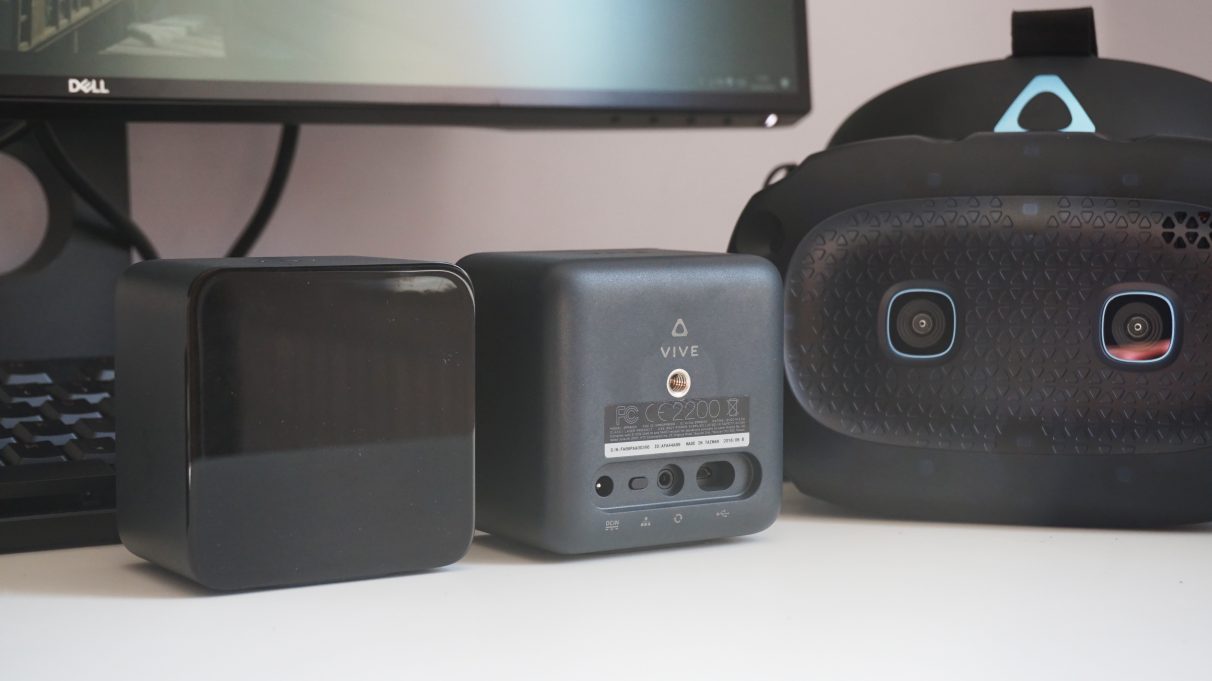
Instead, the main problem with the Cosmos Elite is the fact it costs nearly as much as a Valve Index, if not significantly more for those upgrading from a standard Cosmos. If you’re a first-time VR buyer, for example, the complete Valve Index VR Kit costs £919 / $999, putting it just £20 ahead of the Cosmos Elite headset bundle in the UK, and $100 more in the US. US folk may well prefer to save that extra $100, of course, but when you factor in the cost of those infinitely superior Valve Index controllers (which I’d strongly recommend doing), then you end up spending a lot more than you would buying an Index - which I should also add comes with the newer 2.0 SteamVR base stations rather than the old 1.0 models.
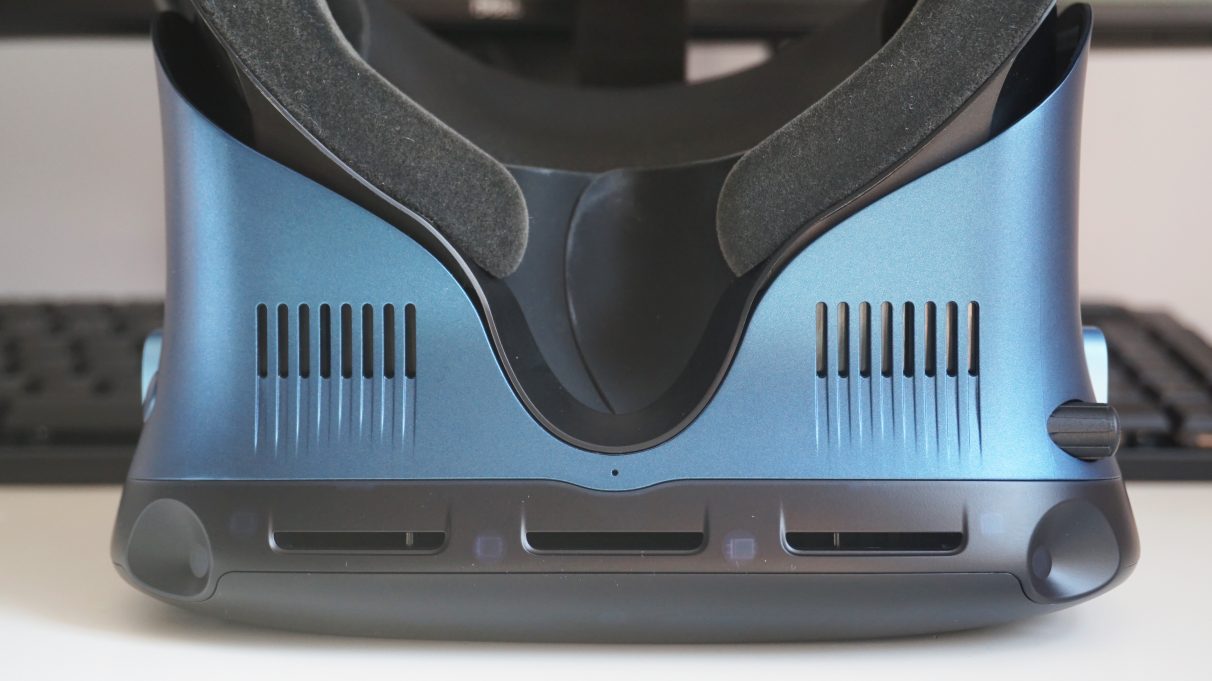
As you may have seen in myValve Index review, it is, in short, a vastly superior headset. Not only is it more comfortable to wear, but the quality of its built-in headphones and display (not to mention its display’s higher refresh rate options) just put it in another league entirely. If you’ve got a spare grand to spend on a VR headset, the Valve Index is absolutely the one you should go for.
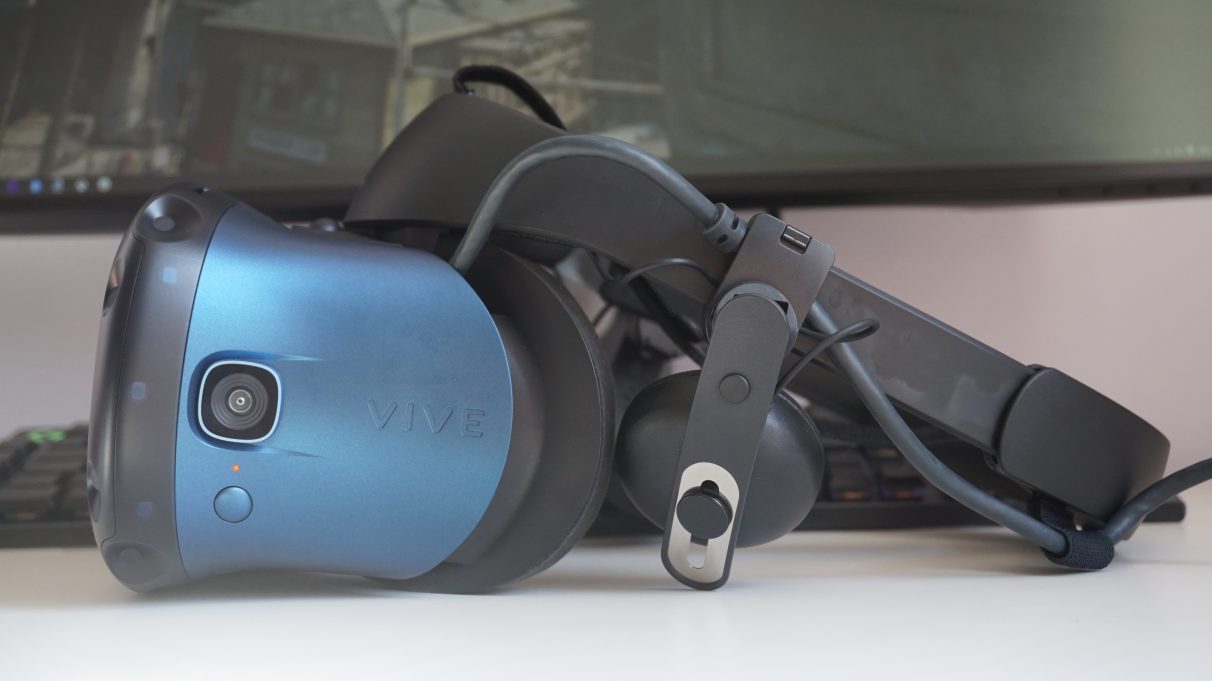
If you’re still rocking an original Vive or Vive Pro, on the other hand, then do yourself a favour and just treat yourself to a pair of Index controllers, as I can’t see any compelling reason to chuck out your existing headset for any of the current Cosmos ones. You’re not getting better controllers, or better base stations; just a slightly fancier looking headset with a higher resolution display, which in my book isn’t really worth buying a whole new headset for.
