HomeHardwareGuides
How to clean your PCA clean PC is a happy PC
A clean PC is a happy PC
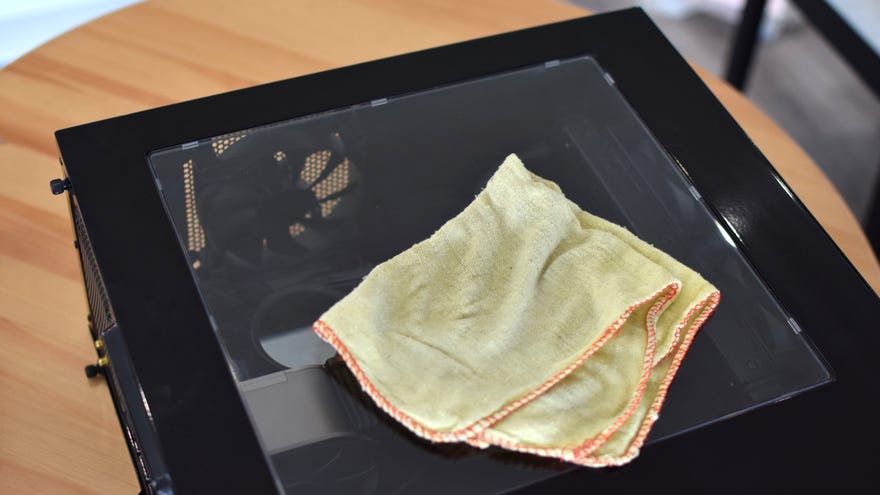
Keeping your PC clean isn’t just for vanity’s sake; our rigs’ fans love to suck in dust that, with time, can clog up filters and coat components. Besides being a bit tragic to look at, this can interfere with airflow and thus make your PC run hotter and louder, rather defeating the point of fans in the first place.
The good news is that you can banish all that grime with some (mostly) bog-standard household cleaning items. This guide on how to clean your PC will show what you need, and where to scrub.
The PC Gaming Weekspot: Psychonauts 2 Gameplay! Saints Row Reboot! Twelve Minutes Gameplay!Watch on YouTube
The PC Gaming Weekspot: Psychonauts 2 Gameplay! Saints Row Reboot! Twelve Minutes Gameplay!

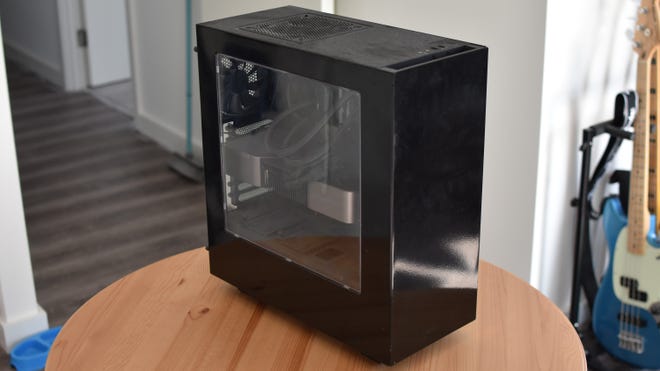
Follow along, then, as I reveal my slovenly shame in service of cleaner, cooler, quieter gaming rigs for everyone.
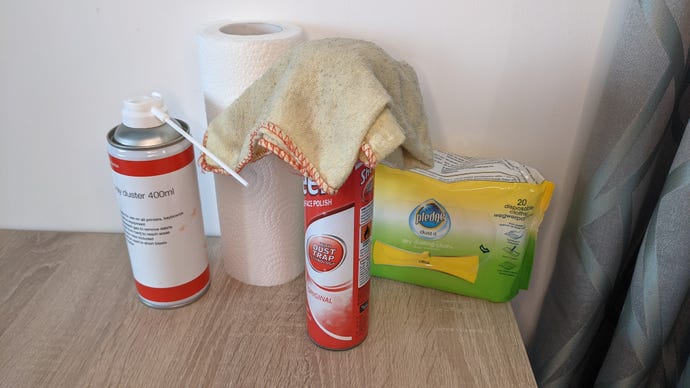
How to clean your PC: Useful kit
You’ll definitely need a dry, soft cloth as your general-purpose cleaning device. For the exterior of your case, some basic multi-surface spray polish is handy too – anything that’s safe for use on metal, plastic and glass.
If you want to step up your cloth game – who doesn’t? – I highly recommend Pledge’s dry dusting cloths. We don’t have secret sponsorship deal with Pledge or anything, I just, y’know…like them. They’re one of the few entities that can overpower PCs on sheer dust magnetism.
Simple paper towels are also good for cleaning up thermal paste. You can do this with a cloth or rag instead, but be prepared to gunk it up with slow-drying grey goop.
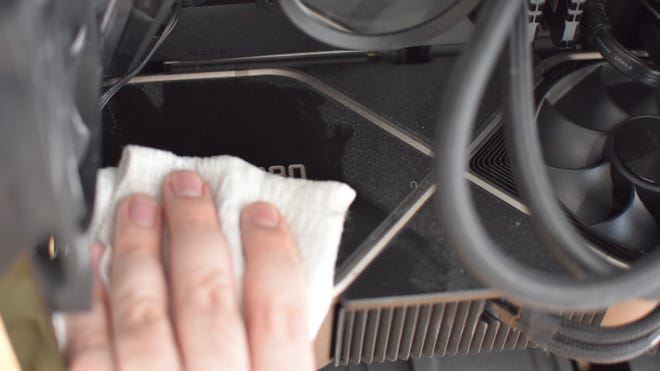
How to clean your PC: Internals
Be particularly gentle if you’re wiping dust of your motherboard; try a dabbing motion so the cloth doesn’t get caught on any tiny bits of circuitry. The bulk of the grime will likely be found on the floor of the case, underneath the PSU shroud if you have one. You probably won’t need to remove the PSU, or indeed any parts, to give it a good clean, but you may need to temporarily shift some of the thicker power cables out of the way.
How to clean your PC: Dust filters
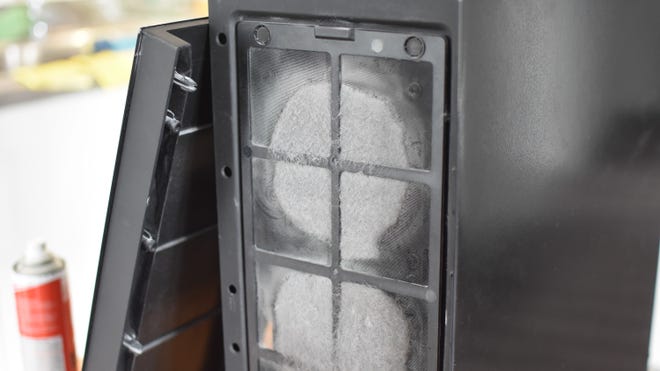
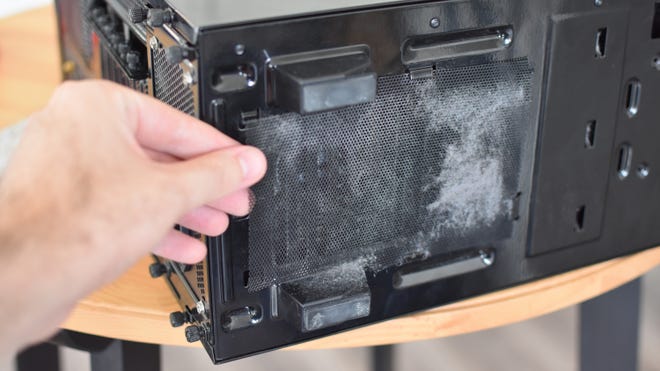
Whelp, that’s an embarrassing photo. While a dust filter with this much crap on it is clearly doing its job, leaving them uncleaned clearly risks these compacted mats that leave the fans underneath gasping for air.
You can practically peel these off like a disgusting layer of felt, then mop of the residual dust with a dry cloth. Since most PC cases make their filters removable, it’s usually smart to take them off before cleaning; you could even wash them in the sink, provided you dry them thoroughly before re-installing them.
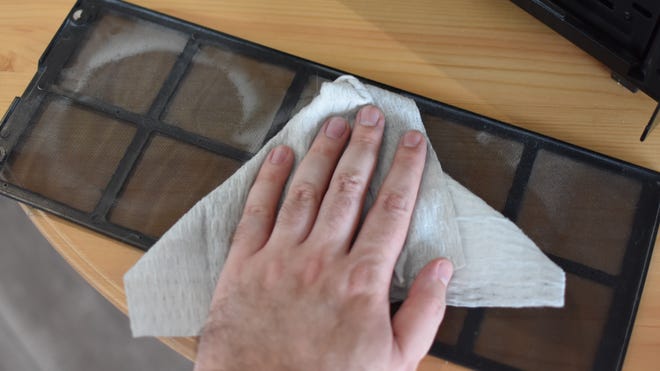
Just be sure to check all around your case so that you don’t miss any filters. The two most common spots are the front intake fans and underneath the PSU; some cases also have filters in the roof fan mounts or elsewhere on the underside.
How to clean your PC: CPU coolers
To be clear, you don’t need to clean away and re-apply your CPU’s thermal paste every time you clean the PCper se. In fact, if the paste was applied properly, it could easily last you until your next CPU or cooler upgrade. Still, cleaning is cleaning, so here it is.
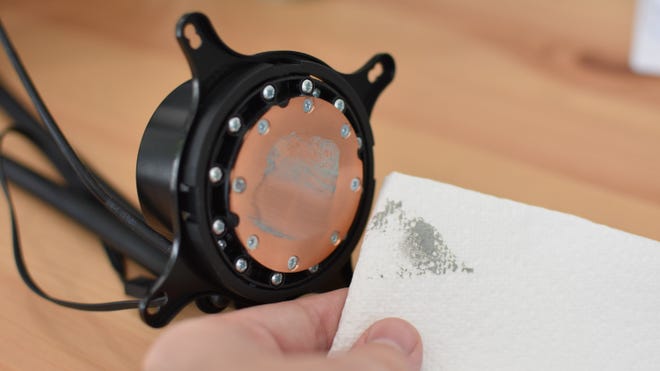
To clean thermal paste off a processor or cooler contact plate, take a paper towel (or a dry cloth that you don’t mind sacrificing) and carefully but firmly wipe it away, using a clean part of towel/cloth for each pass. If you get any on your skin, soap is enough to wash it off.
If the paste has fully dried, it will be much harder to shift, so applying a small amount of rubbing alcohol to your cloth will help clean it away. Don’t use other types of liquid cleaner, though, as they could leave residue on the components.
How to clean your PC: Exterior
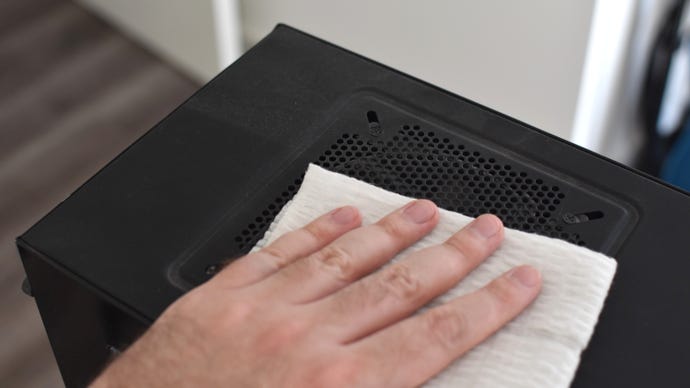
For a real sheen, though, you can’t beat a proper fabric cloth and some multi-surface polish. Spray some polish on your cloth – spraying directly onto your PC is unwise, for reasons that should be self-evident – and wipe down the front, top and side panels to get rid of any remaining dust and fingerprints. Note how we’re doing this last, so as to avoid introducing any polish to the internals via a re-used cloth.
If you want, give any external ports a quick blast of compressed air, and you’re done! Enjoy your PC’s rediscovered shininess, along with all the practical cooling benefits it brings.
How often should you clean your PC?
You should try to give your rig a good clean every six months or so; the dust accumulation you’ve seen in these pictures is about eight months’ worth, so I’ve been a little lax. More frequent cleaning will prevent both the unsightly buildup on the case’s exterior and the more problematic obstruction of any fan filters.
It’s also worth cleaning/vacuuming the space where your PC usually sits, as dust or pet hair can gather here too. Again, every six months is often enough, and definitely no less than once a year.
