HomeNewsGOG Galaxy
GOG Galaxy 2.0 collects your subscription game libraries now tooEven more unified library
Even more unified library
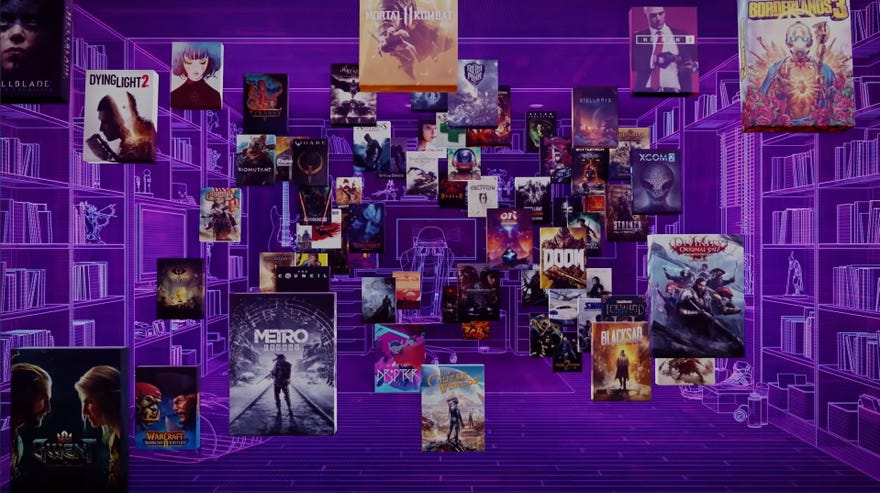
The open beta for GOG’s new game launcher has gotten another update that, among other things, will let you link and surf the libraries of your subscription game services. Update 5 forGOG Galaxy 2.0has a few other features like custom executables and sorting titles as well.
GOG Galaxy2.0 already unifies all your separate game libraries from different storefronts like the Epic Store, Steam, Origin, and so on. Now it will collect every game you currently own as part of your subscription services as well.
Subscription game services have become a lot more the norm in the past year than frankly I ever expected them to. TheXbox Game Pass for PClibrary always seems to be adding great games. There’s EA Access and Uplay+ and Humble Choice as well. Keeping track of what’s available if you have just one subscription, let alone multiple, is a bit of a headache. Being able to search them all through just one browser sounds like a relief.
To see this content please enable targeting cookies.Manage cookie settings
As part of the newest update, Galaxy 2.0 also gives you the ability to add custom executables and command line arguments for your games. You can choose which executable is your default if, say, you play Elder Scrolls Online and want to make sure that GOG always pulls the 64 bit launcher and not the 32 bit one. You can also set “sorting titles” for your games. Maybe you’ve got some pesky games with special characters in their names you’d like to standardise or too many games starting with “the”.
Although I’ve not yet made the full jump to running Galaxy 2.0 every day, I’ve continued to be impressed with its updates. It seems that GOG actually understand and are adapting to the way that we’re collecting and playing games. Subscription services have gotten big, so they’re looking to solve that. Makes sense.
There are a few more minor updates to Galaxy 2.0 as well, though it appears you can only view the full changelogs inside the program. They’re under the settings cogwheel.
