HomeHardwareFeatures
Glorious' Model D is a fantastic lightweight gaming mouse (and even squeaks like one, too)Squeaky clean
Squeaky clean
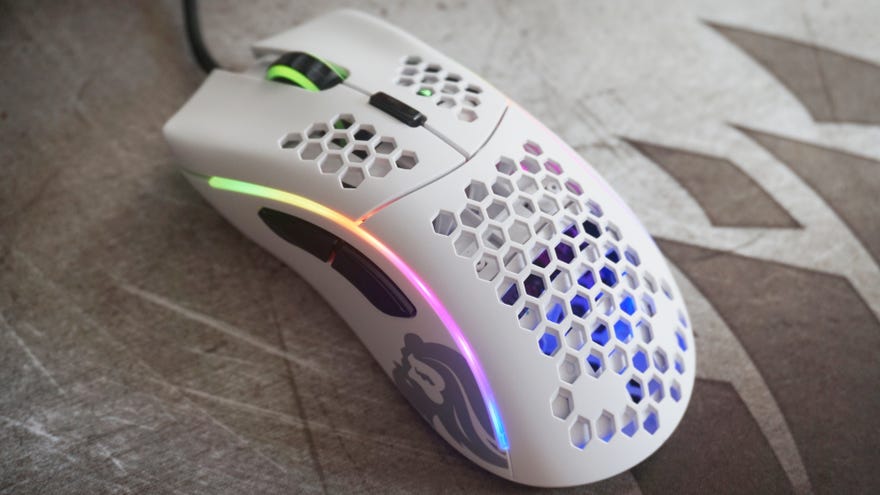
TheGlorious Model O-was one of my favourite gaming mice of 2019, so you can probably imagine how thrilled I was when I heard they were making another, more ergonomic lightweight gaming mouse, the Model D. Priced at an identical£50/$50as the symmetrical Model O, the Model D brings all that honeycombed holier than thou greatness to an even comfier, right-handed chassis, weighing in at a mere 68g in both matte and gloss finishes. It’s a beautiful bit of kit, and it’s quickly become one of my newgaming mouse champions of 2020.
It is, however, a little disconcerting at times, as every now and then I’ll hear an audible ‘squeak’ from its mouse wheel. If my cats didn’t already think this was a new tasty treat to sink their teeth into, they certainly will now.
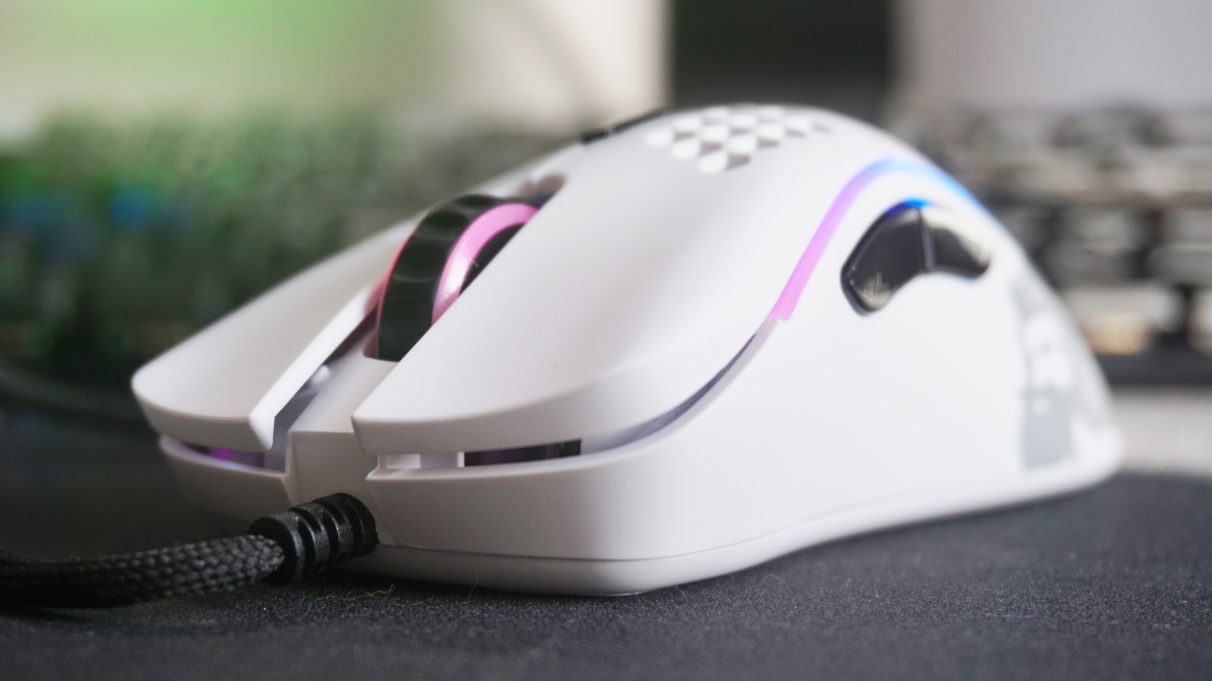
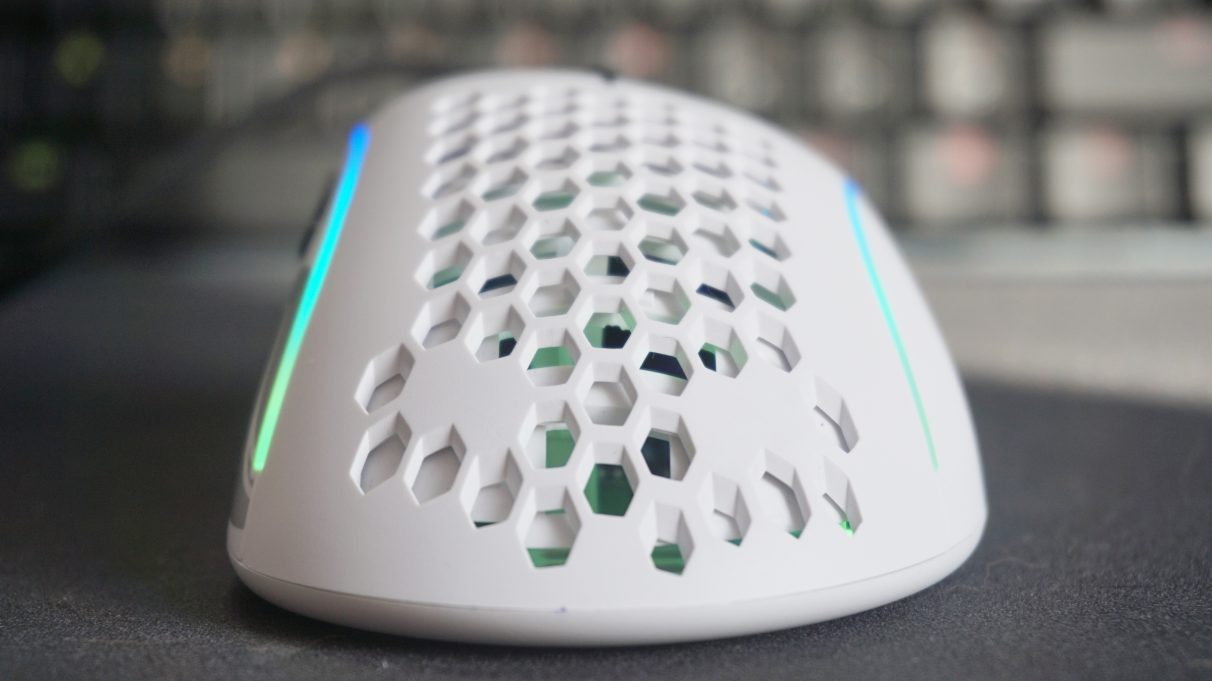
Besides, the holes are a large part of what makes the Model D so wonderfully light and airy. Sure, it’s not quite as light as Razer’s recently releasedViper Mini, but the Model D’s larger, wider chassis feels so much comfier under the palm, regardless of whether you favour a hand-hogging palm grip or a more removed fingertip rip. As a bit of a palm gripper myself, the Model D fit my hand like a glove. Its two side buttons were within perfect reach of my thumb, and its central DPI button didn’t require too much of a stretch to hit with my middle finger, either.
You can also adjust the Model D’s rather in-your-face RGB lighting in its software app, although I actually quite like it as is. I’m not normally a fan of overly rainbow-fied gaming mice, but I do have to admire Glorious' commitment to going all-out with it here.
The biggest thing you’ll probably want to use the software for, though, is customising the Model D’s button commands. All six of them (including the main right and left click buttons) can be programmed to perform a variety of functions, whether it’s rearranging its default button settings or adding in new ones such as a three click option, a special fire key or a combination of keys or recordable macros.
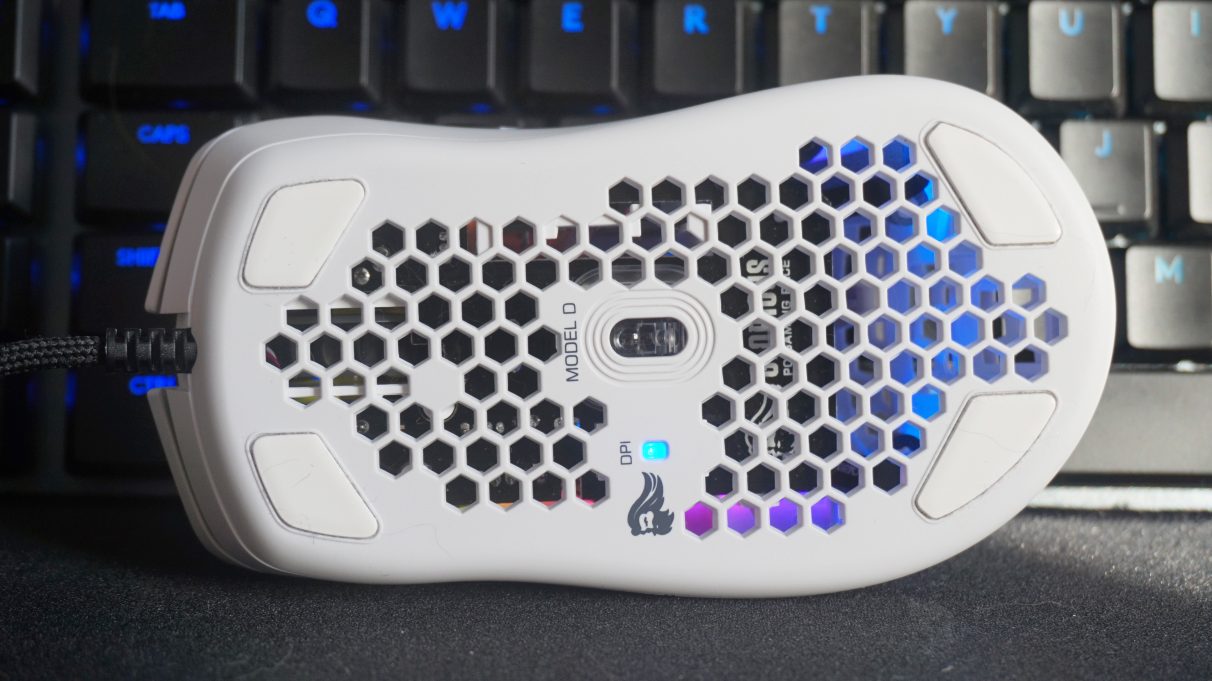
The only mildly annoying thing about the Model D is that there’s no way to tell which DPI preset you currently have enabled unless you turn the mouse upside down and look at its special LED indicator. It’s a small quibble in the grand scheme of things, admittedly, but given the abundance of purely decorative RGB lighting elsewhere the mouse, it’s a shame Glorious didn’t find a more practical use for it where it counts.
Still, the Model D remains a gorgeous (and dare I say,glorious?) gaming mouse to use on a day-to-day basis, and I’m just as much in love with this£50/$50ergonomic version of Glorious' holey gaming mouse as I am their symmetrical Model O-. I wouldn’t say one was necessarily better than the other, though. It’s really just the shape of them that’s changed, as the rest of their various features and settings are all largely the same, so it really comes down to what you prefer most. If you like symmetrical mice, go for the Model O or the even lighter Model O-; if you prefer a proper right-handed one, go for the Model D. Either way, you’ll find both of them in mybest gaming mouselist for 2020.
