HomeHardwareNewsDying Light 2 Stay Human
Dying Light 2 update improves DLSS, stops replicating corpsesNvidia upscaling is sharper, and here’s the extremely zoomed-in screenshots to prove it
Nvidia upscaling is sharper, and here’s the extremely zoomed-in screenshots to prove it
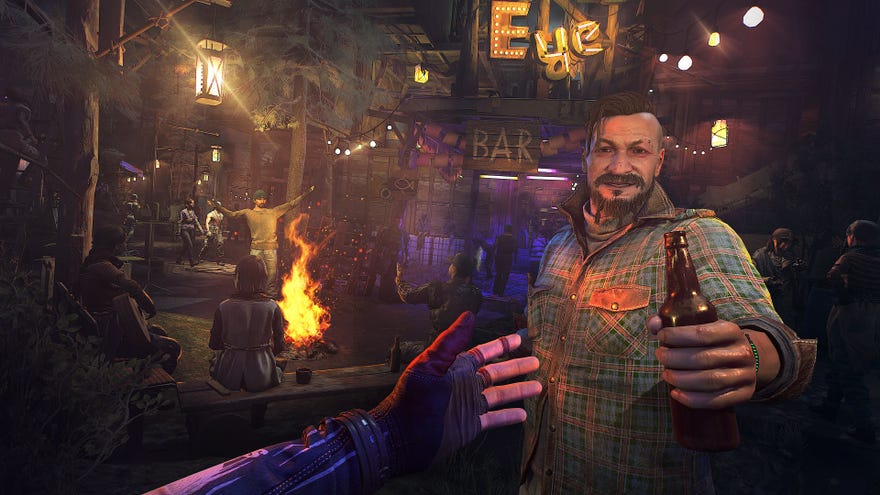
Dying Light 2is quite the hardware fiend, hence why enablingDLSS– provided your GPU supports it – is so useful forkeeping frame rates up. Sadly, in both the review build I tested and at launch, even the highest quality DLSS setting looked uncharacteristically lower-res. It was still worth using, especially if you fancied clambering over Villedor’s rooftops at 4K or with ray tracing effects, but there was a nagging sense that DLSS can do better. And now it can, forDying Light2’s 1.04 update is live, and sharpens Nvidia’s upscaling tech to close that gap between the rendering and native resolutions.
This PC-specific patch also claims to squish some nasty bugs, including the causes of various crashes and one that created doubles of dead bodies in co-op mode. Grim! You should be able to rebind your main mouse buttons now as well, though support for extra mouse inputs (like thumb buttons) is still in the works.
Dying Light 2 - Stay Human Accolades TrailerWatch on YouTube
Dying Light 2 - Stay Human Accolades Trailer

But enough about trivial stuff like making the game actually work, how does DLSS look now? To find out, I dug up a screenshot I’d taken with the pre-patch DLSS last week, returned to that spot in the updated game and snapped a new pic for comparison. Don’t pay much mind to the lighting differences, that’s just from capturing the shots at different times of day.
Pre-1.04 patch, High quality, Quality DLSS upscaling to 2560x1440

Post-1.04 patch, High quality, Quality DLSS upscaling to 2560x1440
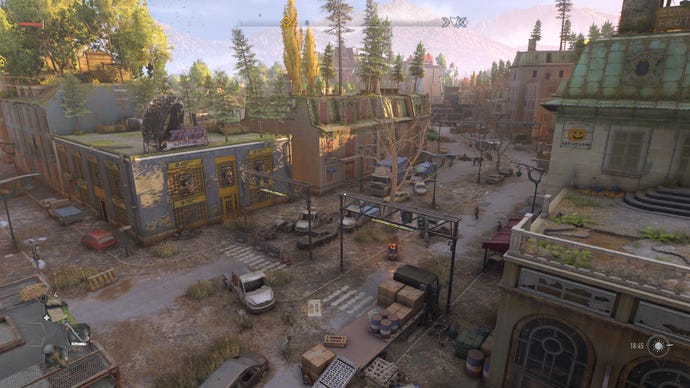
Left: Before patch. Right: After patch

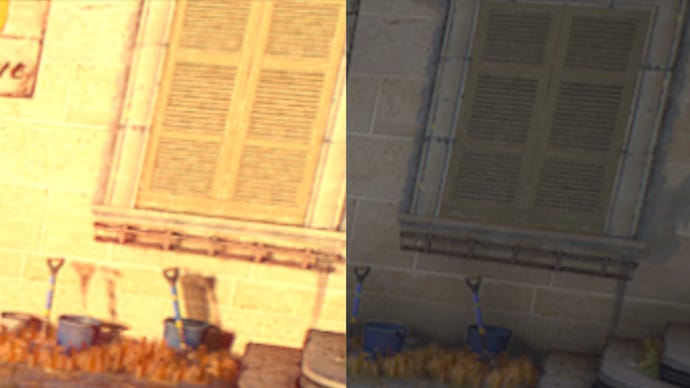
It’s the same story over on the edge of the screen, where these shutters just look neatier, with none of the blurring that’s visible pre-patch.
Left: Before patch. Right: After patch
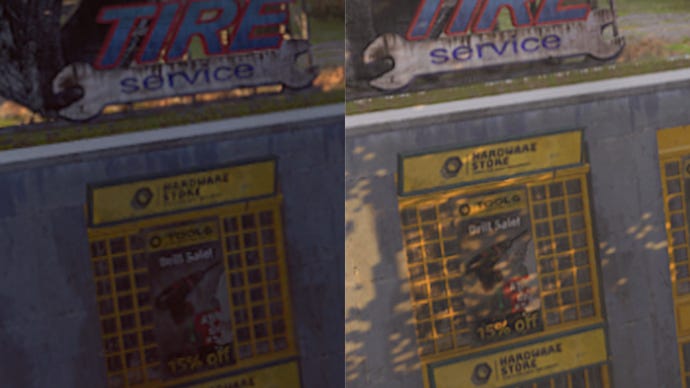
Other background details get a touch of polish too. After the patch, this sign more clearly reads “HARDWARE STORE”, rather than “NARDWARZ STOKE”.
Left: Before patch. Right: After patch
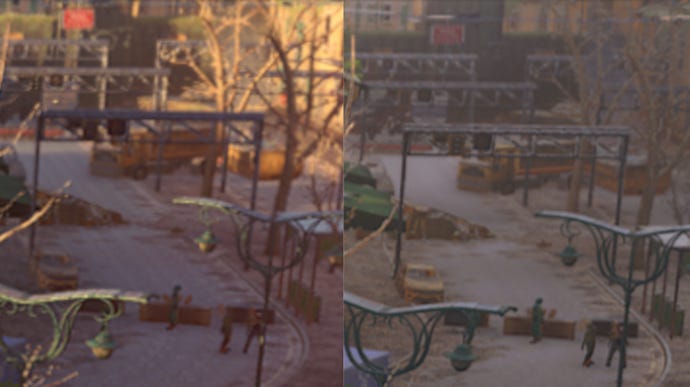
Even at longer distances, the difference is visible. On this overhanging traffic light, the post-patch image is sharp enough to show all three individual lights; it’s more of a fuzzy, nondescript box on the older version. It looks like the road has gone the other way and lost detail, but I think that’s more down to the lighting change.
Left: Before patch. Right: After patch
Get that patch downloaded, then – DLSS was already an essential component to getting the best performance out of Dying Light 2, even on thebest graphics cardsaround, and now it finally looks as good as DLSS should.
