HomeGuidesCall of Duty: Vanguard
Call Of Duty Vanguard: best settings for improving performance for optimal FPS, visibility, and moreThe best Call Of Duty: Vanguard settings to ensure tactical advantage from the start
The best Call Of Duty: Vanguard settings to ensure tactical advantage from the start
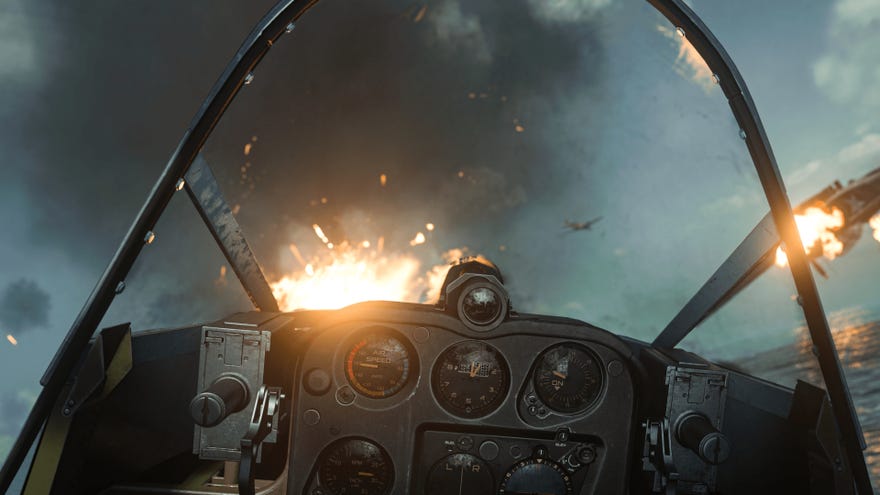
What are the best settings to use when playing Call Of Duty: Vanguard on PC?Call Of Duty: Vanguardfeatures a daunting number of graphical, audio, and gameplay settings you can adjust to suit your preferences. Graphics settings in particular can have a big influence on gameplay in anFPSwith a big online multiplayer component: the last thing you want is to have your system struggling to run the game and stuttering on you at a vital moment during a match.
On this page, we’ll take you through the minimum and recommended system requirements to run Vanguard on PC at launch. We also cover the best settings you can apply to improve things like frame rate and in-game visibility, and fixes for some known issues.
Launch Trailer (ft. Jack White “Taking Me Back”) | Call of Duty: VanguardWatch on YouTube
Launch Trailer (ft. Jack White “Taking Me Back”) | Call of Duty: Vanguard
Call Of Duty: Vanguard system requirements
It can be difficult to assess whether your PC is up to running the latest games. We’ve put together this handy reference guide to the minimium system specs you’ll need to run the game, as well as the recommended system requirements for optimal performance.
Here are the minimum and recommended system requirements for Vanguard:
Call Of Duty: Vanguard best settings for optimal performance
Below, we’ve listed some adjustments you can make to Vanguard’s settings to ensure your game runs as smoothly and efficiently as possible, and to compensate for some known issues.
Best settings to optimise frame rate:
Best settings to improve in-game visibility:
Best settings to minimise input lag:
Best settings to fix packet burst:
Best settings to fix stuttering:
Optimal settings are only the first step: you’re going to need to get to grips with the meta if you really want to dominate in Vanguard. Take a look at our guides to thebest guns,best loadouts, andbest Killstreaksin the game to ensure you’re going in fully prepared.
