HomeGuidesArmored Core VI: Fires of Rubicon
Armored Core 6 tips: 20 beginner’s tips and tricks to help you get startedBecome the ultimate S-Tier hunter with these 20 practical Armored Core 6 tips and tricks
Become the ultimate S-Tier hunter with these 20 practical Armored Core 6 tips and tricks
Image credit:Bandai Namco Entertainment
Image credit:Bandai Namco Entertainment
Searching for some useful beginner’s Armored Core 6 tips and tricks?As we’ve all learnt to expect from FromSoftware games, chaotic mech shooterArmored Core 6: Fires Of Rubiconis devilishly difficult at times. The HUD, the intricate ballet of bullets and explosions, the strange movement of your mech… Let’s just say it’s not a terribly beginner-friendly game. But with the right tips and a focused mind, you’ll soon be able to tear apart the competition and complete missions at S-Tier rank in minutes.
Below we’ve put together our list of 20 top Armored Core 6 tips and tricks for beginners and veteran players alike. If you’re struggling against a particular mission or enemy, this guide will furnish you with all the practical advice that you can put into effect to help turn the tables and become a top-tier mechanised hunter.
To see this content please enable targeting cookies.Manage cookie settingsLooking for some tips to get started in Armored Core 6: Fires Of Rubicon? Look no further.Watch on YouTube
To see this content please enable targeting cookies.Manage cookie settings
To see this content please enable targeting cookies.Manage cookie settings
Focus on 3D movement and verticality
Spend some time in the AC Test arena just flying around and spending as much time as possible in the air. Get used to the three dimensions of movement and dodging. You’ll need it later.
Increase your camera speed on controller
Image credit:Rock Paper Shotgun/Bandai Namco
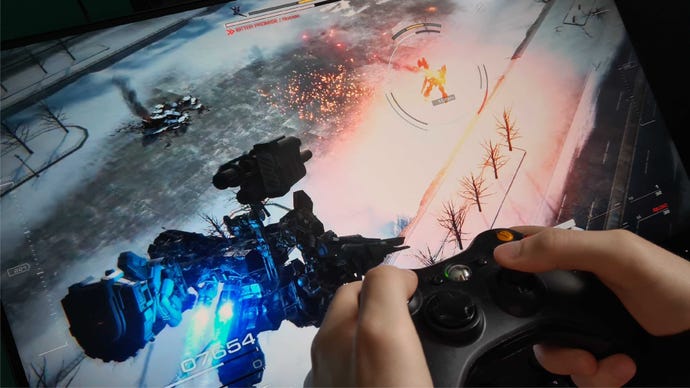
If you’re playing on controller, then one of the first things you should do is go into the settings menu and increase your camera movement speed, allowing you to turn the camera more quickly. At its default setting, the camera can feel a bit sluggish. I felt immediately more in control of my surroundings and my missions once I upped the camera speed a little bit, because I was able to whip around and deal with threats more efficiently.
If you can’t dodge, then block
Image credit:Rock Paper Shotgun/Bandai Namco
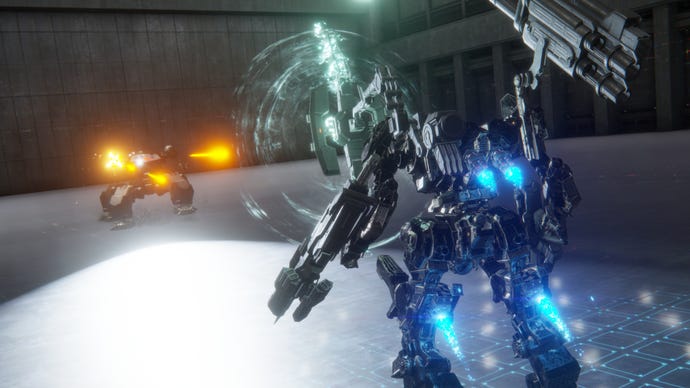
A very short way into the first chapter, you’ll be introduced to a new type of Armored Core part: the shield. Deploying a shield will block the majority of damage (both to your health and stagger meter), and its effect is heightened for the first moments of the block, which means if you time it right, you can weather amazing amounts of damage with barely a scratch.
You may not find any reason to check out the shields at first, but once you get into Chapter 2 it can help make some fights a lot easier if you start to block anything that you can’t dodge.
Learn what the targeting HUD is telling you
Image credit:Rock Paper Shotgun/Bandai Namco
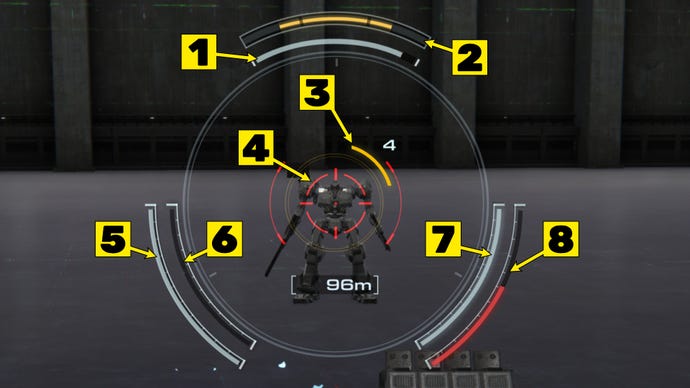
At first the HUD for Armored Core 6 may seem overwhelming, but it actually does a remarkable job of conveying information at a glance, particularly around the targeting reticle. At the top of the reticle you’ll see the target’s health, and above that, their ACS Gauge (their stagger meter). To the lower left and right you’ll see the current ammo and status of your four weapons, whether they’re reloading, overheated, and so on.
In the screenshot above, I’ve numbered all the elements you should pay particular attention to while fighting. Here’s what they all mean:
*If the target tracking reticle is red, this means your shots will automatically track and hit the target. How quickly and at what distance the reticle turns red depends on your mech’s FCS, one of the inner parts of the mech you can customise in the Assembly screen.
Unlock the Weapon Bay OS upgrade early on
Image credit:Bandai Namco Entertainment
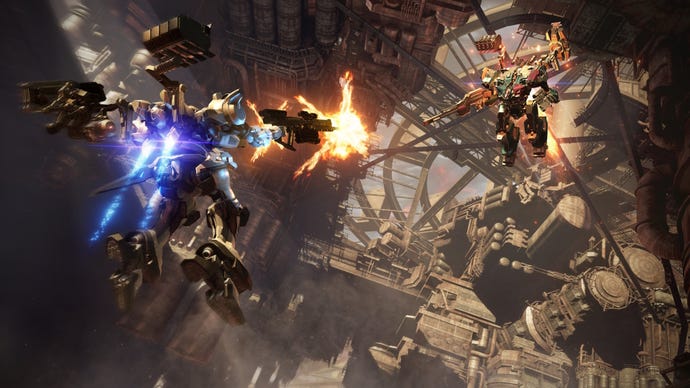
Partway through Chapter 1 in Armored Core 6, you’ll unlock the Arena, a game mode where you can fight one-on-one battles against other (AI-controller) Armored Cores. The prize for winning these fights is OST (Operating System Tuning) Chips, which you can spend to unlock OS upgrades that affect your mech regardless of how it’s been put together.
The best OS upgrade to pick early on is, in my opinion, the Weapon Bay. Unlock this OS upgrade, and you’ll gain the ability to use arm weapons in place of shoulder weapons, giving you a huge amount more flexibility in your builds. If you add an arm weapon to a shoulder, then tapping the shoulder button in-game will switch your arm weapon between the two weapons on offer, allowing you to quickly switch to the weapon that best fits your current situation.
Melee options are extremely powerful and cost-saving
Image credit:Bandai Namco Entertainment/FromSoftware
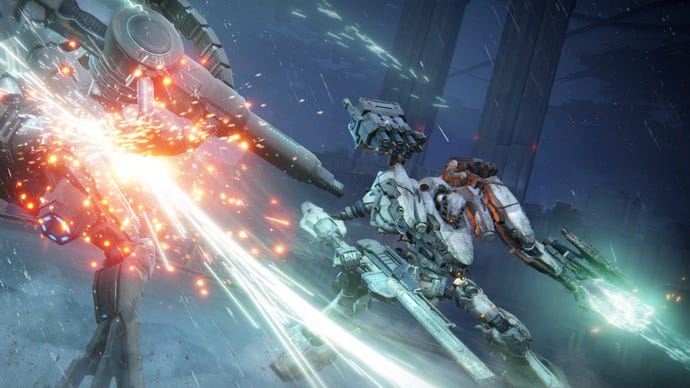
Not to mention: melee weapons use no ammo. So not only will you never be in danger of running out of ammunition, you’ll also earn more money overall from each mission if you make good use of melee attacks. Yes, every ammunition type in Armored Core 6 has a cost, and the cost of all the bullets you use in a mission is taken off your final earnings.
Focus on staggering enemies
Image credit:Rock Paper Shotgun/Bandai Namco
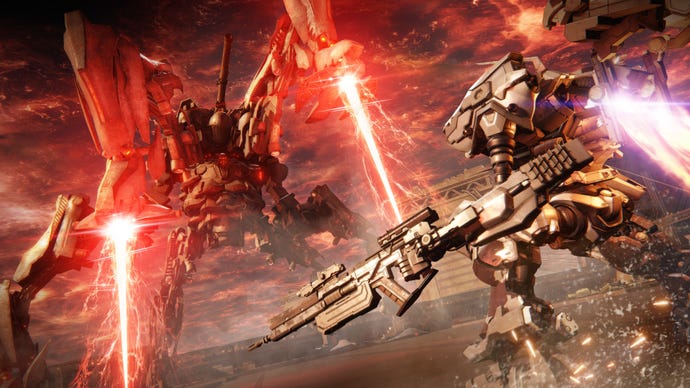
If you’re struggling to defeat an armored tetrapod or a powerful boss, focus on explosives like grenade launchers and missiles to stagger them before attacking with your strongest damage-dealing weapon. While staggered, enemies take vastly increased damage, so the most efficient way of winning a fight against a dangerous enemy is to stagger them as quickly as possible, then deal as much damage as you can before the enemy recovers.
Don’t underestimate the power of surprise attacks
Image credit:Rock Paper Shotgun/Bandai Namco
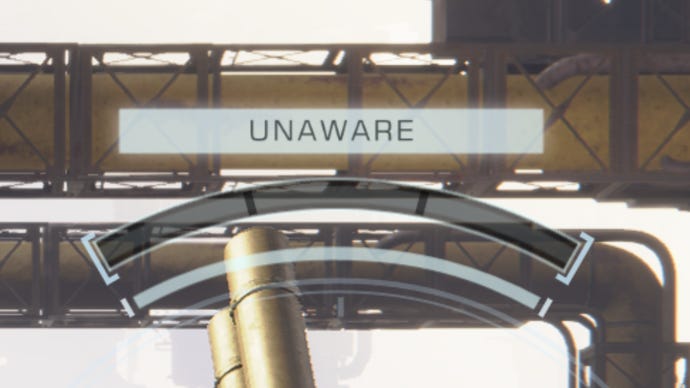
If an enemy is unaware of you, a pop-up around the targeting HUD will let you know that you can deliver a surprise attack upon it with your first hit. Surprise attacks deal much greater impact (stagger) damage than regular attacks, so it’s a great opportunity to hit them with a strong explosive to stagger them before going in for the kill. It’s possible even to destroy dangerous heavy tetrapod MTs in this way before they’ve even landed an attack on you.
Manually reload between fights
Image credit:FromSoftware
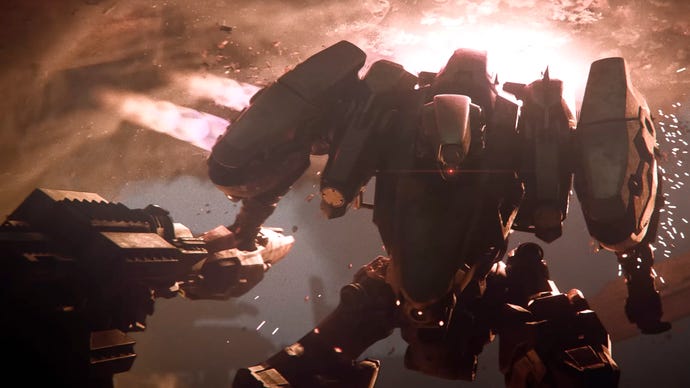
It’s not very clear, but you can in fact manually reload any weapon which uses a reload mechanism. This obviously doesn’t apply to all weapons - for example, one-shot weapons, missiles, or weapons that overload rather than reload. But if you’re using a regular assault rifle, machine gun, or other magazine-based ammo-spitter, then manually reloading between fights is a very good idea.
To learn how, check out our guide onhow to reload in Armored Core 6!
Change your mech design if you’re having trouble
Image credit:Rock Paper Shotgun/Bandai Namco Entertainment
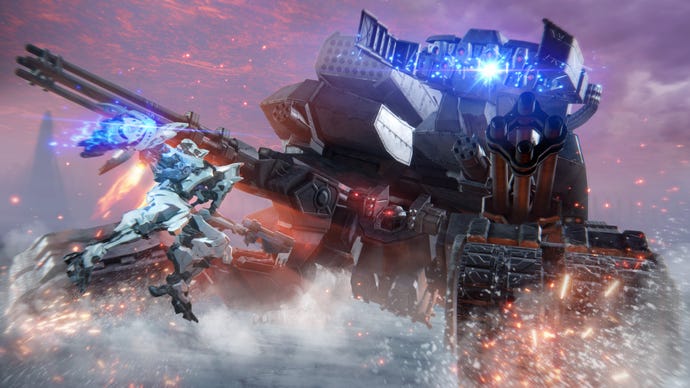
A huge part of success in Armored Core 6 involves adjusting your mech to suit the dangers you face in each mission. If you stick to just one design across all missions, you’re likely not to get far at all. Anytime you run into issues with a mission, ask yourself the following questions:
Don’t be afraid to use the money you’ve earned buying extra parts from the Shop and trying them out. You can almost always make a mech that’s better suited to the current mission than your current design if you spend just a few minutes thinking about what you’ll encounter in the mission.
Use a combination of damage types
Image credit:Rock Paper Shotgun/Bandai Namco
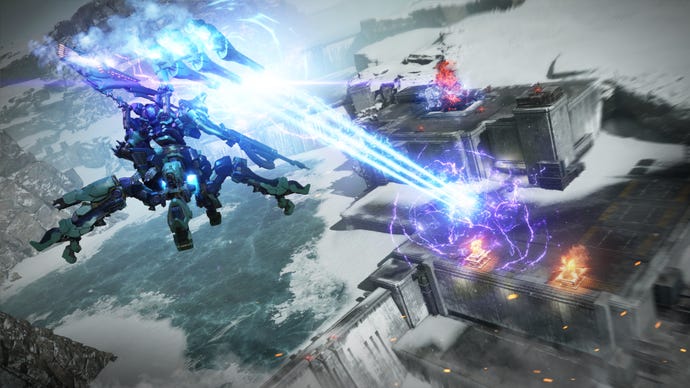
There are a few different types of damage in Armored Core 6: Fires Of Rubicon. The basic type is Kinetic. These are your regular bullets or blunt force attacks that deal physical damage, and they inflict a balance between health and impact damage.
Explosive attacks deal very high impact damage, so they’re brilliant at staggering enemies. Once they’re staggered, Energy weapons are your best bet, because while they deal low impact damage and take a lot of EN load to equip, their health damage is the best of the bunch.
When you’re affixing weapons to your mech, look at the little icons denoting the weapon type. Kinetic weapons have a bullet icon; Explosive weapons have a missile icon; and energy weapons have a beam icon.
Learn each boss’s attacks and weak spots
Image credit:Bandai Namco Entertainment
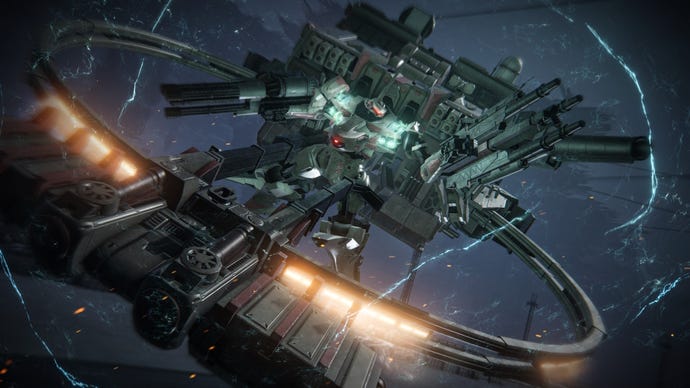
While Armored Core 6 is a very different type of game from the Soulslikes that FromSoftware are best known for, some of the same strategies apply. For example: pay close attention to a boss’s attack patterns, so that you may learn to counter them. Use that three-dimensional movement we talked about, and find ways to dodge the most dangerous attacks.
When it’s your turn to attack, have a think about where the boss’s weak spot is likely to be. Some boss are nearly impossible to defeat if you engage them from the wrong angle, because they’re so heavily armoured. But find their weak spot and hammer it with everything you’ve got, and its health will drop like an anvil.
Assault Boost while in combat
Image credit:Rock Paper Shotgun/Bandai Namco
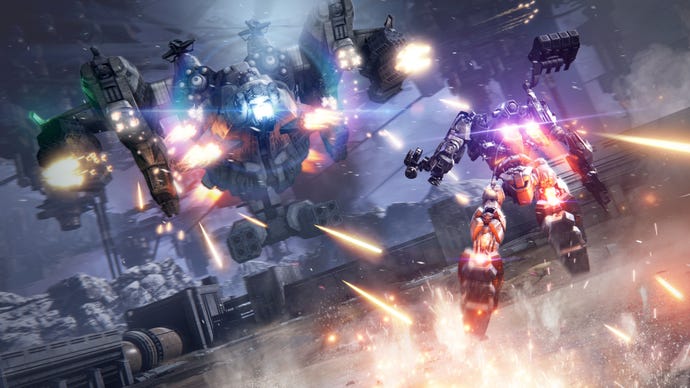
Not long into the prologue mission of Armored Core 6, you’re taught how to Assault Boost to cross great distances quickly. I’m here to tell you: it’s not just for crossing long distances. If you’re not using Assault Boosts to quickly gain height advantage on a boss or avoid a dangerous attack, then you’re not utilising the full power and mobility of your mech. Short-lived, high-thrust boosts can give you a huge advantage in battle.
Scan liberally to reveal hidden areas
Image credit:Rock Paper Shotgun/Bandai Namco
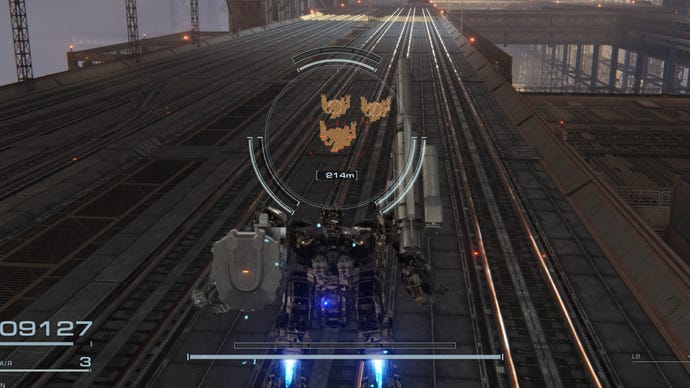
The levels and maps in Armored Core 6 are surprisingly large and intricate, and - particularly in later chapters - there are often several hidden areas where you can find data logs, part containers, and special encounters with dangerous enemies. Scanning is a very good and easily overlooked tool in your arsenal, which not only allows you to see enemies for a short while through walls, but also can give away these hidden locations. So if you’re hunting for the final Battle Log in a mission area, take a head part with a good scanning distance and go exploring.
Don’t neglect body parts
Image credit:Rock Paper Shotgun/Bandai Namco
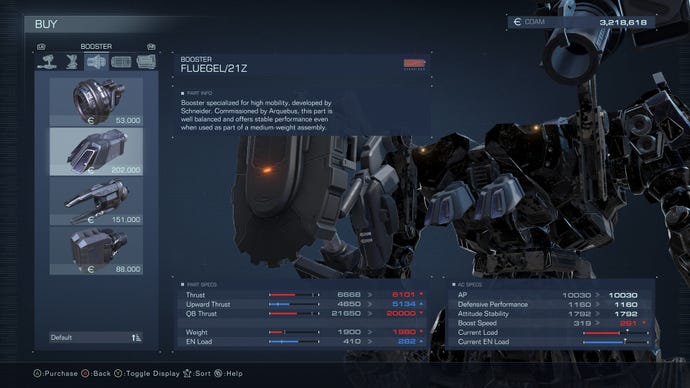
It’s very easy to get overly excited about your weapon choices, and to forget that you can also customise your mech’s head, core, arms, legs, generator, thrusters, FCS (that’s your targeting system), and core expansions to create vastly different and unique mechs.
If you feel like your mech needs an upgrade, don’t just look at your weapons. Consider spending some money on new boosters or a new generator at the Shop. It may not be as exciting as a shiny new minigun or grenade launcher, but new body parts can make just as much of a difference.
Try out different leg types
Image credit:Rock Paper Shotgun/Bandai Namco Entertainment
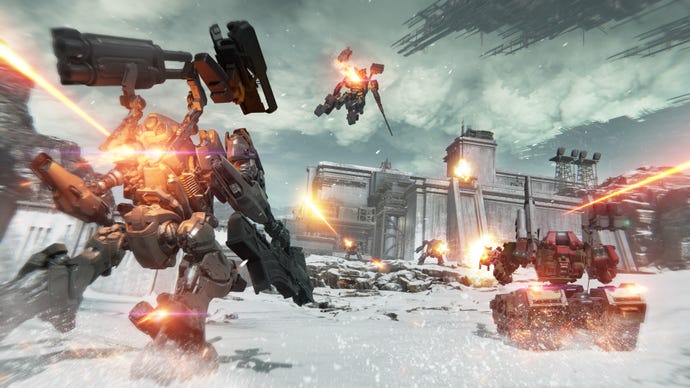
Of all the mech parts you can customise, legs offer the widest variety of playstyles. There are four types of legs to choose from, and multiple of each type:
I strongly urge you to try out each leg type more than once, because they all can make for devastatingly powerful Armored Core builds in the right circumstances.
Check the ideal ranges of kinetic weapons
Image credit:Rock Paper Shotgun/Bandai Namco
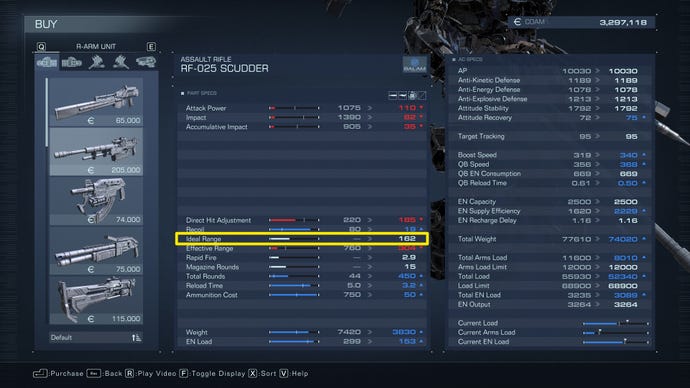
Did you know you can expand the stats screen for any mech part in the Assembly or Shop menu? Armored Core 6 is packed with handy stats, and one of the most important to check out is the “Ideal Range” of any kinetic weapon.
Heavily armoured enemies can actually ricochet your bullets if you’re too far away from them when you shoot, which means you’ll do next to no damage to them. You’ll know if bullets start to ricochet because the word “Ricochet” will appear next to your targeting HUD while you’re shooting. The “Ideal Range” stat of a weapon gives you a good idea of how near you have to be to an enemy for your shots to deal maximum damage, even through tough armour.
Sell your parts
Image credit:Bandai Namco Entertainment
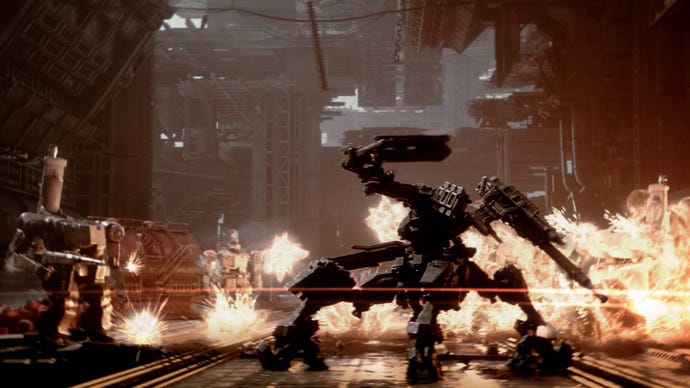
The only reason you might not want to sell unused parts is that you won’t have access to them during the assembly screen after you die, so your options for modifying your mech without quitting the mission altogether are a bit more limited. But it’s useful to remember that you can sell anything for full price, giving you a lot of freedom to try out different parts and builds.
Save your loadouts
Image credit:Rock Paper Shotgun/From Software
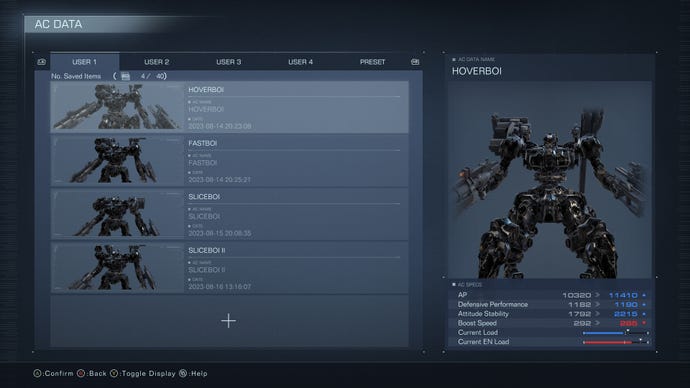
In the interests of saving time while modifying your mech, you should take full advantage of the AC Data screen to save your current loadout as a preset so you can load it back up whenever you like. It saves you a lot of time in the long run, I promise.
To learn more about this, check out our guide onhow to save your loadout in Armored Core 6.
Learn from others in multiplayer
Image credit:Bandai Namco Entertainment
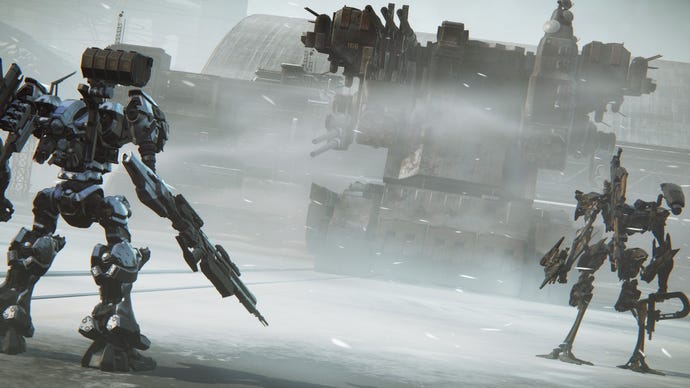
You’ll unlock Armored Core 6’s multiplayer mode (called NEST) towards the end of Chapter 2. In this mode, you’ll be able to face off against other players and their Armored Cores, and although it may be rather painful to be casually dismantled upon your first few forays, it’s also a great learning experience.
Pay attention to how your opponents have put together their mechs to deliver maximum damage in the most efficient way possible, and you’ll be able to learn from them and adopt (or even improve upon) their designs in both multiplayer and in campaign missions.
