HomeHardwareFeatures
AOC C24G2U review: the best budget gaming monitor just got even betterOur new cheap curved monitor of choice
Our new cheap curved monitor of choice
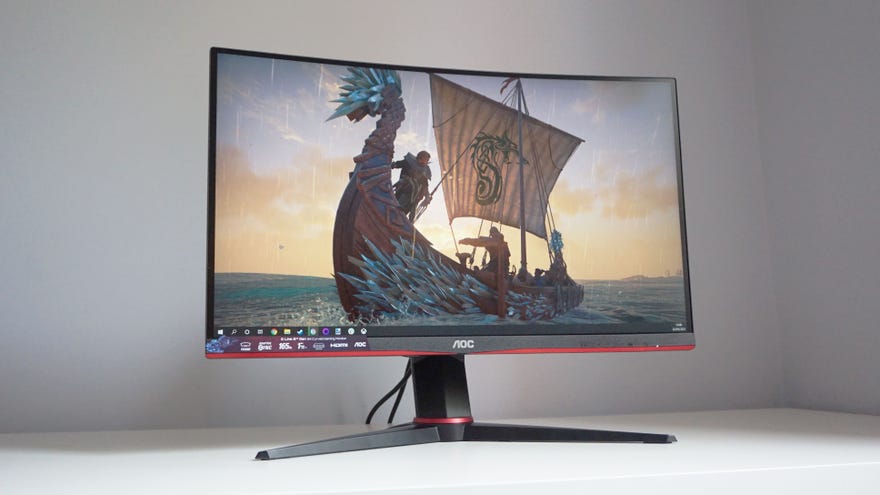
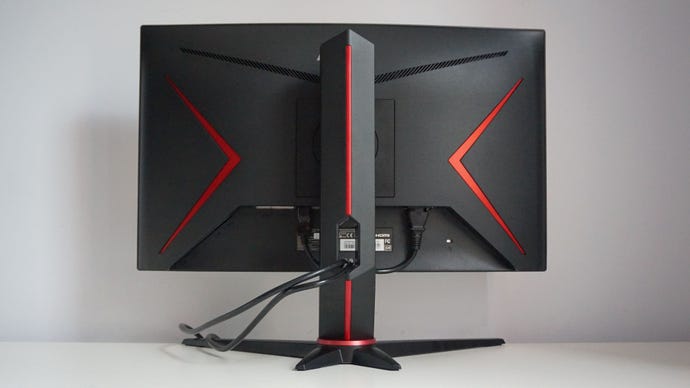
That’s an incredible set of specs for a gaming monitor of this price, especially when it’s also got a height-adjustable stand and a sleek, slim design. There’s still a hint of this being a ‘gaming’ screen thanks to the subtle red, metallic highlights on its lower bezel and the base of the stand, but for the most part, this is a good-looking modern screen you wouldn’t be embarrassed to have in your home office or gaming desk - especially not when it’s beautiful curved VA panel can produce such rich, vibrant colours straight out of the box.
AMD FreeSync Technology 2020 UpdateWatch on YouTube
AMD FreeSync Technology 2020 Update

In fact, I was pretty impressed with all of the C24G2U’s colour profiles - which is probably the first time I’ve ever said such a thing. Often, any special gaming modes are either massively oversharpened, got crazy contrast or washed out colours, and it’s a real rare occasion where they look any good. With the C24G2U, however, all six of its additional gaming modes - from its dedicated FPS, RTS and Racing modes to its three customisable Gamer profiles - are just as accurate and pleasing to look at as its default settings. They all covered at least 99% of the sRGB colour gamut, and the FPS mode actually covered a tad more than the standard Eco mode, stretching to 99.5%. That’s practically unheard of, and it means you don’t have to compromise on image quality if you want to make use of its special gaming modes.
Admittedly, the C24G2U isn’t the brightest screen I’ve ever seen, with its peak white level maxing out at around260cd/m2, but that’s still fine in the grand scheme of things. You’ll likely have to have it set to 100% during the day (as I did, especially if you’re working or playing games in a bright room), but that’s still more than enough for everyday use, and I never found myself wishing I could turn it up any further.
Thankfully, its average brightness is the screen’s only real flaw. Since this is a VA panel, the C24G2U has superb contrast, hitting3631:1on its default settings according to my calibrator, and peaking at around 3893:1 on its FPS mode. Likewise, it has lovely low black levels of just0.06cd/m2(the closer to 0.00cd/m2, the better), producing lovely, dark, inky blacks even on max brightness.
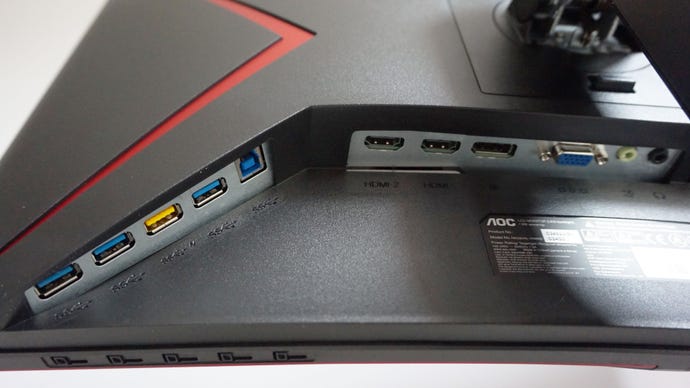
The AOC C24G2U has two HDMI 1.4 inputs, one DisplayPort 1.2 input, one VGA, and a 3.5mm headphone jack, plus four USB 3.2 Gen 1 ports.
The C24G2U isn’t currently one of Nvidia’s officially certifiedG-Sync Compatible monitors, admittedly, but when I fired up Doom Eternal on the C24G2U with an Nvidia graphics card inside my PC, I didn’t run into any kind of trouble whatsoever. Sometimes, uncertified G-Sync compatible displays (with a small ‘c’, as all Freesync screens are technically G-Sync compatible now, even if they haven’t passed Nvidia’s big ‘C’ Compatible tests) can exhibit signs of blinking, pulsing, washed out colours or fluctuating brightness levels when AMD’s variable refresh rate tech fails to play nicely with Nvidia cards, but none of this happened on the C24G2U. As such, this monitor should be a great fit for AMD and Nvidia card owners alike.
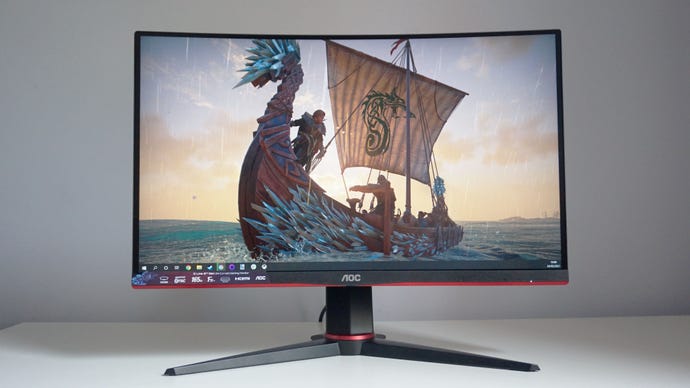
There’s really nothing to complain about with the AOC C24G2U, especially when its£180/$190price is so easy on the wallet. Whether you’re looking to add a second monitor to your gaming setup or you’re upgrading from a very old one, the C24G2U is a great pick for high refresh rate 1080p gaming, and our newcurved budget gaming monitor of choice. Meanwhile, if it’s a flat gaming monitor you’re looking for, AOC’s similarly-priced 144Hz24G2U(no ‘c’) is still a great alternative.
