HomeNews
And how to set your preferences
Image credit:Rock Paper Shotgun
Image credit:Rock Paper Shotgun

Hello folks. You may have noticed that you’ve started getting email notifications when somoene likes or replies to a comment you’ve made on an RPS article. Here’s a bit about why we’ve started doing that, and how you can set your notification preferences if they get too annoying.
14 Indie Games We Can’t Wait To Play In 2023Watch on YouTube
14 Indie Games We Can’t Wait To Play In 2023

However, I do appreciate that not everyone will want to receive these emails in the first place, even with said rules in place. So here’s how to turn them off and/or set your preferences:
How to set your RPS email notification preferences:
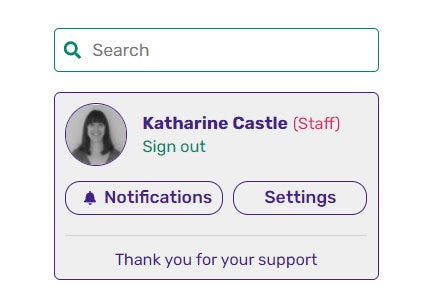
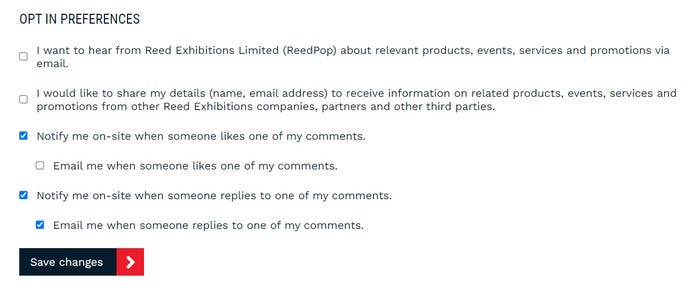
You can, of course, change these at any time, and I’m hopeful that there will be plenty of reasons to keep them switched on throughout the year. We’ve got a lot of (hopefully) cool RPS community things coming up in 2023 (and not just techy stuff like this), and we want to do everything we can to help keep those conversations following. As for what those community things are… well, that would be telling. They deserve their own special announcement posts rather than just smushing them into the end of this one, so keep your eyes peeled for more news on them next week.
